Loading video…
All breakouts

32.8Talking HeadResult / Flex hookAI Tools
Hook
I just got access to Canva AI 2.0
@willfrancis24
231.5K followers · usually 50.5K views a post
Views
1.6M
Likes
1.6K
Comments
32
Shares
206
Why it worked
The video provides high-value, actionable information about a highly anticipated product update, presented in a clear, fast-paced format that respects the viewer's time.
Summary
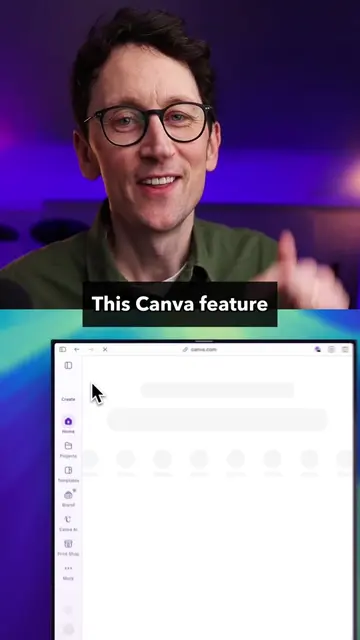
The creator demonstrates six new features of the upcoming Canva AI 2.0, highlighting its ability to integrate with other tools and automate design workflows. He emphasizes that these features keep the user in control of the creative process rather than relying solely on AI generation.
Structure
- 1Introduction to Canva AI 2.0
- 2Demonstration of Connectors and Scheduling
- 3Showcasing Web Research and Brand Intelligence
- 4Explaining Sheets AI and Canva Code 2.0
- 5Creator's perspective on AI-driven design
- 6Call to action to sign up
Product placement
Original caption
Canva AI 2.0 is coming soon and it's a proper rebuild, not just a refresh. 6 of my favourite features: Connectors — Slack, Gmail, Notion, Zoom and others plug straight in, so you can pull a transcript and get a recap deck without leaving Canva. Scheduling — set a task once and Canva runs it in the background, even while you're offline. Web research — it can crawl the web overnight, work out what's trending, and draft social posts off the back of it. Brand intelligence — once it learns your brand, it applies it automatically across everything. Sheets AI — describe a budget tracker, content calendar or project timeline and it builds a structured spreadsheet, populated and ready to use. Canva Code 2.0 — describe an interactive page and it builds it, responsive across devices, with forms feeding into Canva Sheets and the option to publish to your own domain. Sign up to @canva so you're ready when it's released #canvapartner #canva #ai #aitools #Tech #technology #ad
More from @willfrancis24
Their other posts in the index, biggest breakout first.