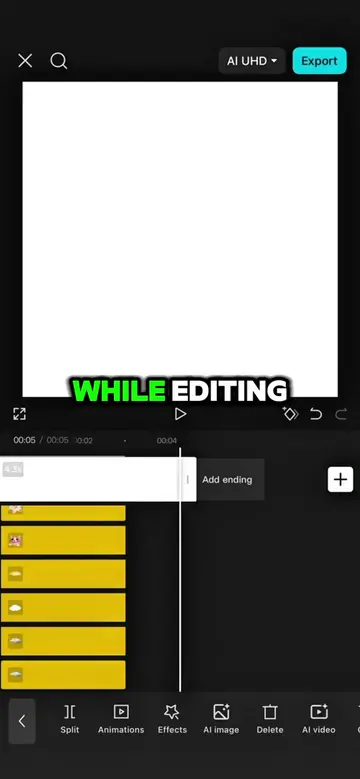
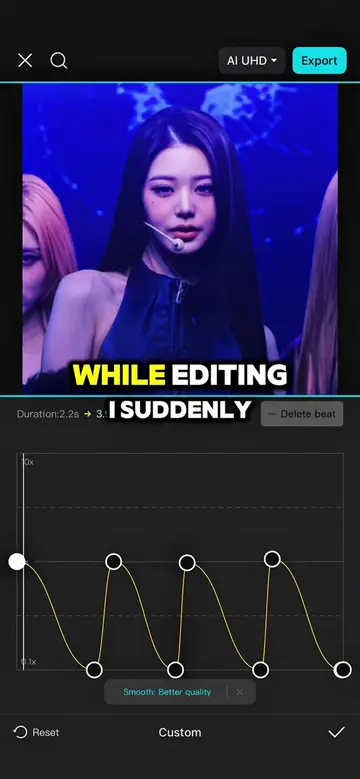
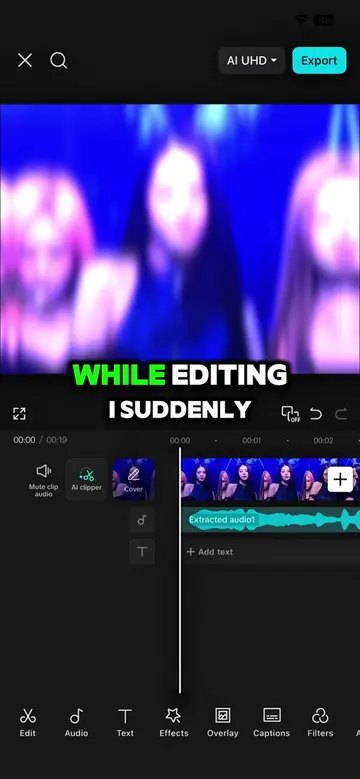
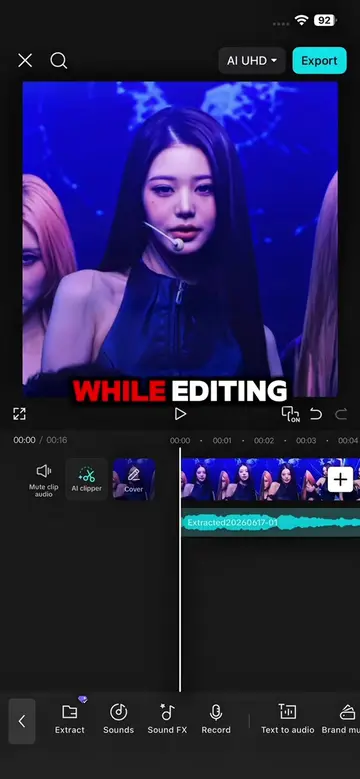
Loading video…
All breakouts
 CapCutseen in 576 videos →
4.8App DemoStory Open hook
Hook
Halfway through making this edit
@capcutshi
93.2K followers · usually 16.0K views a post
Views
77.2K
Likes
2.9K
Comments
123
Shares
184
Selling · SaaS › Other SaaS
Why it worked
The video provides a clear, step-by-step tutorial for a popular video editing style, making it highly shareable and valuable to users looking to enhance their own content. The use of popular anime imagery also likely contributed to its reach.
Summary
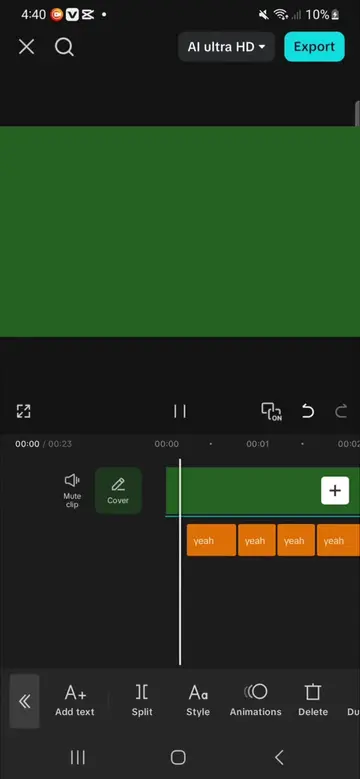
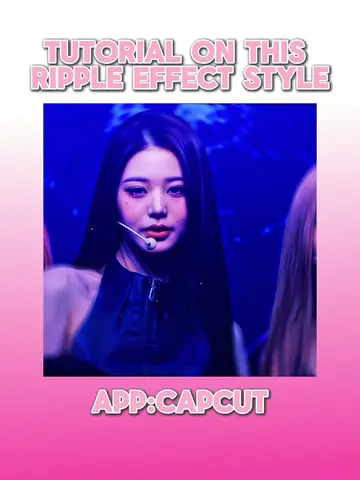
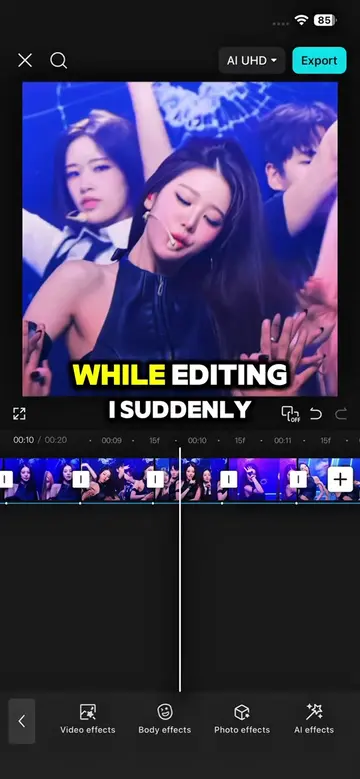
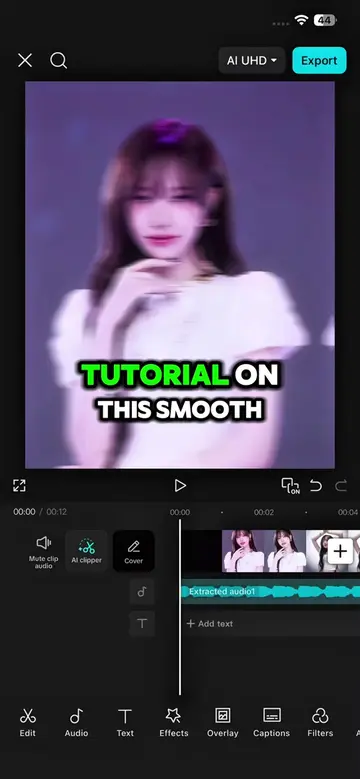
This video demonstrates how to create a dynamic anime edit using CapCut. It walks through applying various effects like ripple, rebound swing, pixel stretch, shaky glitch, and wide angle, along with keyframing and adjusting parameters to achieve a visually engaging result.
Structure
- 1Apply ripple effect to the first clip
- 2Add rebound swing effect and adjust parameters
- 3Apply pixel stretch effect and adjust parameters
- 4Add motion blur and shaky glitch effects
- 5Apply wide angle effect and adjust intensity
- 6Showcase the final results
Product placement
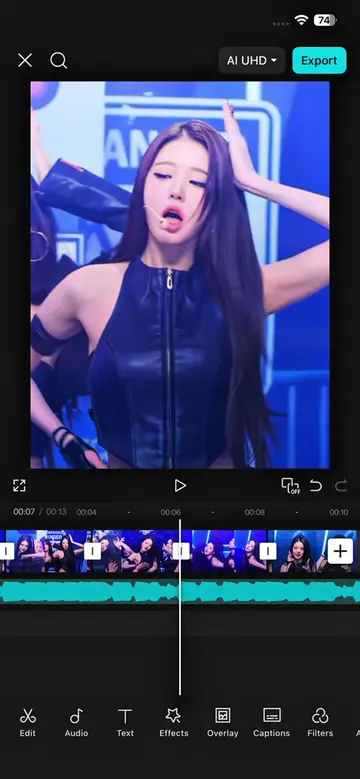
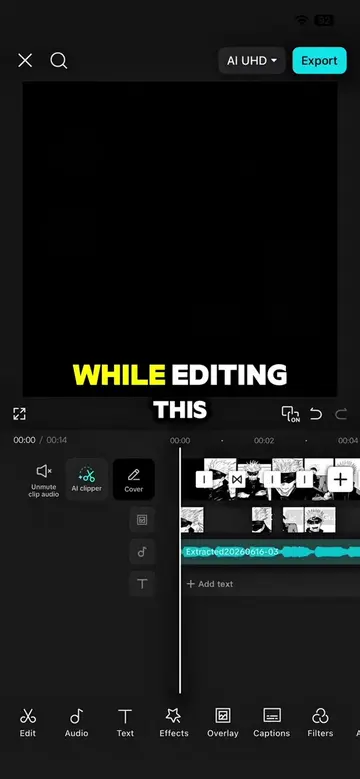
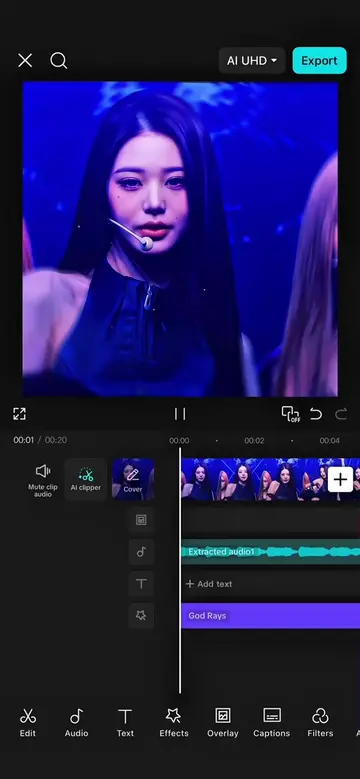
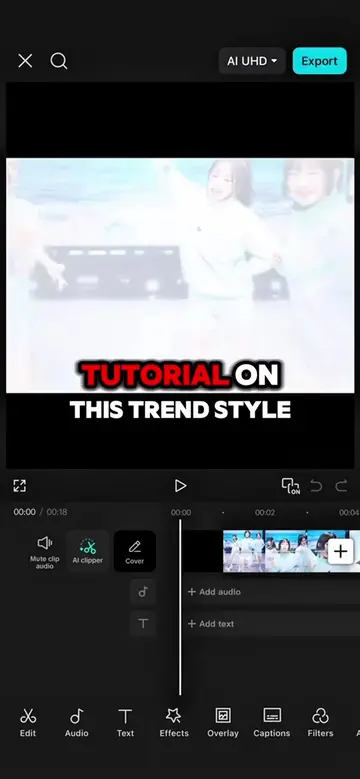
The video is a tutorial demonstrating how to use the CapCut video editing app to create a specific visual effect for anime edits. The app's interface and features are shown throughout.
Original caption
New Tutorial‼️ | Follow for more #capcut #capcutpioneer #makeitviral #fyp #makeitviral
More from @capcutshi
Their other posts in the index, biggest breakout first.