Loading video…
All breakouts
8.2Talking HeadHow-To hookCreator Economy
Hook
how to
@lexileap
53.2K followers · usually 12.3K views a post
Views
98.5K
Likes
10.5K
Comments
357
Shares
455
Promoted product
iPhone 17 Pro Max
Why it worked
The video provides actionable and specific tips for improving video quality, which is a common pain point for content creators. The creator's direct and no-nonsense approach, combined with practical advice, makes the content valuable and shareable.
Summary
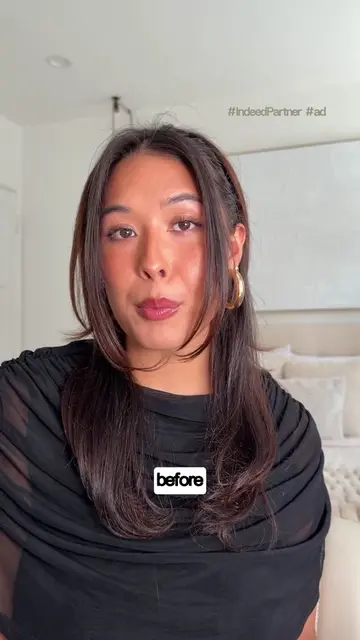
The creator shares tips for filming high-quality videos using an iPhone 17 Pro Max. Key advice includes filming in 4K at 60fps, turning off HDR, using the back camera, cleaning the lens, avoiding digital zoom presets, prioritizing natural lighting, and exporting videos in the same settings they were filmed.
Structure
- 1Introduction and goal setting
- 2Camera settings (resolution, frame rate, HDR)
- 3Lens cleaning and camera choice
- 4Lighting techniques
- 5Exporting and editing workflow
Product placement
iPhone 17 Pro Max: ACTS - it is the device used to film the video. Removing it would change what happens in the video.
Instagram: APPEARS - it is a logo shown on screen. Removing it would not change what happens in the video.
CapCut: ACTS - it is the editing software used to edit the video. Removing it would change what happens in the video.
On-screen text
Original caption
how i film high quality videos! 🌟 #filmingtips #contentcreator
More from @lexileap
More breakout videos from this creator.