Loading video…
All breakouts
34.2Talking HeadStory Open hookAI Tools
Hook
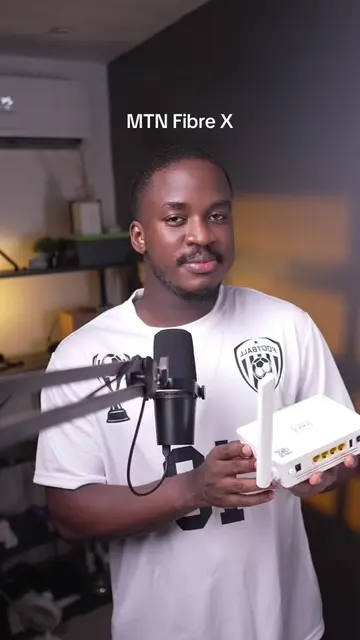
I made a video about the fibre X a few days back and someone had this to say.
@umehchinonso01
11.5K followers · usually 6.9K views a post
Views
98.2K
Likes
3.5K
Comments
208
Shares
358
Promoted product
itel PowerGo
Why it worked
The video provides a highly practical, low-cost solution to a common and frustrating problem for the creator's audience, making the product recommendation feel like helpful advice rather than a sales pitch.
Summary
The creator explains how to keep an MTN Fibre X router running during power outages by using a power bank. He demonstrates using an itel PowerGo and a specific type C to DC cable to power the device.
Structure
- 1Address a viewer's comment about router power issues
- 2Explain the problem of router downtime during power outages
- 3Introduce the itel PowerGo as a solution
- 4Demonstrate the setup using a type C to DC cable
- 5Confirm the solution works
Product placement
Original caption
Replying to @EgoOyinbo💵 MTN fibre X needs electricity to come on but there’s a workaround, you can either power it with a power bank or a mini UPS #MTNFibreX #itelpowergo #CapCut #tips
More from @umehchinonso01
More breakout videos from this creator.