Loading video…
All breakouts
27.1Text-HeavyBefore / After hookGames
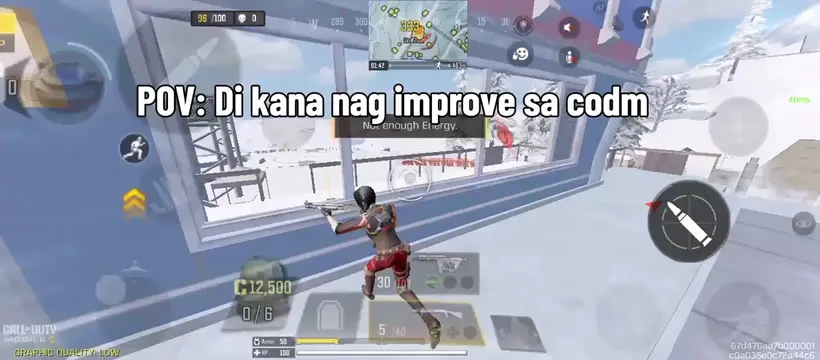
Hook
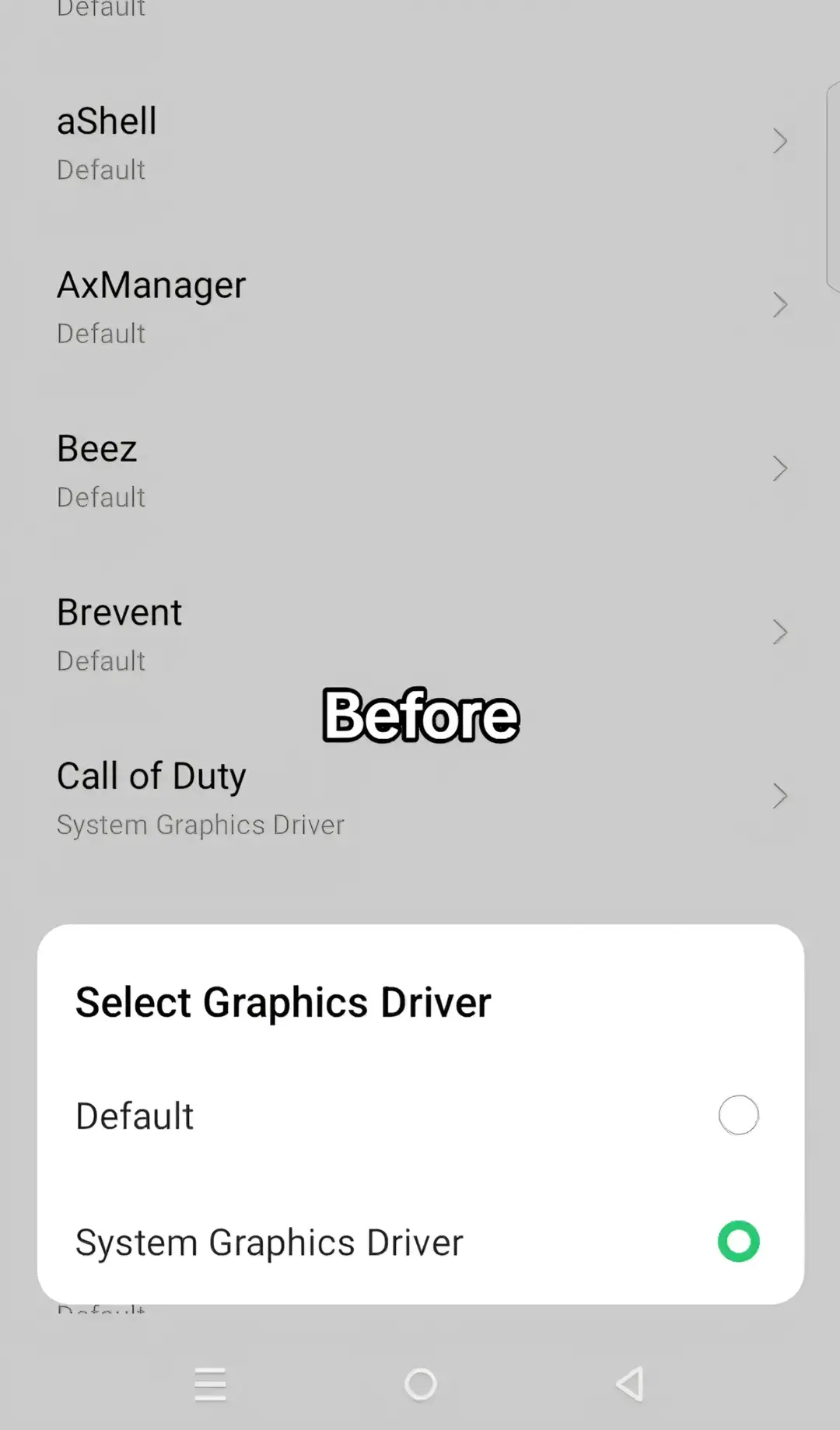
Before
@enzotweaks
6.1K followers · usually 1.8K views a post
Views
77.0K
Likes
2.1K
Comments
111
Shares
64
Promoted product
AxManager
Why it worked
The post leverages a common pain point for mobile gamers: performance issues. By showing a clear 'before' and 'after' with a specific tool (AxManager) that addresses this, it provides a practical solution that resonates with the target audience.
Summary
The user demonstrates how to change the graphics driver for Call of Duty from 'Default' to 'System Graphics Driver' using AxManager. The second part shows how to select an OpenGL driver, choosing 'angle' over 'default' or 'native'.
Structure
- 1Introducing the 'Before' state for Call of Duty graphics driver
- 2Showing the option to select 'System Graphics Driver'
- 3Introducing the 'After' state for OpenGL driver selection
- 4Showing the option to select 'angle' OpenGL driver
Product placement
AxManager is shown as the application used to change graphics drivers for Call of Duty and OpenGL.
Original caption
#lowenddevice #enzotweaks #codm #creatorsearchinsights #axmanagerplugin
More from @enzotweaks
More breakout videos from this creator.