Loading video…
All videos

Views
9.8K
Likes
617
Comments
1
Shares
32
Engagement
6.6%
of views
13.8xthis account’s usual viewsOutlier
This video9.8KUsual views837
The product
The creator
Why it worked
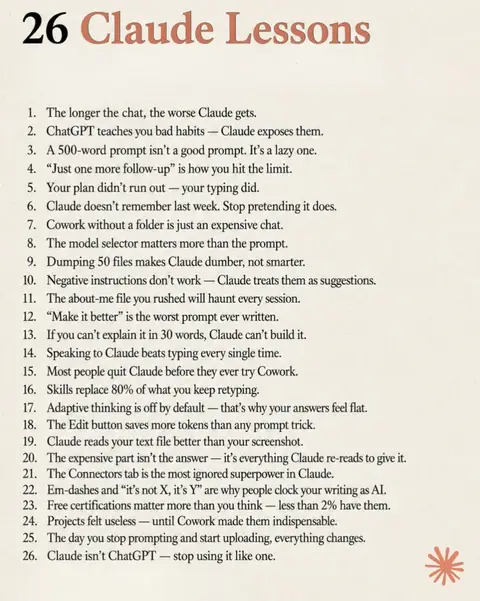
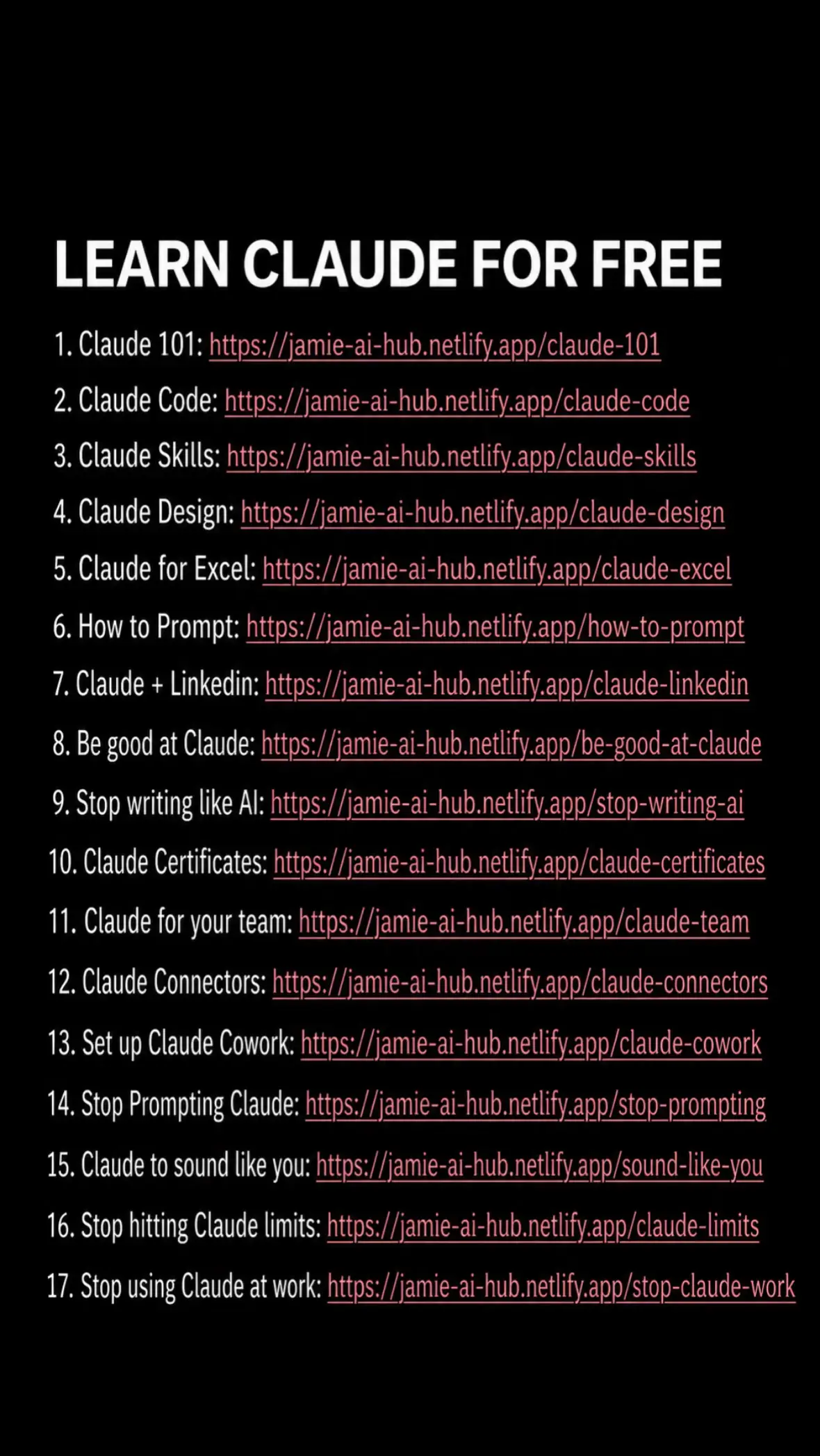
The post breaks down a complex topic (mastering an AI tool) into easily digestible levels, making it highly informative and shareable. The visual format of a slideshow with clear text overlays makes the information accessible and quick to consume, appealing to users seeking productivity hacks.
What happens
This post outlines the four levels of using Claude, from basic chat to advanced code and computer integration. It suggests that true productivity gains begin at Level 2 (Claude Cowork) and that Levels 3 and 4 transform Claude from a chatbot into a more powerful tool.
The breakdown
Original caption
There are 4 levels of using Claude. Most people never leave Level 1. Level 2 alone (Cowork + one context file) is where the productivity jump happens. Levels 3–4 are where it stops being a chatbot. If this taught you something in under 60 seconds, follow for more. Framework credit: Ruben Hassid (@rubenhssd), “How to AI” — rebuilt for the feed. #AI #ClaudeAI #AITips #AIProductivity #BrianTalksAI