Loading video…
All breakouts

5.4Talking HeadHow-To hookAI Tools
Hook
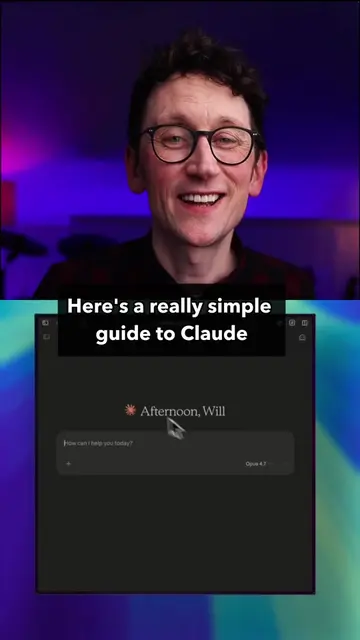
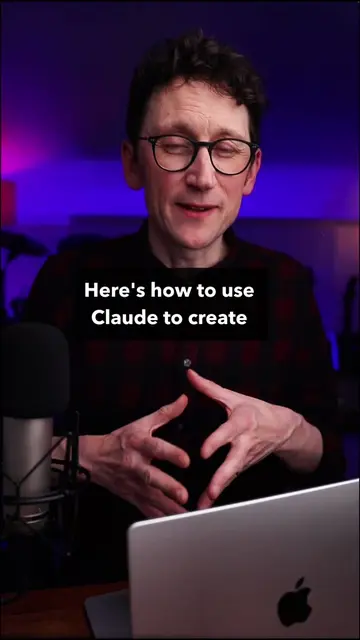
Here's how to use Claude for free
@willfrancis24
231.5K followers · usually 50.5K views a post
Views
269.5K
Likes
16.5K
Comments
94
Shares
1.4K
Why it worked
The video provides practical, actionable tips for users to maximize the free tier of a popular AI tool, Claude. By focusing on efficiency and clever usage of features like projects and model selection, it offers genuine value to viewers looking to get the most out of a free service, which resonates well with the TikTok audience.
Summary
This video explains how to maximize the free usage of Claude, an AI chatbot. It highlights that the free version uses the Sonnet 4.6 model, which is sufficient for most everyday tasks, and details features like uploading multiple files and creating documents. The creator offers four key tips to optimize free usage: starting fresh chats for new tasks, utilizing the 'projects' feature for caching documents, being efficient with prompts and output length, and selecting the appropriate model (like Haiku for simple tasks) and effort level. Additionally, it advises turning off web search and connectors when not needed to conserve tokens.
Structure
- 1Introduction to using Claude for free
- 2Explanation of the free tier model (Sonnet 4.6)
- 3Features available on the free plan (file uploads, document creation)
- 4Tips for maximizing free usage (fresh chats, projects, efficient prompts, model selection)
Original caption
How to use Claude for free, and some ways to get the most out of a free Claude account. This video gives a clear overview of what features you can use on a free plan with Anthropic's state-of-the-art AI, and some tips to get ther most out of your Claude usage limits. #claude #anthropic #ai #artificialintelligence #Tech #technology #LearnOnTikTok
More from @willfrancis24
Their other posts in the index, biggest breakout first.