Loading video…
All breakouts
11.6App DemoHow-To hookCreator Economy
Hook
How to make your video
@laprotips55
42.2K followers · usually 4.7K views a post
Views
53.1K
Likes
1.3K
Comments
166
Shares
197
Promoted product
TikTok
Why it worked
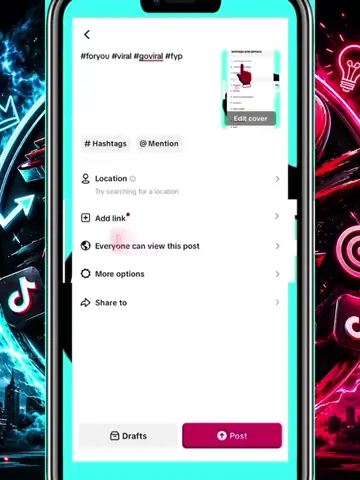
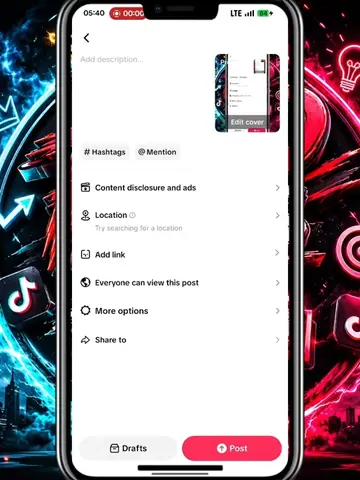
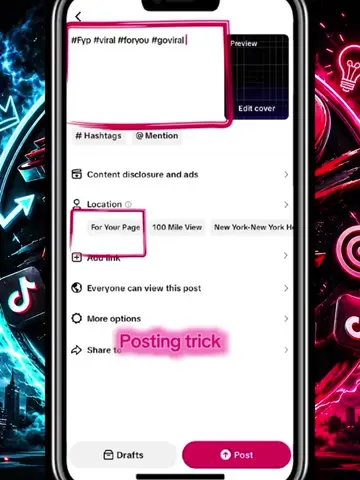
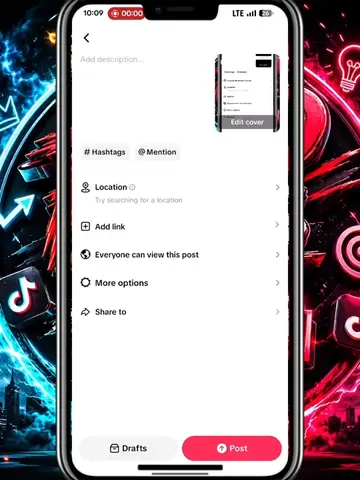
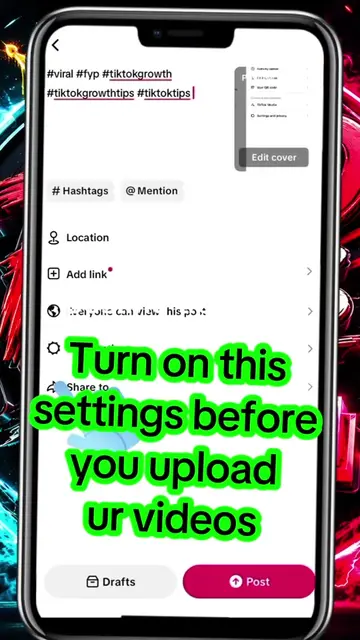
The video provides a practical, actionable tip for TikTok users looking to improve their content's reach by demonstrating how to use the platform's built-in filtering features. The clear, step-by-step visual guide makes it easy to follow and replicate.
Summary
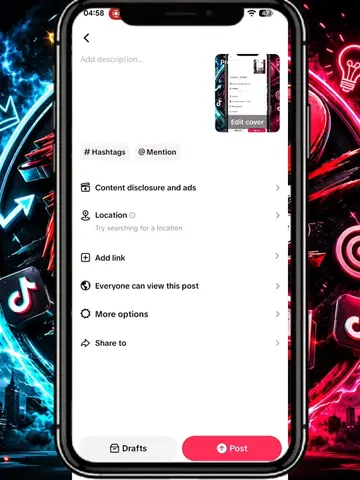
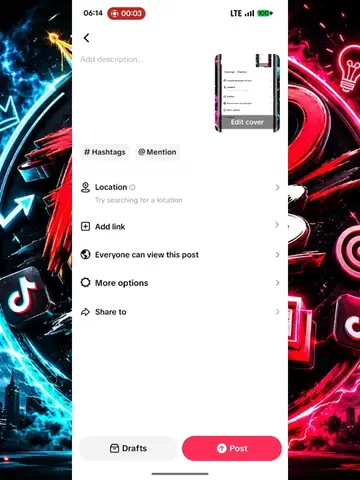
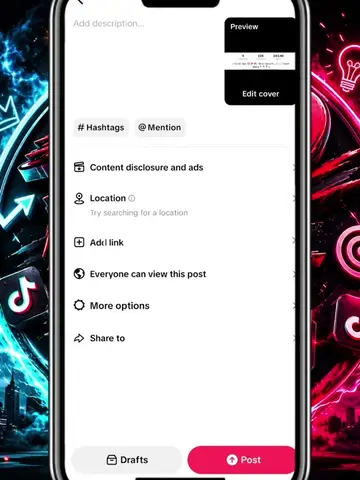
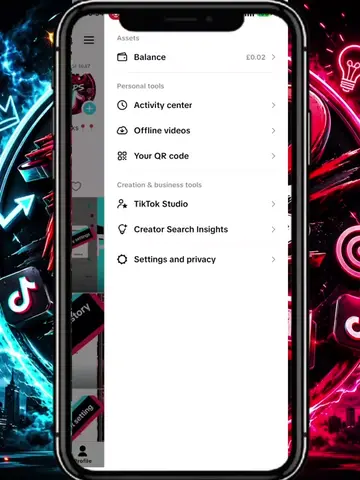
The video demonstrates how to filter keywords within TikTok's settings to potentially increase video virality. It guides the viewer through navigating to content preferences, filtering keywords, and selecting feed options to customize their content exposure.
Structure
- 1Navigate to Settings and Privacy
- 2Click on Content Preferences
- 3Click on Filter Keywords
- 4Add '10kview viral' keyword
- 5Select 'For You' and 'Following' feeds
- 6Save the settings
Product placement
CapCut: video editing software that appears as a watermark in the top left corner. Removing it would not change what happens in the video. TikTok: social media platform where the video is hosted and demonstrated. Removing it would change what happens in the video. TikTok Studio: A feature or section within TikTok that is mentioned in the creator's bio. Removing it would not change what happens in the video.
Original caption
if you want to go viral on tiktok watch the video till the end #tiktoktips #tiktokgrowth #trending #smallcreator #vira
More from @laprotips55
More breakout videos from this creator.