Loading video…
All breakouts
605App DemoOther hookCreator Economy
Hook
for you settings
@laprotips55
42.2K followers · usually 4.7K views a post
Views
2.8M
Likes
65.3K
Comments
1.4K
Shares
3.9K
Why it worked
The video provides a clear, step-by-step tutorial on a specific feature within a popular app, which is valuable to users looking to understand or utilize that feature. The "Like & Follow for More" call to action encourages engagement and channel growth.
Summary
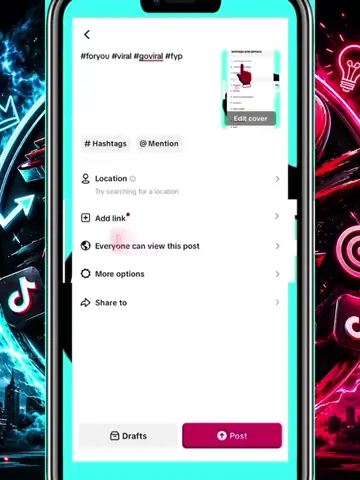
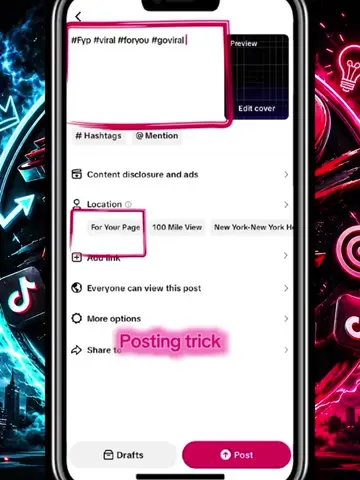
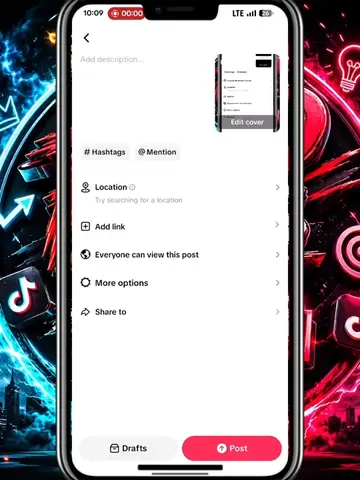
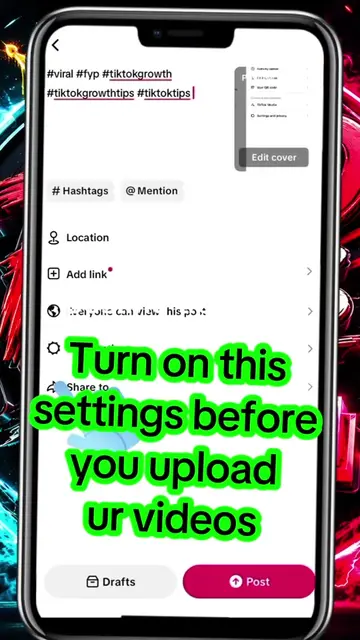
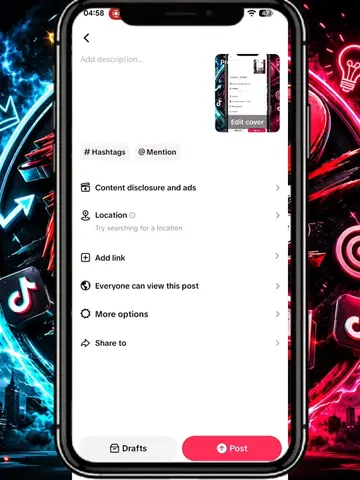
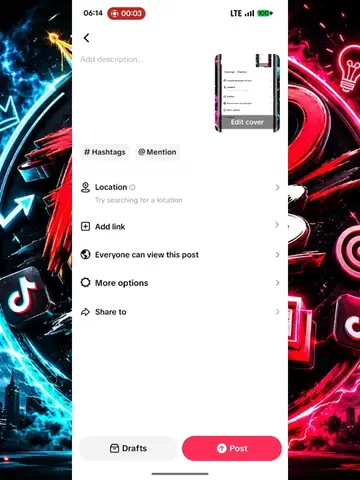
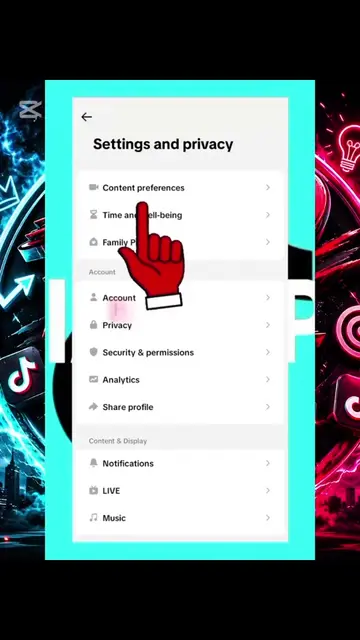
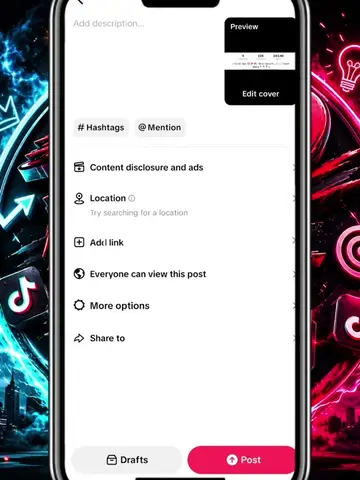
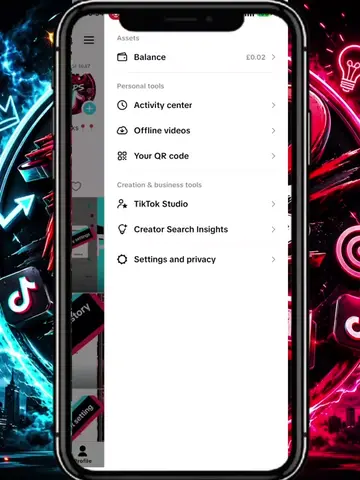
The video demonstrates how to adjust content disclosure and ad settings within the TikTok app. It shows the user navigating through options like "Disclose commercial content," "Your brand," and "Ad authorization" before ultimately saving the settings.
Structure
- 1Navigate to post settings
- 2Attempt to add location (feature unavailable)
- 3Access content disclosure and ads settings
- 4Enable commercial content and brand settings
- 5Enable ad authorization
- 6Save settings
Product placement
TikTok (app): The video is a screen recording of the TikTok app interface, showing how to adjust settings for posting a video. Removing it would change what happens in the video. It acts as the platform on which the actions are performed.
TikTok (watermark): There are TikTok logos visible on the background graphics. These merely appear and do not affect the video's content.
Call to action
LIKE & FOLLOW FOR MORE
On-screen text
Original caption
#fyp #trending #tiktoktips #foryoupage #tiktokgrowth
More from @laprotips55
More breakout videos from this creator.