Loading video…
All breakouts
10.8App DemoWarning hookCreator Economy
Hook
CHECK YOUR ACCOUNT HISTORY
@laprotips55
42.2K followers · usually 4.7K views a post
Views
50.0K
Likes
776
Comments
12
Shares
139
Promoted product
TikTok
Why it worked
The video addresses a common user concern about account security, providing a clear, step-by-step tutorial within the TikTok app itself. The use of on-screen text and visual cues makes it easy to follow, and the "Follow" icons at the end encourage engagement with the creator's growth tips.
Summary
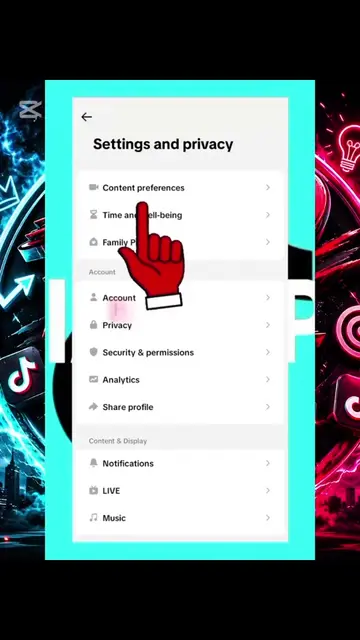
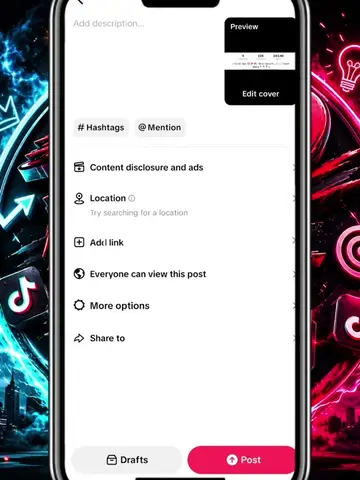
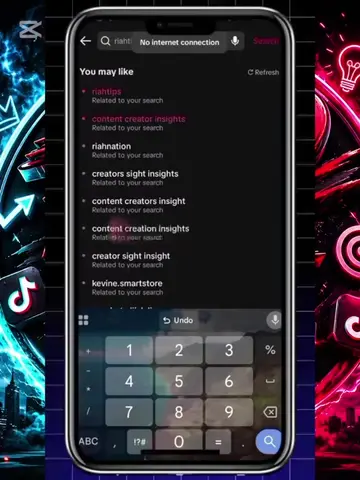
The video demonstrates how to check your account history on TikTok to see if anyone has secretly logged into your account. It guides the viewer through the app's settings to access this information, highlighting the importance of reviewing account activity for security.
Structure
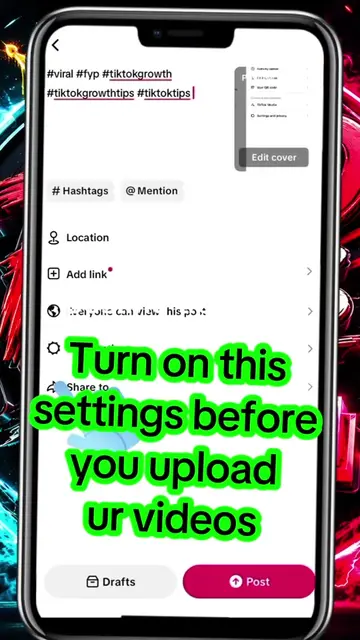
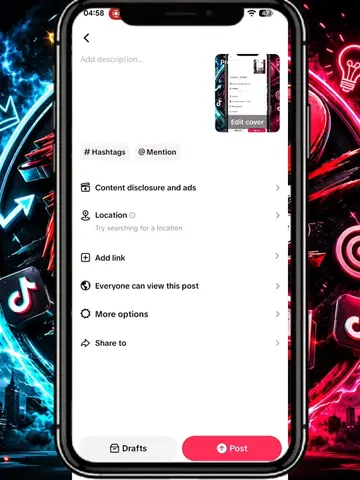
- 1Show TikTok interface with "CHECK YOUR ACCOUNT HISTORY" overlay
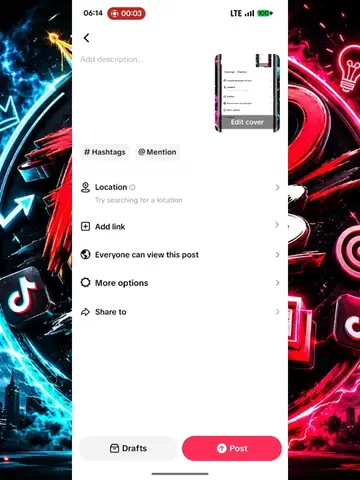
- 2Navigate through settings to "Activity center"
- 3Select "Account history"
- 4Show account login and email update history
- 5Emphasize reading all written information
- 6Show a thumbs up and "Follow" icons
Product placement
TikTok (app): a social media platform where users can create and share short-form videos. It ACTS as the interface for the entire video, allowing the user to navigate through settings and view account history. Removing it would change what happens in the video.
Original caption
check your account history,if someone secretly login to your account #trending #smallcreator #tiktoktips #vira #foryoupage
More from @laprotips55
More breakout videos from this creator.