Loading video…
All breakouts
31.8App DemoWarning hookCreator Economy
Hook
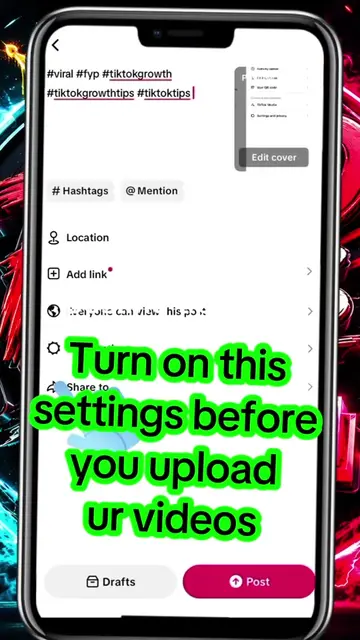
DO THIS BEFORE YOU POST YOUR VIDEO
@laprotips55
42.2K followers · usually 4.7K views a post
Views
147.1K
Likes
5.2K
Comments
131
Shares
200
Why it worked
The video provides a clear, step-by-step tutorial on a specific feature within a popular platform, addressing a common need for creators who want to monetize their content or comply with disclosure requirements. The use of on-screen text and clear visual cues makes it easy to follow.
Summary
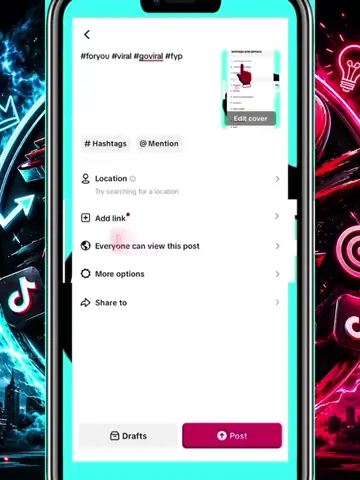
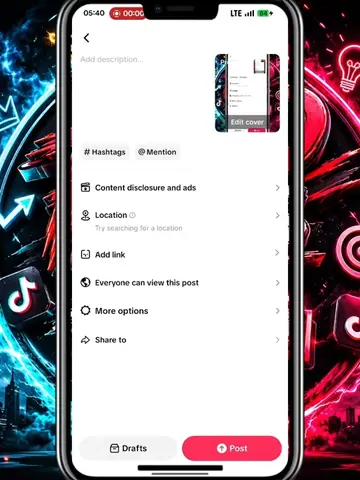
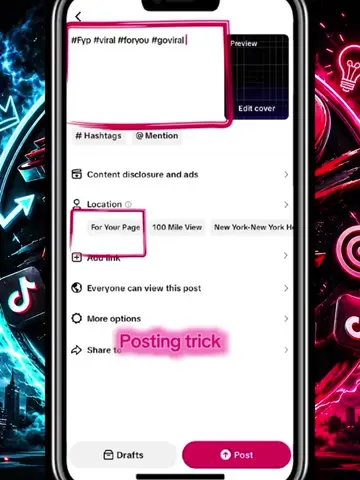
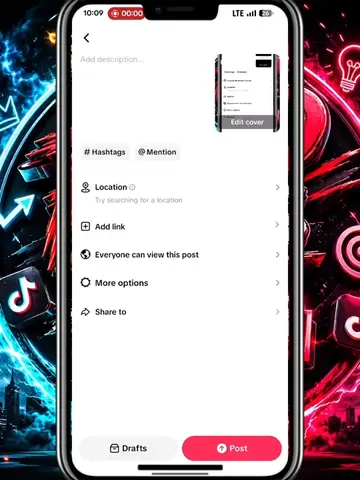
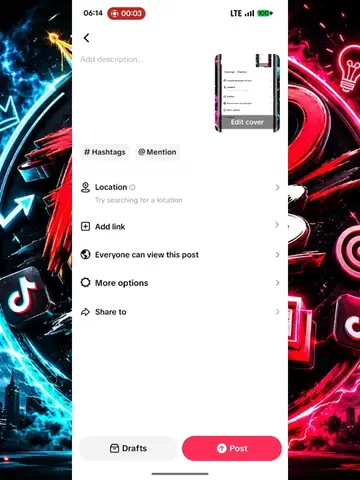
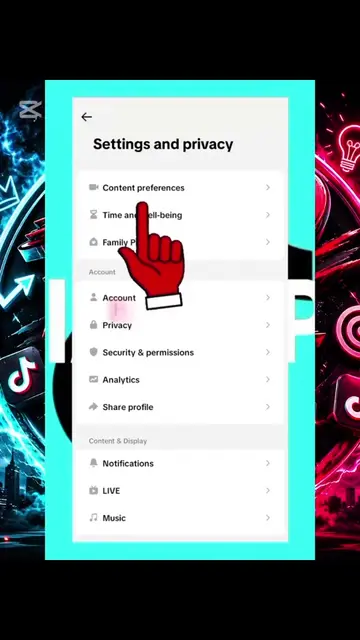
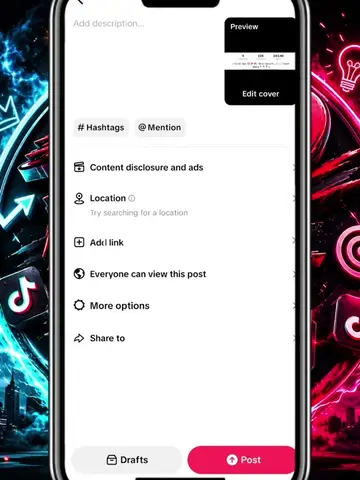
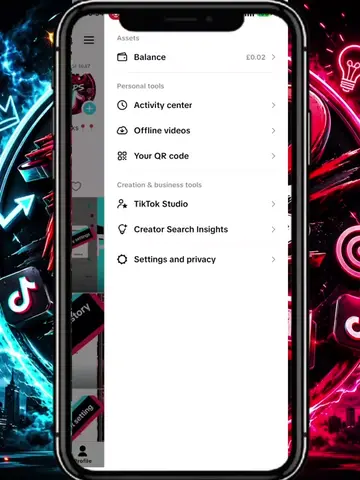
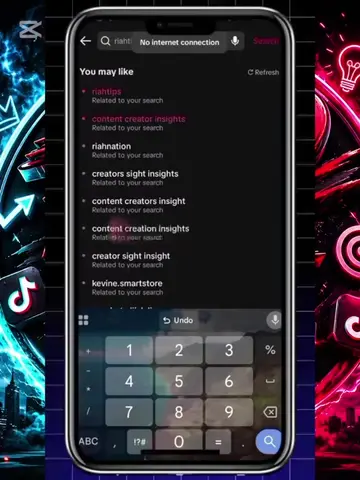
The video demonstrates how to enable specific settings within the TikTok app to label a post as promotional content. It guides the user through the 'Content disclosure and ads' section, enabling 'Disclosure commercial content' and 'Your brand' options, and then authorizing ad settings before saving and posting.
Structure
- 1Introduction: "Do this before you post your video"
- 2Navigate to 'Content disclosure and ads'
- 3Enable 'Disclosure commercial content'
- 4Select 'Your brand'
- 5Enable 'Ad authorization'
- 6Save settings and post
Product placement
TikTok: (appears) This is the platform on which the video is being created and posted. Removing it would fundamentally change the video's context and purpose. It acts as the environment for the tutorial. (appears) The TikTok logo is visible in the background. Removing it would not change what happens in the video.
Call to action
Follow
Original caption
part 2: how to post on tiktok #foryoupage #creatorsearchinginsight #tiktoktips #viral #trending
More from @laprotips55
More breakout videos from this creator.