Loading video…
All breakouts
29.8Talking HeadOther hookCreator Economy
Hook
FOR YOU VlRAL SETTINGS
@laprotips55
42.2K followers · usually 4.7K views a post
Views
138.0K
Likes
4.1K
Comments
97
Shares
208
Why it worked
The video leverages a common user desire to understand and optimize TikTok settings for better reach ('viral settings'). By visually demonstrating the toggles and options, it provides clear, actionable information that users can immediately apply to their own content, making it highly shareable and valuable.
Summary
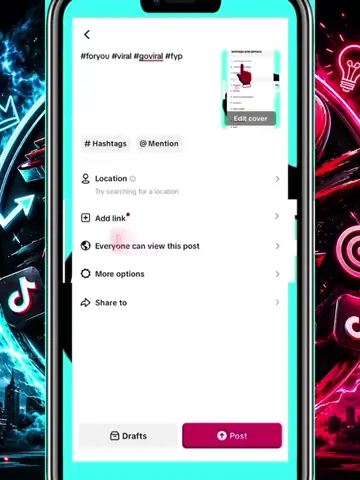
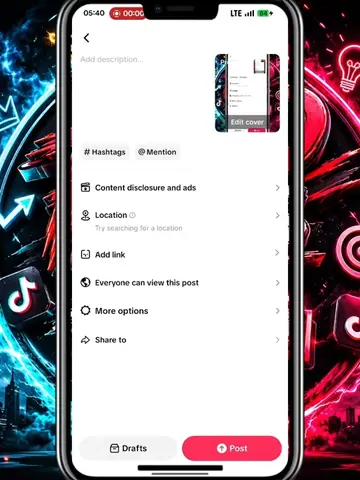
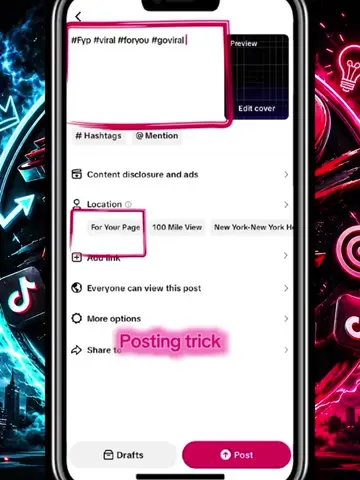
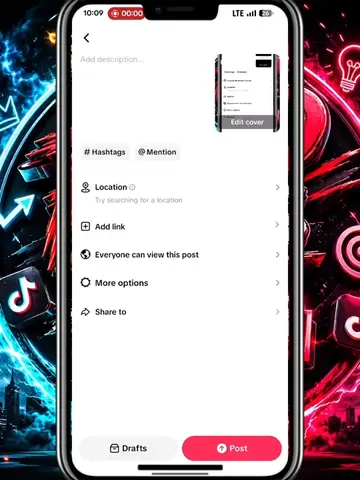
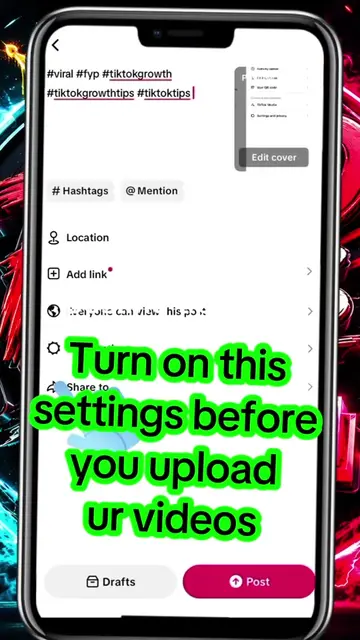
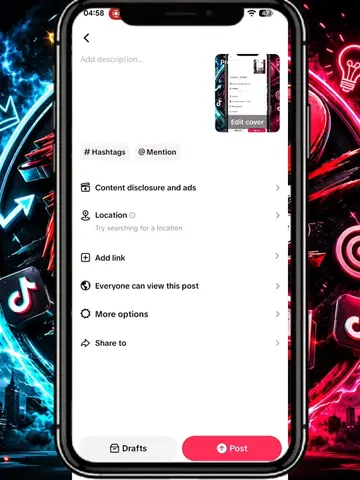
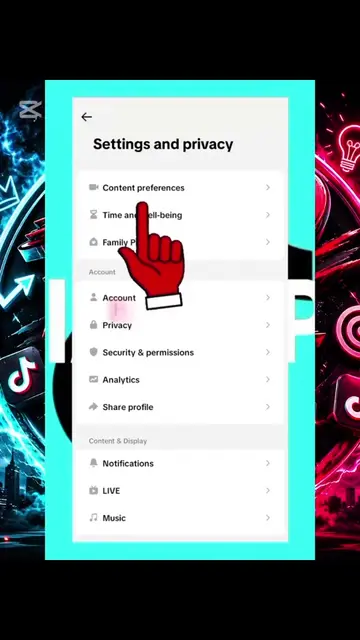
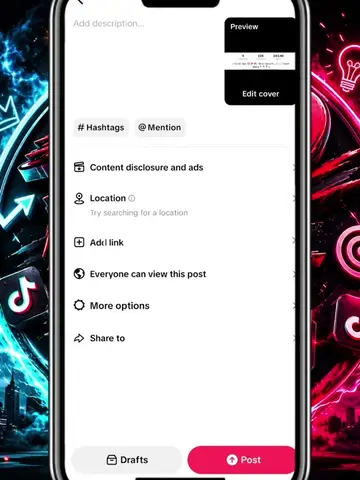
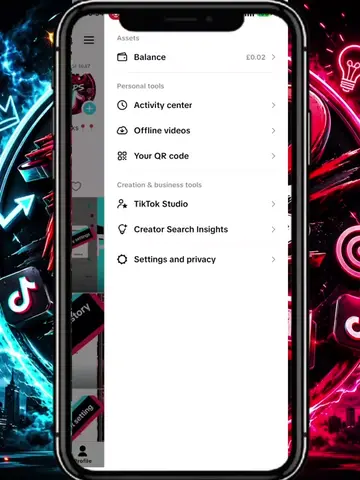
The video demonstrates how to adjust settings within the TikTok app, specifically focusing on options related to content visibility, reuse, and AI generation. It highlights various privacy and content settings available to users before posting a video.
Structure
- 1Video opens with a TikTok posting screen.
- 2On-screen text highlights 'FOR YOU VIRAL SETTINGS'.
- 3User navigates through various settings menus.
- 4Demonstrates toggling options like 'Allow comments', 'Allow reuse of content', 'AI-generated content', 'Allow visual search', 'Allow high-quality uploads', 'Save to device', 'Save posts with watermark', and 'Audience controls'.
- 5Video ends with a call to action: 'LIKE & FOLLOW FOR MORE'.
Product placement
TikTok (app): a social media platform for creating and sharing short-form videos. It ACTS as the platform where the video is posted and settings are adjusted. Removing it would change what happens in the video.
Call to action
LIKE & FOLLOW FOR MORE
On-screen text
FOR YOU
VlRAL
SETTINGS
Original caption
#foryoupage #viral #tiktoktips #tiktokgrowth #viral
More from @laprotips55
More breakout videos from this creator.