Loading video…
All breakouts
168Talking HeadHow-To hookSaaS
Hook
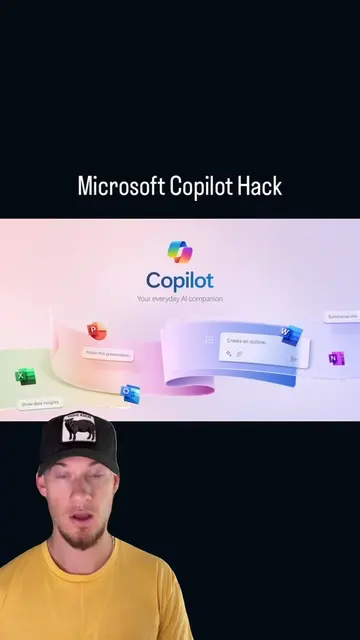
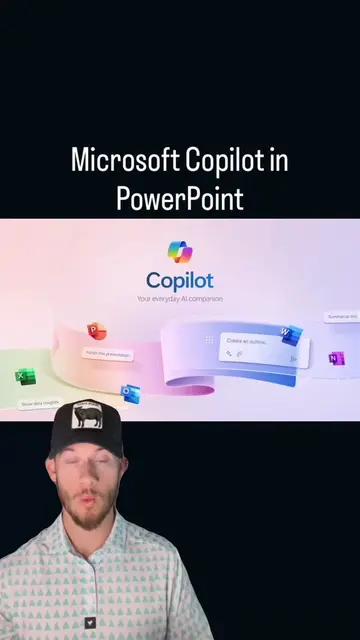
I'm going to show you how to build an agent in Microsoft Copilot.
@ridergpt
38.0K followers · usually 854 views a post
Views
134.8K
Likes
3.7K
Comments
33
Shares
1.2K
Why it worked
The video provides high-utility, actionable technical advice that solves a specific professional pain point (handling sales objections) while showcasing the product's capabilities in a natural, non-intrusive way.
Summary
The creator demonstrates how to build a custom agent within Microsoft 365 Copilot to help sales representatives handle customer objections. He walks through the configuration process, including setting custom instructions, file access, and starter prompts to create a specialized tool.
Structure
- 1Introduction to building a custom agent in Copilot
- 2Step-by-step configuration of agent instructions and file access
- 3
Original caption
Most people sleep on M365 Copilot agents because they think it's just chat with a different logo. It's not. An agent is a focused little teammate you build for one job, and it lives right inside the tools your team already uses every day. No new tab, no new login, no "we'll roll it out next quarter." It just shows up where the work happens. Take a Sales Objection agent. You feed it your product, your pricing, the pushback your reps hear constantly ("too expensive," "we're already with someone," "send me an email"), and now every rep has a coach in their pocket. They can practice a tough call before they make it, run through the exact objection they know is coming, and get a real response back instead of freezing in the moment. New reps ramp faster, veterans sharpen up, and nobody walks into a call cold. That's the part that gets me fired up. You're not replacing the salesperson, you're making them dangerous in the best way. The agent handles the reps and the prep so your people show up confident and ready. Build it once, and it pays you back on every single call after that. If your team is still winging objections off the top of their heads, you're leaving deals on the table. @Microsoft Learn #microsoftcopilot #m365 #aihacks #aitutorial #aiagents
More from @ridergpt
More breakout videos from this creator.