Loading video…
All breakouts
5.7Talking HeadCuriosity Gap hookConsumer Apps
Hook
APPLE REMINDERS HAS
@beardedteacher
68.3K followers · usually 7.9K views a post
Views
27.6K
Likes
1.2K
Comments
10
Shares
72
Promoted product
Apple Reminders
Why it worked
The video provides a practical and efficient solution to a common user need: quickly adding reminders. By demonstrating how to leverage built-in iPhone features like Control Center and the Action Button, it offers a valuable shortcut that saves users time and effort, making it highly shareable.
Summary
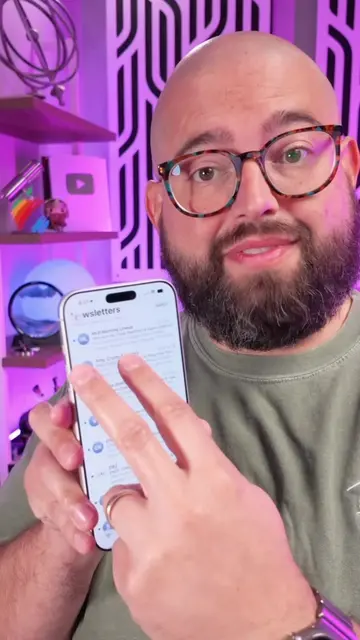
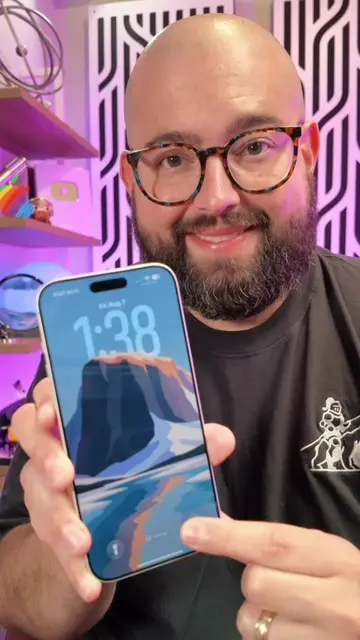
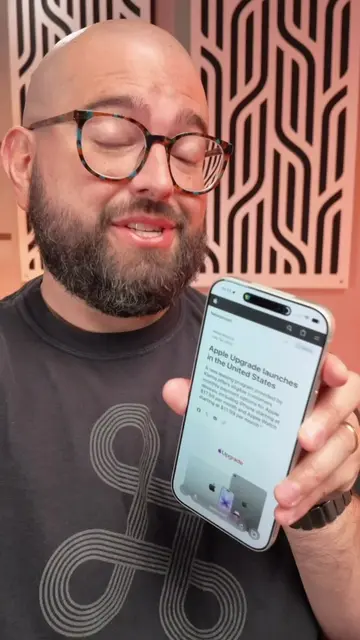
This video demonstrates how to add the Apple Reminders quick action to the iPhone's Control Center and Action Button for faster access. It highlights the convenience of creating reminders without opening the app, allowing for specific list selection, flagging, location, notes, and time settings directly from these shortcuts.
Structure
- 1Introduction to Apple Reminders update in iOS 26
- 2Adding Reminders to Control Center for quick access
- 3Demonstrating adding a reminder via Control Center
- 4Explaining how to add Reminders to the Action Button
- 5
Original caption
Fastest way to add Reminders on iPhone #shortcuts #iphonetips #TechTips
More from @beardedteacher
More breakout videos from this creator.