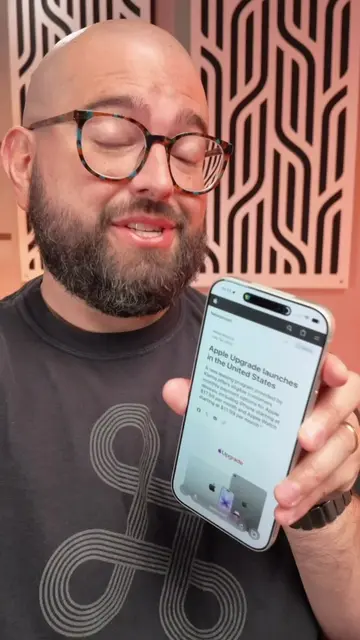
Loading video…
All breakouts
14.2Talking HeadHow-To hookConsumer Apps
Hook
Here's three settings to
@beardedteacher
68.3K followers · usually 7.9K views a post
Views
111.5K
Likes
2.6K
Comments
17
Shares
217
Promoted product
iPhone
Why it worked
The video provides practical, actionable tips for a common user pain point (notification overload) on a widely used device (iPhone). The clear, step-by-step demonstration makes it easy for viewers to follow along and implement the changes, increasing its utility and shareability.
Summary
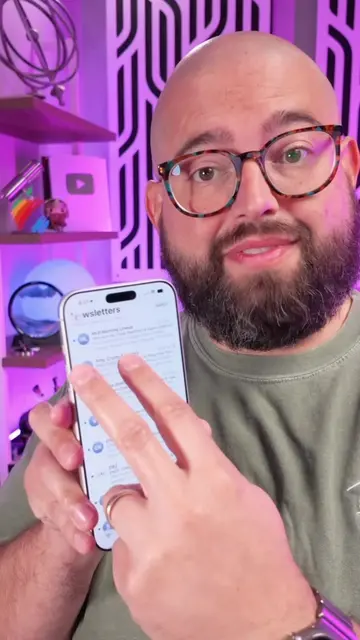
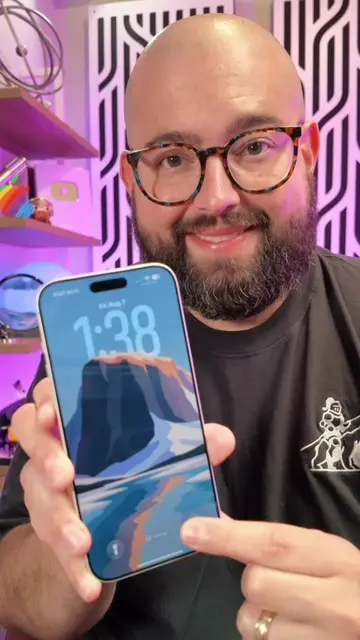
This video demonstrates three settings on an iPhone to make text message notifications less annoying. It covers disabling CarPlay notifications, managing AirPods announcements, and controlling message preview visibility on the lock screen.
Structure
- 1Introduce the goal: less annoying notifications
- 2Navigate to Settings > Notifications > Messages
- 3Adjust CarPlay notification settings
- 4Manage AirPods announcement settings
- 5Configure message preview settings
- 6Conclude with a call to follow for more tips
Product placement
iPhone (ACTS - interface is operated to change settings, removing it would change what happens in the video)
iMessage (APPEARS - name of the messaging app, removing it would not change what happens in the video)
CarPlay (ACTS - setting is toggled, removing it would change what happens in the video)
AirPods (APPEARS - mentioned as a device that can announce notifications, removing it would not change what happens in the video)
Original caption
If Message notifications are getting too much, change these few settings for CarPlay, AirPods and more! #iphonetips #TechTips #shortcuts
More from @beardedteacher
More breakout videos from this creator.