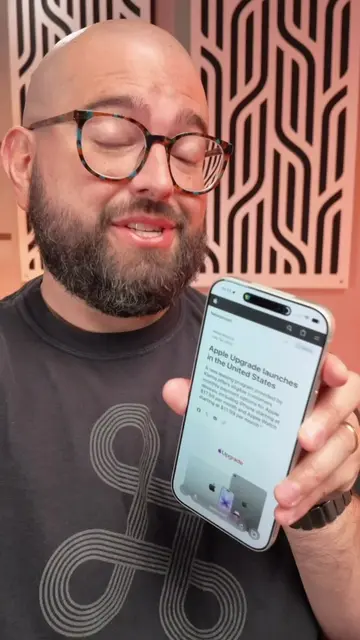
Loading video…
All breakouts
44.8Talking HeadBefore / After hookConsumer Apps
Hook
Once you update iOS 27, you get Siri AI, and it is incredibly
@beardedteacher
68.3K followers · usually 7.9K views a post
Views
350.9K
Likes
15.9K
Comments
463
Shares
4.3K
Why it worked
The video effectively demonstrates practical and time-saving features of Siri's AI capabilities, making complex tasks seem simple and accessible to a broad audience. The use of clear, on-screen examples and a direct call to action encourages engagement and further exploration of the topic.
Summary
The video showcases several new AI-powered features of Siri on iOS 27, demonstrating how it can extract information from on-screen content like recipes, video links, and event schedules, and integrate them into other apps like Notes, Calendar, and Messages. It also highlights Siri's ability to provide context-aware information and recommendations.
Structure
- 1Introduction to Siri AI on iOS 27
- 2Saving recipes from on-screen content
- 3Adding events to Calendar from screenshots
Original caption
Siri AI can save recipes you see in videos, add multiple events from a screenshot, search years of text history, and a ton more! #iphonetips #shortcuts #ios27
More from @beardedteacher
More breakout videos from this creator.