Loading video…
All breakouts
19.0Talking HeadListicle hookConsumer Apps
Hook
These are four gestures
@beardedteacher
68.3K followers · usually 7.9K views a post
Views
149.9K
Likes
7.9K
Comments
111
Shares
1.9K
Promoted product
iPhone
Why it worked
The video provides practical, actionable tips for a widely used device (iPhone) that directly address common user pain points, making it highly shareable and valuable content.
Summary
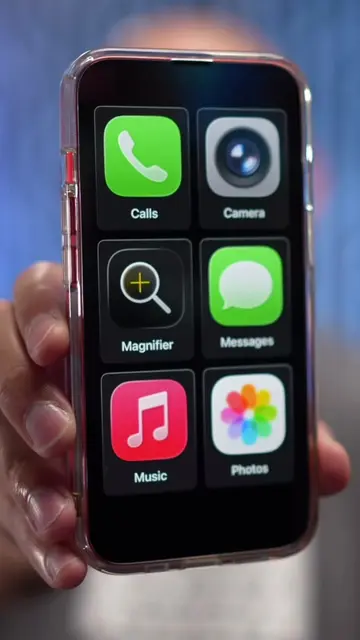
The video demonstrates four useful gestures for iPhone users to improve efficiency. It covers selecting multiple items in lists, using long-press menus for quick actions on app icons, and drag-and-drop functionality for transferring content between apps and within apps like Photos and Notes.
Structure
- 1Introduction to iPhone gestures
- 2Gesture 1: Multi-select in lists
- 3Gesture 2: Long-press for quick actions
- 4Gesture 3: Dragging and dropping content
- 5Conclusion and call to action
Product placement
iPhone (acts - interface is operated, result comes from it, removing it would change what happens in the video), YouTube (acts - interface is operated, result comes from it, removing it would change what happens in the video), Instagram (acts - interface is operated, result comes from it, removing it would change what happens in the video), Apple Maps (acts - interface is operated, result comes from it, removing it would change what happens in the video), Home app (acts - interface is operated, result comes from it, removing it would change what happens in the video), Google (acts - interface is operated, result comes from it, removing it would change what happens in the video), Messages (acts - interface is operated, result comes from it, removing it would change what happens in the video), Notes (acts - interface is operated, result comes from it, removing it would change what happens in the video)
Original caption
These are 4 gestures every iPhone user should know! #iphonetips #TechTips #shortcuts
More from @beardedteacher
More breakout videos from this creator.