Loading video…
All breakouts
18.7App DemoOther hookConsumer Apps
Hook
Settings
@sawag_queen_67
8.2K followers · usually 72.8K views a post
Views
984.2K
Likes
14.6K
Comments
123
Shares
450
Why it worked
The video likely performed well due to its concise demonstration of a useful accessibility feature within a widely used application. The use of clear on-screen text and direct action makes it easy for viewers to follow and replicate the steps, appealing to users looking to customize their app experience.
Summary
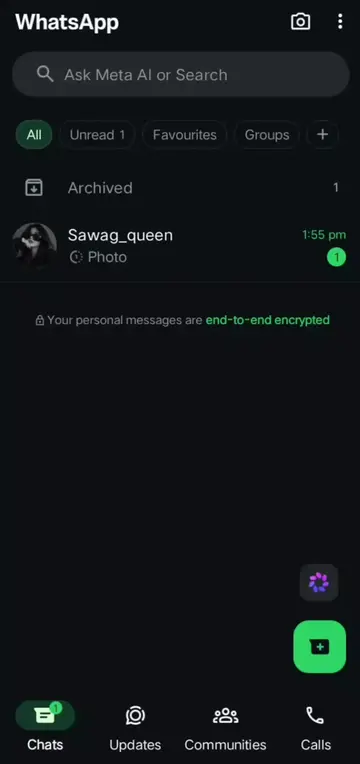
The video shows a user navigating through the settings menu of an application, likely WhatsApp, to access accessibility options. The user then proceeds to toggle on 'Increase contrast' and then enables 'Emoji' and 'Stickers' animations.
Structure
- 1Navigate to Settings
- 2Access Accessibility options
- 3Enable Increase Contrast
- 4Enable Emoji and Sticker animations
On-screen text
Settings
Privacy
Blocked accounts, disappearing messages
Lists
Manage people and groups
Chats
Theme, wallpapers, chat history
Appearance
Chat theme, app icon, app theme
Broadcasts
Manage lists and send broadcasts
Notifications
Message, group & call tones
Storage and data
Network usage, auto-download
Accessibility
Increase contrast, animation
App language
English (device's language)
Help and feedback
Help centre, contact us, privacy policy
Invite a friend
App updates
Original caption
On the option 😉 and see new features animated the emoji gifs 😀💞 . . . . . . . . . . . . . . . . . . #foryoupage❤️❤️ #plzzunfreezemyaccoun😭🙏😥fyp #growmyaccount✅♥️♥️♥️ #1millionlikes💥❤️ #veiwproblem🥀
More from @sawag_queen_67
More breakout videos from this creator.