Loading video…
All breakouts
 Claudeseen in 998 videos →
7.0Talking HeadHow-To hookAI Tools
Hook
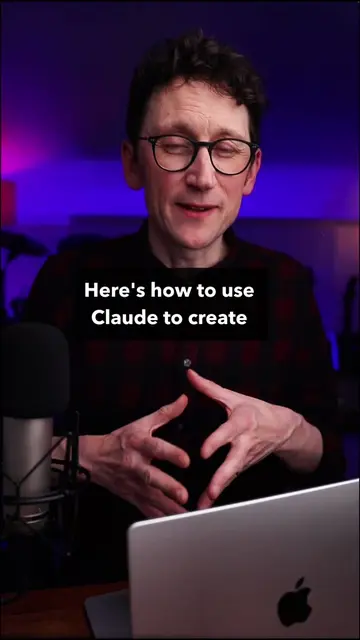
Here's how to use Claude Chat, Cowork & Code
@willfrancis24
231.5K followers · usually 50.5K views a post
Views
349.6K
Likes
20.5K
Comments
112
Shares
2.0K
Selling · SaaS › AI Tool
Why it worked
The video effectively breaks down a complex AI tool into understandable components (Chat, Cowork, Code) and demonstrates practical use cases, making it accessible to a non-technical audience. The use of clear visuals and concise explanations, combined with the trending topic of AI agents, likely contributed to its reach.
Summary
This video explains the three modes of Claude: Chat, Cowork, and Code. Chat is for quick tasks, Cowork is for deep work with files, and Code is for running autonomous AI agents. The creator demonstrates how to use each mode, highlighting their unique features and benefits for both technical and non-technical users.
Structure
- 1Introduction to Claude's three modes: Chat, Cowork, Code
- 2Explanation of Chat for simple tasks
- 3Explanation of Cowork for deep work and file management
- 4Explanation of Code for running AI agents
- 5Demonstration of the /goal command in Code for autonomous task completion
Product placement
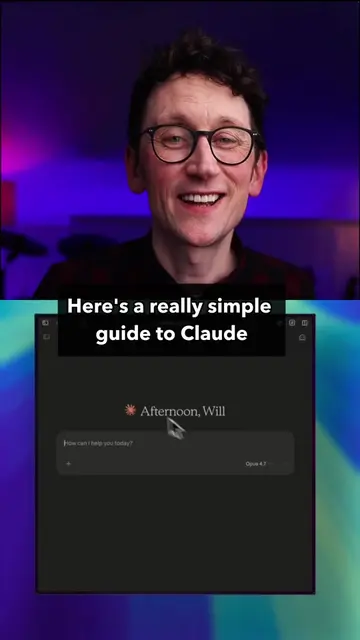
The video demonstrates the Claude AI interface, showing its Chat, Cowork, and Code functionalities. It specifically highlights the use of the '/goal' command within Claude Code for running AI agents.
Original caption
Claude Chat, Cowork and Code explained, simply. This is your quick and simple guide for non-technical people to the different modes of Anthropic's flagship AI, Claude. #claude #anthropic #ai #aitools #artificialintelligence #Tech #technology #aiagents #ailoop #LearnOnTikTok
More from @willfrancis24
Their other posts in the index, biggest breakout first.