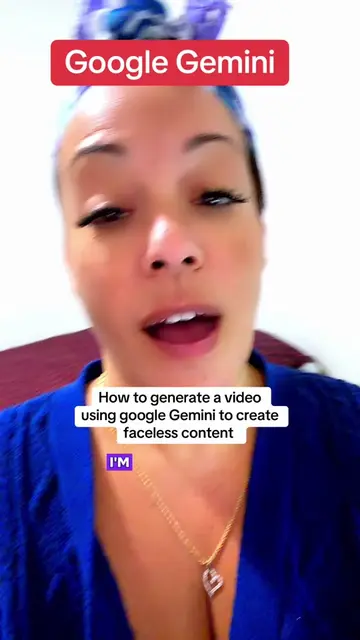
Loading video…
All breakouts
 229 videos128 creators
41.9App DemoCuriosity Gap hookAI Tools
Hook
I'm about to show you a little something that Canva can do.
@marlene10780
5.0K followers · usually 289 views a post
Views
12.8K
Likes
1.2K
Comments
122
Shares
365
Promoted product
Canvacanva.com
Why it worked
The video provides immediate, tangible value by showing a specific, impressive AI feature within a widely used tool, making it highly shareable for users looking to improve their design workflow.
Summary
The creator demonstrates how to use the 'Magic Edit' feature in Canva to modify an image of a character. She walks the viewer through the process of selecting an image, removing the background, and using AI to change the character's clothing and hairstyle.
Structure
- 1Introduction to the Canva hack
- 2Selecting a character image
- 3Removing the background
- 4Using Magic Edit to change the character's appearance
Original caption
Canva Hack! Using Majic Edit ✍️ #CanvaHack #create #Canva
More from @marlene10780
More breakout videos from this creator.