Loading video…
Sound

original sound - techwithtaimoorr
Tech With Taimoor · Original audio
0:00–:––
Playing this video’s own audio, so you’ll hear the creator over the sound.
Hook
Posted Jun 26, 2026Video · 0:52by @techwithtaimoorr
The video provides a clear, step-by-step tutorial on how to use a free AI tool to create videos, addressing a common need for content creators. The use of on-screen text and clear visual cues makes it easy to follow, and the promise of 'free professional videos' is a strong hook.
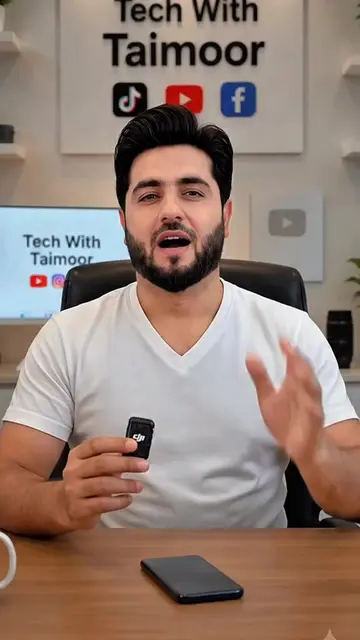
The video demonstrates how to use Flow AI, a free AI video generator, to create professional videos. The creator guides viewers through the process of searching for the tool, logging in, uploading an image, selecting settings, and generating a video, which can then be downloaded.
How to create Free AI Videos - Free AI Video Generator #flowAi #aiautomation #facebookautomation #youtubeautomation #foryou
Can you create free professional videos with AI?
Introduction to AI video creation
Searching for and accessing Flow AI
Logging in and interface overview
Uploading media and selecting parameters
Generating and downloading the AI video
Call to action
Tech With Taimoor (channel/brand name) - appears on screen and on mug. It is the creator's brand, and its presence is incidental. YouTube, TikTok, Facebook (social media platforms) - logos appear on screen. They are incidental. Flow AI (AI video generator) - spoken and searched for on Google. It is used to generate a video. Its interface is operated, it generates a visible result, and the creator explains what it does for them. Removing it would change what happens in the video.
Follow the account, like and share the video, and comment with the next topic you want to see.
Playing this video’s own audio, so you’ll hear the creator over the sound.
Promotes 4 products. Create free account to see more.
Outliers and viral hits: their videos on Overshot, all time.
AI creative studio for generating videos and images
All time.