Loading video…
All breakouts
120App DemoResult / Flex hookConsumer Apps
Hook
I have a coin flip app that you can rig
@makewithmax
73.1K followers · usually 2.6K views a post
Views
221.1K
Likes
6.8K
Comments
194
Shares
97
Why it worked
The video presents a 'magic' utility that feels like a secret hack, leveraging curiosity and the desire for clever, prank-oriented tools.
Summary
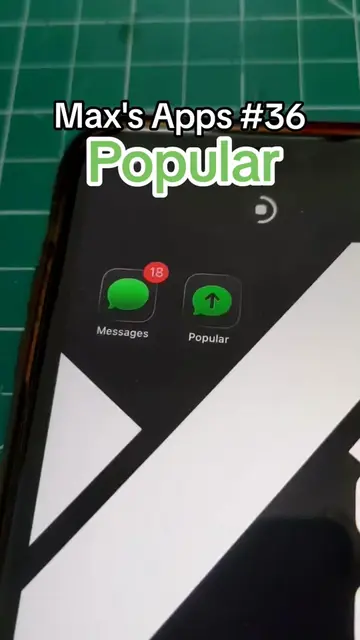
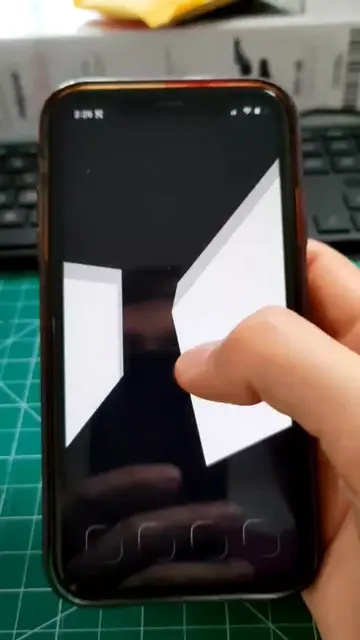
The creator demonstrates a custom 'Fake Coin Flip' app that allows the user to manipulate the outcome of a coin toss by changing the phone's orientation. He also compares it to his own version of the app and provides a quick tutorial on how to add the shortcut to the home screen.
Structure
- 1Introduction to the rigged coin flip app
- 2Demonstration of the orientation-based trick
- 3Comparison with the creator's volume-based version
- 4Tutorial on installing the shortcut
Product placement
The app 'Fake Coin Flip V2' is the central focus of the video, shown in use on an iPhone.
Original caption
Idk his tag on TikTok but I thought it was genius #techtok #app #iphone #prank #coinflip
More from @makewithmax
More breakout videos from this creator.