Loading video…
Sound

original sound - tremaynemitchellofficial
Trey TikTok Coach · Original audio
0:00–:––
Playing this video’s own audio, so you’ll hear the creator over the sound.
This video promotes it, but we haven’t matched it to a product page yet, so there are no product figures.
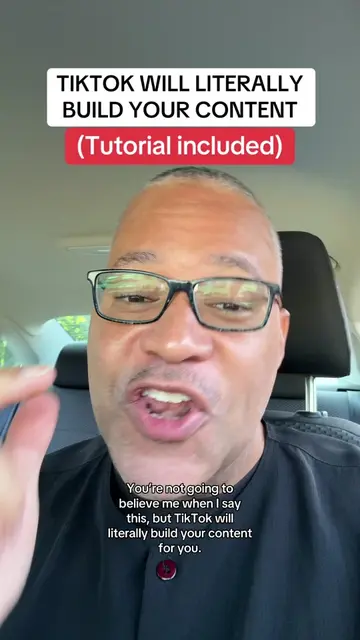
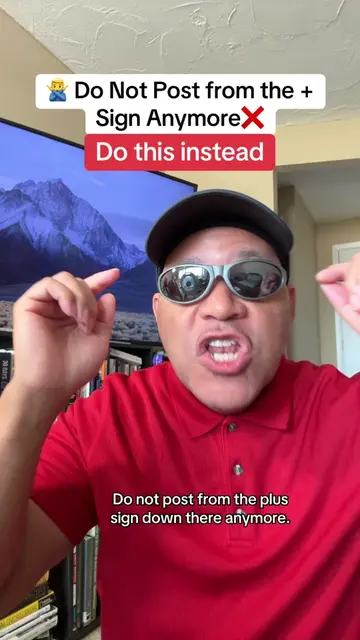
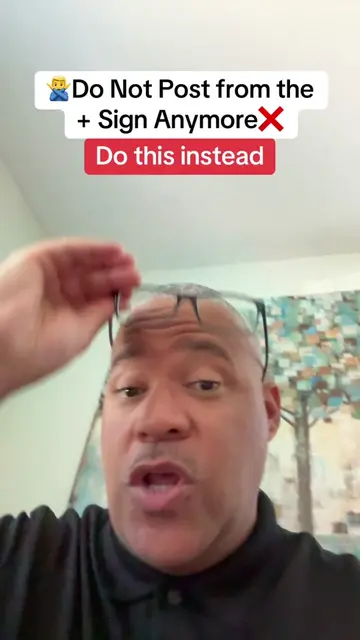
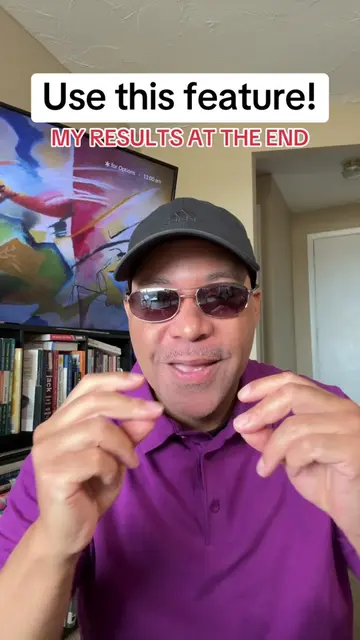
The video provides a clear, step-by-step tutorial on a popular video editing technique, making it highly shareable and useful for creators. The creator also effectively uses a call to action to drive engagement and follows by promoting their profile and related content.
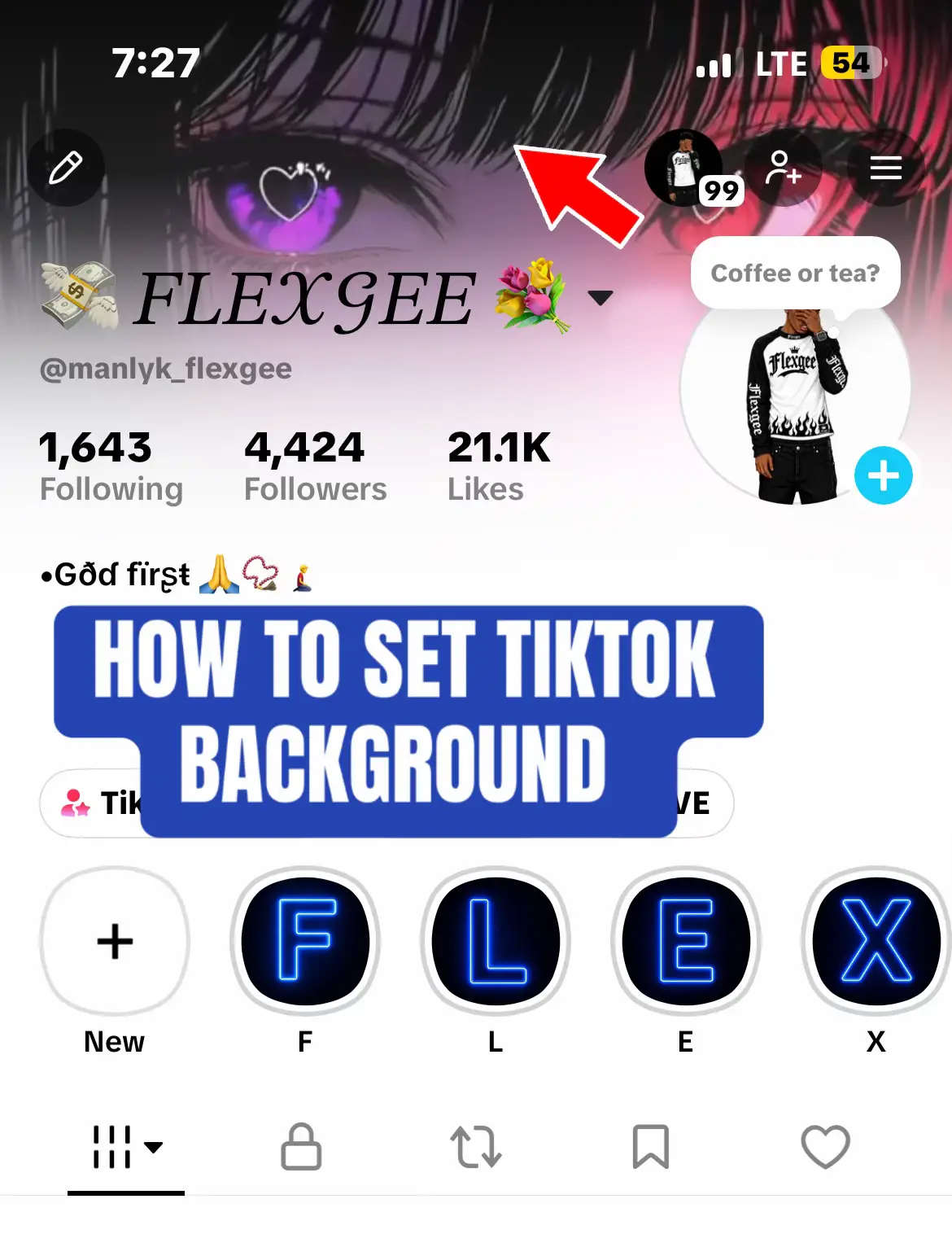
This tutorial demonstrates two methods for changing the background of a video using the TikTok app. The first method involves searching for background effects, while the second method uses the app's editing tools to cut out the subject and add a custom background from the camera roll. The creator also promotes their profile, encouraging viewers to follow for more tips and to check out their video editing playlist.
Change your image background. Tutorial. #editing #videoediting #editing101 #background #smallcreators
CHANGE YOUR BACKGROUND
Introduction to changing backgrounds
Method 1: Using TikTok effects
Method 2: Using the editor and custom backgrounds
Finding background images
Applying the background
Call to action and profile promotion
TikTok (appears as a watermark/interface element, its removal would not change what happens in the video) Pixabay (website, used to find backgrounds, its removal would change how the creator finds backgrounds) TikTok (app, its interface is operated to edit the video, its removal would change what happens in the video)
Make sure you follow me cause I get great TikTok tips every single day. Make sure you click live on my profile and click notify so you can get notified when I'm live. Because I'm gonna take teach you how to make money on this app. Love you. Peace Check out the video editing playlist on my profile.
Playing this video’s own audio, so you’ll hear the creator over the sound.
Promotes 1 product. Create free account to see more.
Outliers and viral hits: their videos on Overshot, all time.