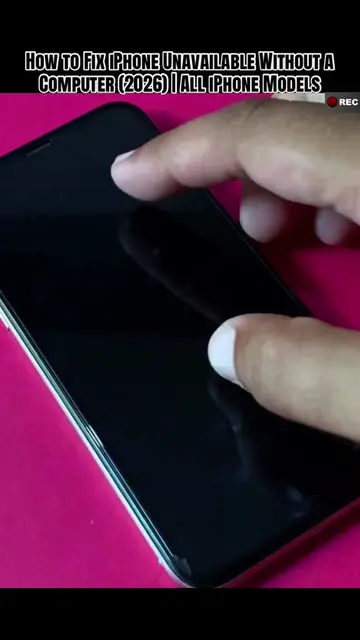
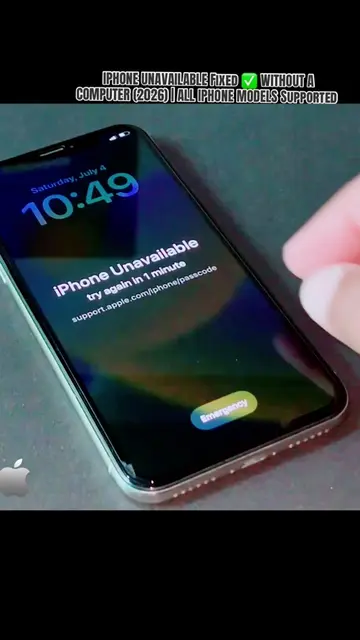
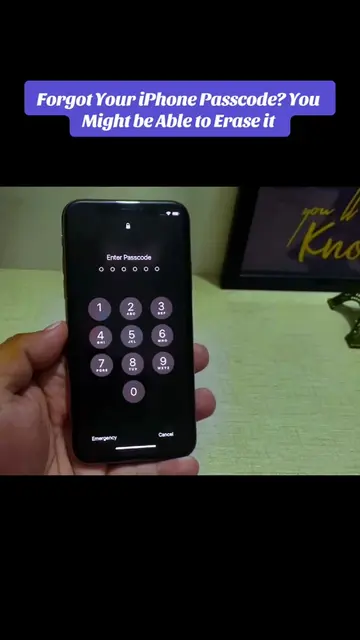
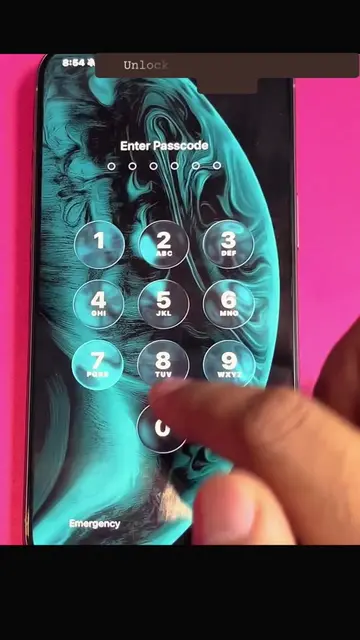
Loading video…
All breakouts
4.2Talking HeadProblem Callout hookConsumer Apps
Hook
iPhone Stuck Rebooting?
@depict.iunlockerpro
4.5K followers · usually 1.1K views a post
Views
4.4K
Likes
70
Comments
0
Shares
5
Promoted product
iPhone
Why it worked
The video addresses a common and frustrating problem for iPhone users, providing clear, step-by-step solutions with visual demonstrations. The creator's personal experience with the issue and the inclusion of multiple troubleshooting methods likely resonated with viewers facing similar problems.
Summary
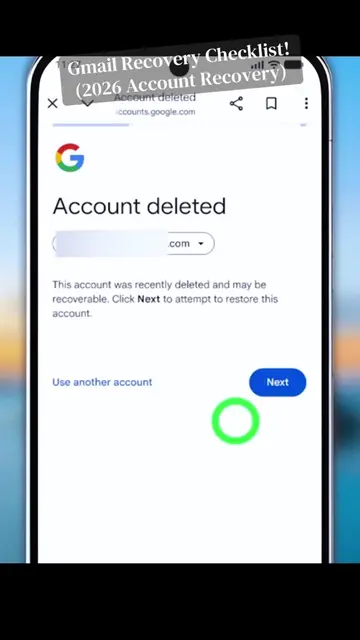
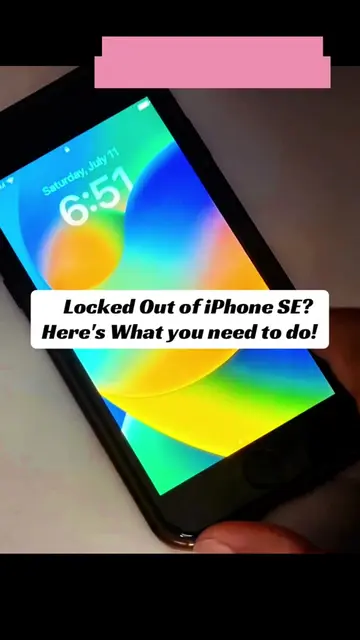
This video demonstrates several methods to fix an iPhone stuck in a reboot loop. It covers force restarting the iPhone, using iTunes to update or restore the device, and troubleshooting error messages like the 4013 error which may indicate a hardware issue.
Structure
- 1Introduction to the problem: iPhone stuck in reboot loop
- 2Solution 1: Force restart for iPhones without a home button
- 3Solution 2: Force restart with charging
- 4Solution 3: Using iTunes to update or restore
- 5Troubleshooting error messages (e.g., error 4013)
Product placement
iPhone (ACTS - the device is being troubleshooted, its functionality is the subject of the video. Removing it would change what happens in the video), iTunes (ACTS - it is used to update/restore the iPhone. Removing it would change what happens in the video)
Call to action
Comment your iPhone model below, save this video for later, and follow for more iPhone troubleshooting tips!
Original caption
iPhone keeps rebooting on the Apple logo? Learn the common troubleshooting steps to fix a boot loop and get your iPhone working again. Which iPhone model are you using? 👇 #applelogo #bootloop #iphonetips #creatorsearchinsights #techtok
More from @depict.iunlockerpro
More breakout videos from this creator.