On-screen text
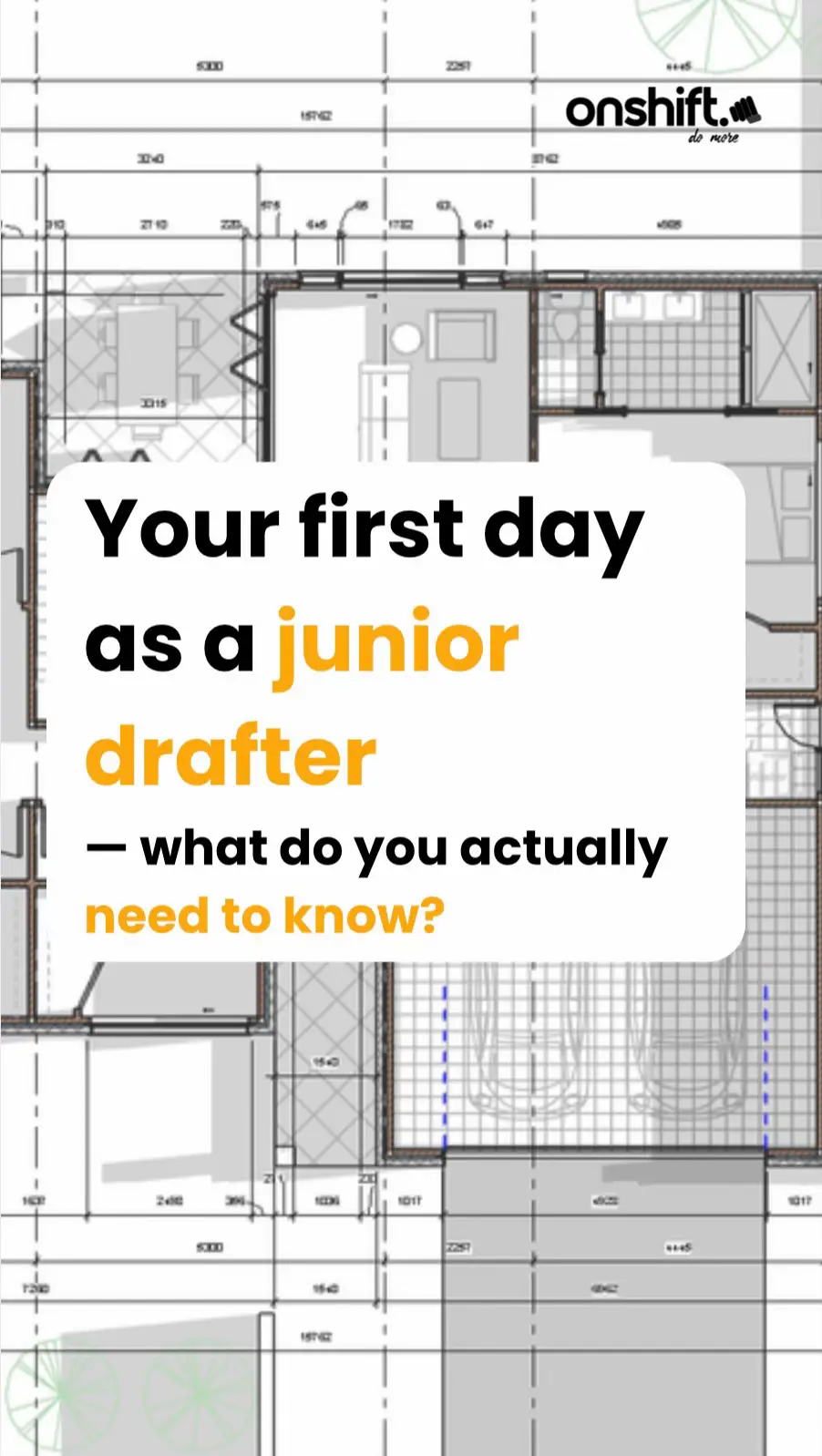
Your first day
as a junior
drafter
– what do you actually
need to know?
Building design basics
1. Learn the building design
process – fast
Before you touch a drawing,
you need to understand the
big picture.
Building design goes through
stages: client brief, concept,
design development,
documentation, and then
construction.
Your drawings support every
single one of those stages.
Know where the project is at
– that changes what you're
doing.
CLIENT BRIEF
CONCEPT
DEVELOP
DOCUMENT
CONSTRUCT
File Management
2. File management is not
optional
Every office has a system – folder structures,
file naming conventions, revision control, and
data security rules.
Break those rules and you can corrupt a live
project or lose a client's data.
On day one, ask: where do files live, how do we
name them, and who has access to what.
example structure
PROJECT
CAD
CIVIL 3D
DATA
PRODUCTION
REFERENCES
DWG
IMAGES
SOURCE
YYYYMMDD - FROM WHO
OUTPUT
YYYYMMDD - DESCRIPTION
WHS & Legislation
3. WHS, codes, and compliance
matter – even for drafters
You might be sitting at a desk, but what you
draw goes on real buildings where real people
work.
You need to understand WHS obligations, the
National Construction Code, and any
licensing or certification requirements in your
state.
Compliance isn't someone else's job – it
starts on the drawing.
Volume Two
Building Code of Australia
The Team
4. Know who does what on the
project team
You'll work alongside building designers,
architects, engineers, surveyors, certifiers, and
more. Each has a specific role and a specific
scope.
The drafter's job is to support the designer.
You prepare and update drawings, coordinate
with consultants, manage drawing registers,
and document design decisions.
DESIGNER/ARCHITECT
LEAD
DRAFTER
JUNIOR
DRAFTER
ENGINEERING
CONSULTANTS
STRUCTURAL
ENGINEER
CIVIL/SITE
ENGINEER
CERTIFIER
BUILDING
APPROVAL &
CODE COMPLIANCE
SURVEYOR
Project Info
5. Know where your project
info comes from
You'll use survey plans, council zoning maps,
site analysis reports, client briefs, standards,
and specifications.
These are your source documents. If you don't
know what information you're drawing from or
where to find it – ask. Wrong source = wrong
drawing.
Documentation
6. The documents you'll
actually produce
As a drafter, you'll produce drawing sets,
drawing registers, revision schedules, RFI
responses, and coordination notes.
Some offices also need you to support
technical reports. Learn what each
document is for
– and always check the
drawing list at the start of a job.
Software
7. Master the business tools –
not just CAD
Everyone talks about
AutoCAD and Revit.
But on day one you also
need to get across Word for
reports and letters, Excel for
drawing registers and
schedules, and Gmail for
email and project
meetings.
These tools run the office. If
you can't use them well, the
work slows down.