Loading video…
All breakouts

6.3App DemoHow-To hook
Hook
Part Five HOW I EDIT in front of text
@creatingwkels
1.6K followers · usually 801 views a post
Views
4.8K
Likes
322
Comments
51
Shares
44
Why it worked
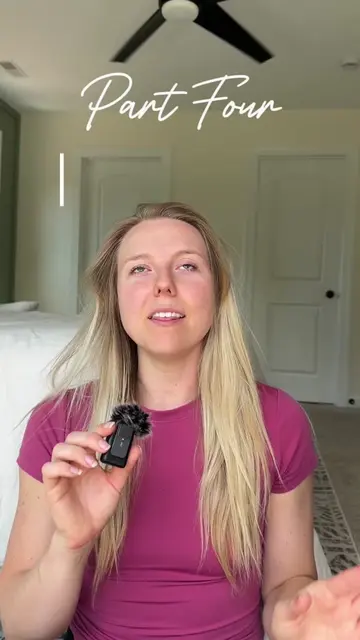
The video provides a clear, step-by-step tutorial for a common and desirable editing effect, directly answering a viewer's question. The creator also leverages a series of related videos (parts 1-4) to build a content library and encourage binge-watching.
Summary
This video demonstrates how to place a video of yourself in front of text using CapCut. The creator duplicates the main video, turns one into an overlay, removes its background, and then layers it in front of the text.
Structure
- 1Introduce the editing technique
- 2Duplicate the main video clip
- 3Convert the duplicate to an overlay
- 4Remove the background from the overlay
- 5Arrange the layers to place the overlay in front
- 6Encourage engagement and reference previous parts
Original caption
As always I'm editing in @CapCut! Drop any questions, and let me know what edit you want me to breakdown next 🤭 And if you're new to editing, check out parts 1-4 for more tips! #contentcreator #capcuttutorial #capcut #editingtips #fyp
More from @creatingwkels
Their other posts in the index, biggest breakout first.