Loading video…
All breakouts

11.1Talking HeadHow-To hook
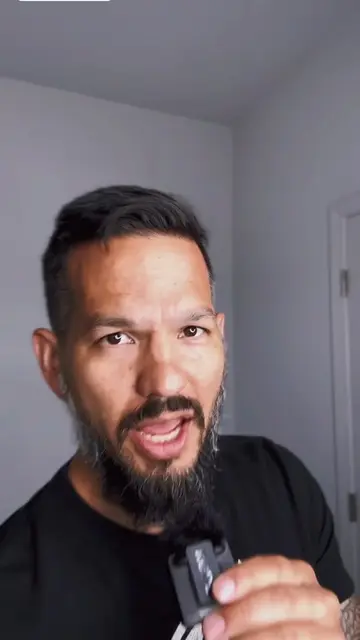
Hook
Here's how I create these captions
@chrislazo
4.0K followers · usually 624 views a post
Views
6.7K
Likes
103
Comments
9
Shares
10
Why it worked
The video provides a clear, step-by-step tutorial on how to use Descript for creating captions, which is a common pain point for content creators. The creator also highlights the 'live animation' feature, which adds a dynamic and engaging element to the captions, making them more visually appealing and potentially increasing watch time.
Summary
The creator demonstrates how to create captions using Descript by dragging a video into the app, which converts voice to text. They then format the text and apply styling and animation to the captions, similar to karaoke, before exporting and posting.
Structure
- 1Drag video into Descript
- 2Convert voice to text
- 3Format and style captions
- 4Add live animation
- 5Export and post
Product placement
The video demonstrates the use of Descript, a voice-to-text caption generation software, by showing the interface and the process of creating captions within the application.
Original caption
Replying to @Chris Lazo | Content Marketing This is how I create captions using @descriptapp #socialmediamarketing #contentmarketing #tiktokcaptions #voicetotextcaptions
More from @chrislazo
Their other posts in the index, biggest breakout first.