Loading video…
All breakouts
190Talking HeadStory Open hookSaaS
Hook
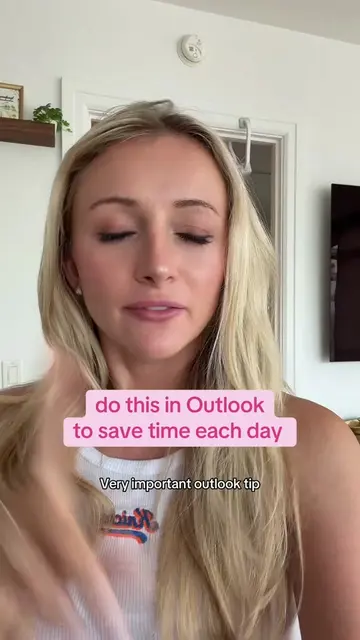
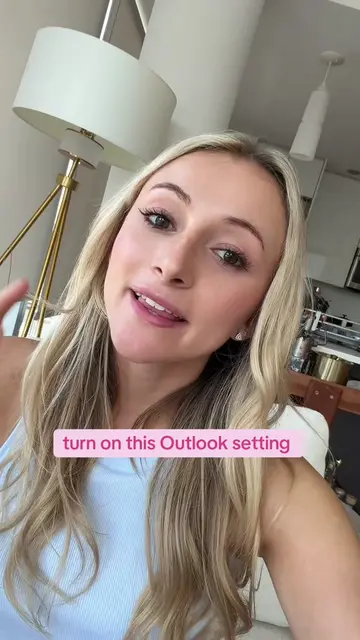
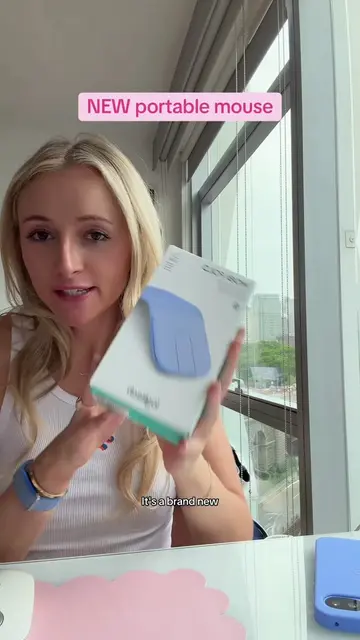
My corporate job recently switched from Gmail to Outlook, so here is how I set up my Outlook.
@kellyn_mcmullan
181.4K followers · usually 3.2K views a post
Views
594.8K
Likes
50.2K
Comments
360
Shares
3.5K
Why it worked
The video provides high-utility, actionable productivity advice that appeals to a broad professional audience, while positioning the product as an essential tool for achieving that efficiency.
Summary
The creator demonstrates her personal workflow and organizational system within Microsoft Outlook, highlighting features like color-coded folders, task integration, and Copilot. She encourages viewers to share their own productivity systems in the comments to foster community engagement.
Structure
- 1Introduction to Outlook setup
- 2Customizing appearance and color-coding folders
- 3Managing tasks and to-do lists
- 4
Original caption
how I organize Outlook as a corporate girly 💻✨ Categories, folders, rules, Microsoft To Do, time blocking & my favorite productivity settings. #CorporateGirly #CorporateTok #OutlookTips #MicrosoftOutlook #ProductivityTips
More from @kellyn_mcmullan
More breakout videos from this creator.