Loading video…
Sound

original sound - talbcode
TALBCODE · Original audio
0:00–:––
Playing this video’s own audio, so you’ll hear the creator over the sound.
We didn’t find a product being promoted in this video. Its hook, format and structure below still show why it took off.
Browse products winning on TikTokThe video provides a clear, step-by-step tutorial on creating a visually appealing and interactive image gallery using fundamental web technologies. The use of hover effects adds a dynamic element that engages the viewer, making it a useful and shareable piece of content for aspiring web developers.
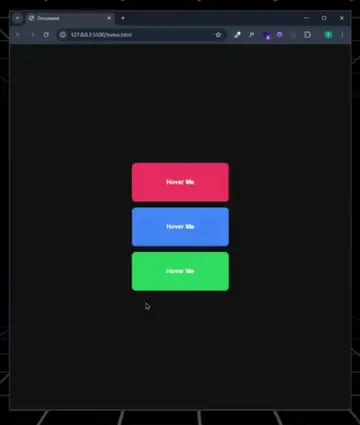
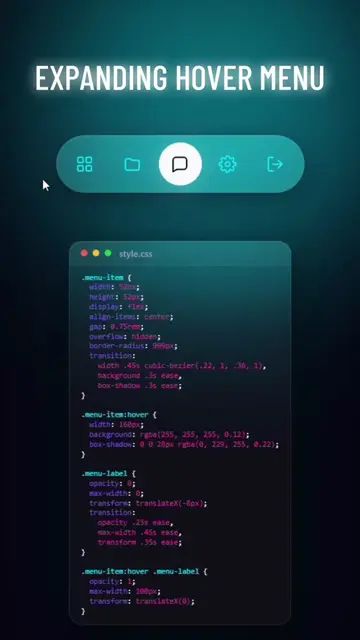
This video demonstrates how to create a modern image gallery with hover effects using HTML and CSS. It covers setting up the basic HTML structure, styling the container and cards, and implementing interactive hover effects like scaling and blurring.
HEY
Set up HTML structure with container and card divs.
Style the container and card elements.
Style the image within the cards.
Implement hover effects for scaling and blurring.
Center the content and adjust layout with flexbox.
Refine the hover effects for a polished look.
Playing this video’s own audio, so you’ll hear the creator over the sound.
Promotes 5 products. Create free account to see more.
Outliers and viral hits: their videos on Overshot, all time.