Loading video…
All breakouts
 CapCutseen in 576 videos →
3.7App DemoContrarian hook
Hook
You probably can't
@awsalater
9.2K followers · usually 13.8K views a post
Views
51.0K
Likes
933
Comments
61
Shares
85
Selling · SaaS › AI Tool
Why it worked
The video addresses a common pain point for CapCut users (needing Pro for certain features) and offers a practical workaround using a specific AI model and prompt, making it highly shareable and useful.
Summary
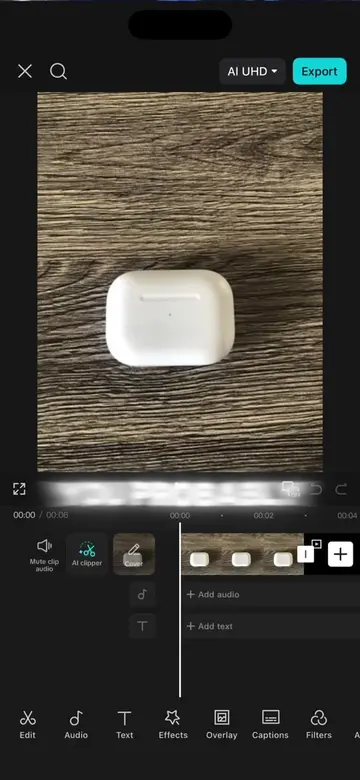
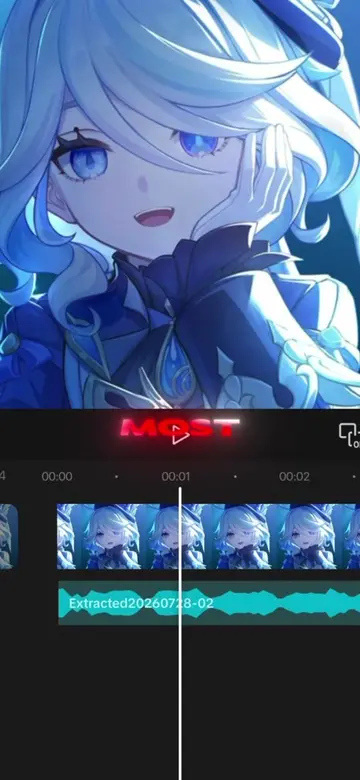
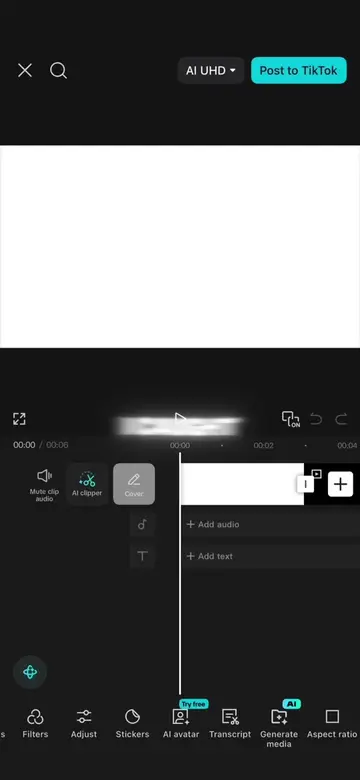
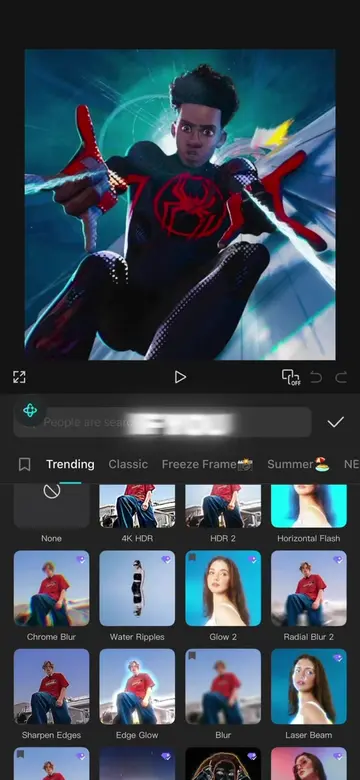
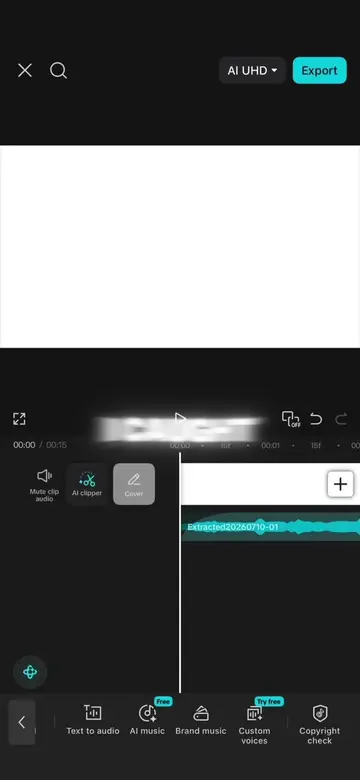
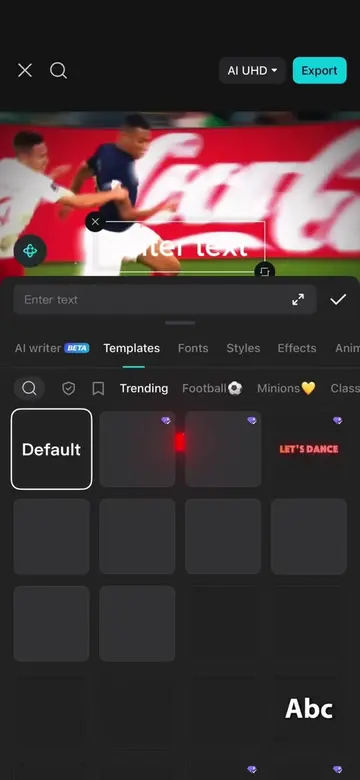
This video demonstrates how to place text behind an image in CapCut without needing the Pro version. It guides users through using the AI Edit feature with a specific prompt to achieve the desired effect.
Structure
- 1Introduce the problem (text behind image requires Pro)
- 2Offer a solution without Pro
- 3Open CapCut and select 'Edit Photo'
- 4Use the 'AI Edit' feature with a specific prompt
- 5Generate the result and show the final image
Product placement
CapCut: video editing software. It ACTS as the tool used to create the video effect. Removing it would change what happens in the video.
Seedream 5.0 Pro: AI model within CapCut. It ACTS as the AI model used for image editing. Removing it would change what happens in the video.
Call to action
Original caption
How to put text behind something in capcut without capcut pro, tutorial #capcut #capcutpioneer #capcutphoto #seedream5pro #edittutorial
More from @awsalater
Their other posts in the index, biggest breakout first.