Loading video…
Sound

original sound - jornadatop
Jornada Top · Original audio
0:00–:––
Playing this video’s own audio, so you’ll hear the creator over the sound.
The video provides a practical and "hidden" iPhone feature that many users may not be aware of, making it highly shareable and useful. The clear step-by-step instructions and the promise of a free shortcut via a website further incentivize engagement.
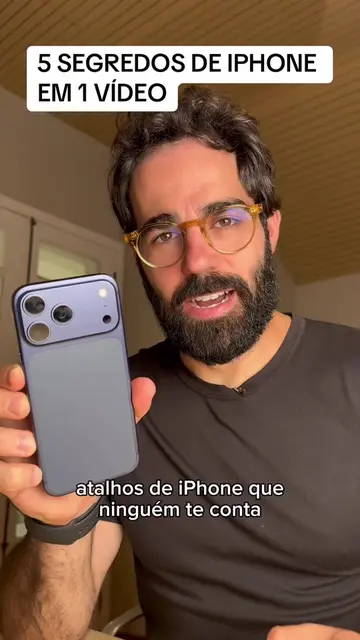
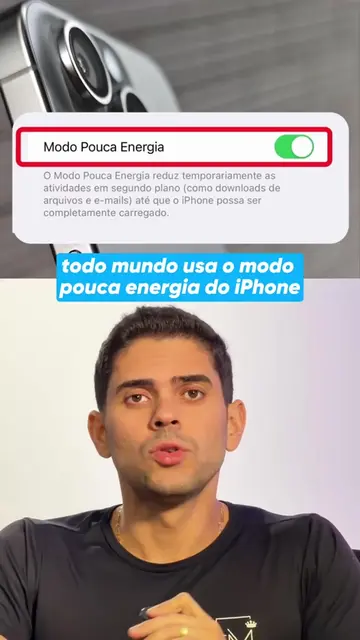
The video demonstrates how to use the Apple logo on the back of an iPhone as a button to download videos from social media. It guides viewers through setting up a shortcut in the iPhone's accessibility settings and directs them to the Jornada PRO website to download the shortcut.
#apple #iphone #dica #tecnologia #celular
A LOGO DA APPLE É UM BOTÃO!
Introduce the iPhone logo as a button.
Show how to copy a link and double-tap the logo to download.
Explain how to set up the shortcut in iPhone settings.
Direct viewers to the Jornada PRO website for the shortcut.
Encourage comments for more tips.
Apple: ACTS - The video demonstrates a feature of iPhones, specifically how to use the Apple logo on the back of the phone as a button. Removing this would change what happens in the video. Instagram: ACTS - The video shows how to copy a link from Instagram and paste it into the iPhone's share sheet. Removing this would change what happens in the video. Jornada PRO: ACTS - The video directs viewers to the Jornada PRO website to download an iPhone shortcut. Removing this would change what happens in the video.
Comenta "Eu quero" para eu te enviar ou para facilitar mais ainda a sua vida, se entra no navegador acessar o site Jornada PRO.
Playing this video’s own audio, so you’ll hear the creator over the sound.
IPhone utility app featuring shortcuts and tools for everyday phone tasks
All time.
Promotes 12 products. Create free account to see more.
Outliers and viral hits: their videos on Overshot, all time.