Loading video…
Sound

original sound - jornadatop
Jornada Top · Original audio
0:00–:––
Playing this video’s own audio, so you’ll hear the creator over the sound.
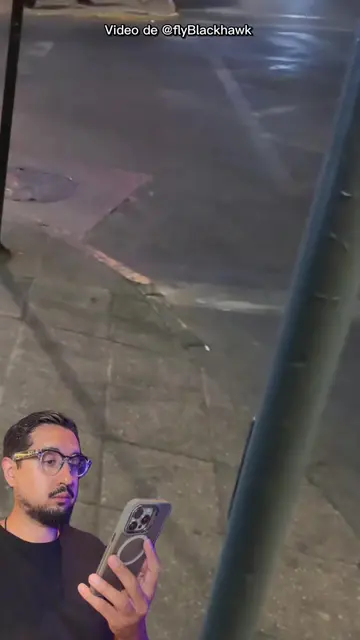
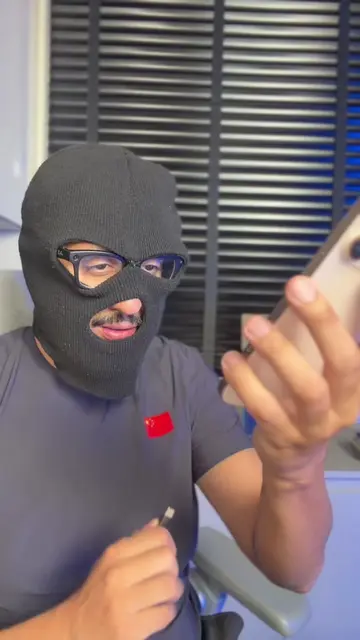
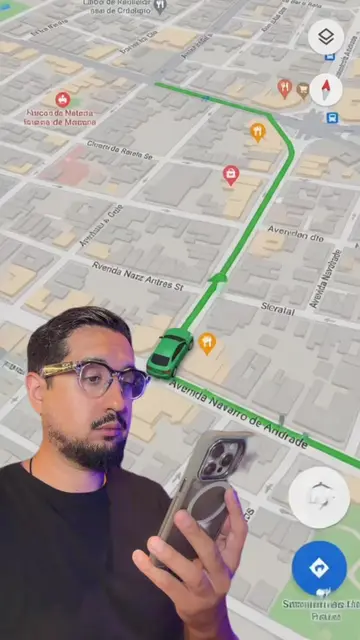
The video provides practical and useful tips for iPhone users, demonstrating how to leverage built-in features to enhance convenience and efficiency. The use of voice commands for common actions like locking the screen or taking screenshots is a compelling feature that appeals to a broad audience, and the clear, step-by-step instructions make it easy for viewers to replicate the process.
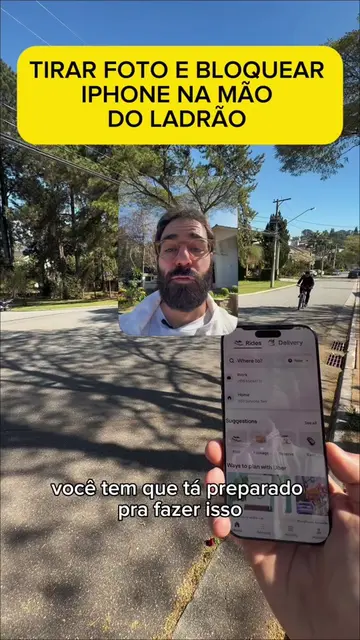
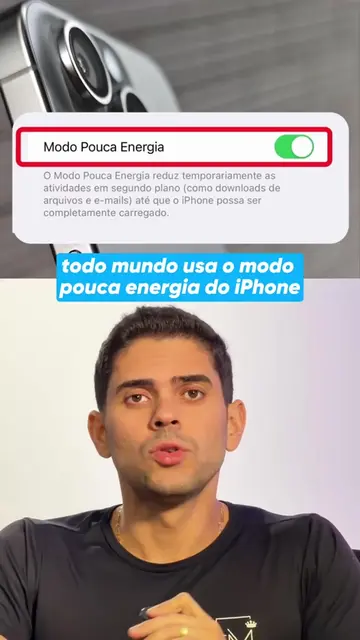
This video demonstrates how to set up voice shortcuts on an iPhone to perform actions like locking the screen, taking a screenshot, and turning on the flashlight using voice commands. It guides viewers through the settings menu to configure these shortcuts, making phone usage more convenient.
#apple #iphone #dica #tecnologia #celular
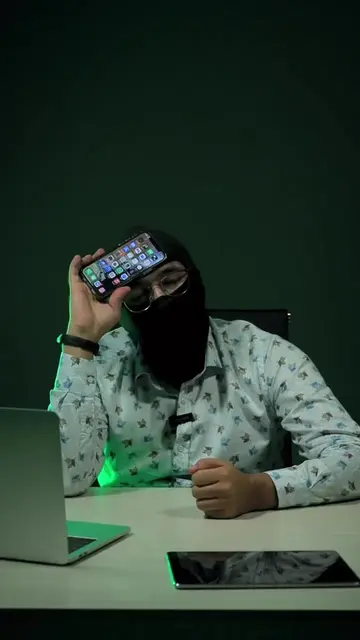
NINGUÉM MAIS TE PEGA NO IPHONE
Introduce the concept of voice commands for iPhone actions
Demonstrate locking the screen with a voice command
Demonstrate turning on the flashlight with a voice command
Demonstrate taking a screenshot with a voice command
Guide through setting up custom voice shortcuts in settings
Showcase the final functionality of the voice commands
The video showcases various features and settings on an iPhone, specifically demonstrating how to use voice commands for actions like locking the screen, taking screenshots, and activating the flashlight. The primary focus is on the iPhone's native iOS features and accessibility settings.
Deixe nos comentários o que você vai ativar de comando de voz no seu iPhone. E me siga para mais.
Playing this video’s own audio, so you’ll hear the creator over the sound.
Promotes 12 products. Create free account to see more.
Outliers and viral hits: their videos on Overshot, all time.
IPhone utility app featuring shortcuts and tools for everyday phone tasks
All time.