Loading video…
Sound

original sound - itszohaibafridi_727
MOUNTAIN KING · Original audio
0:00–:––
Playing this video’s own audio, so you’ll hear the creator over the sound.
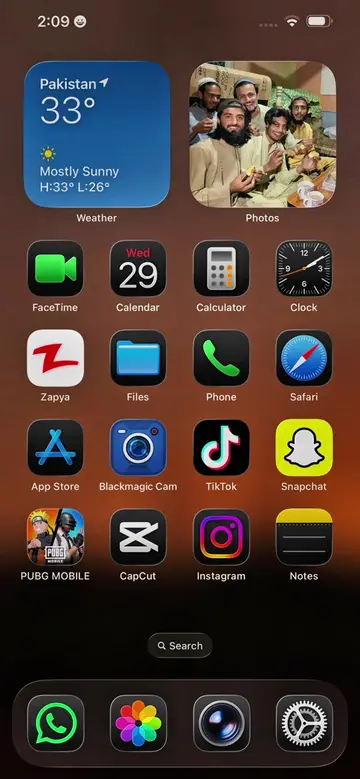
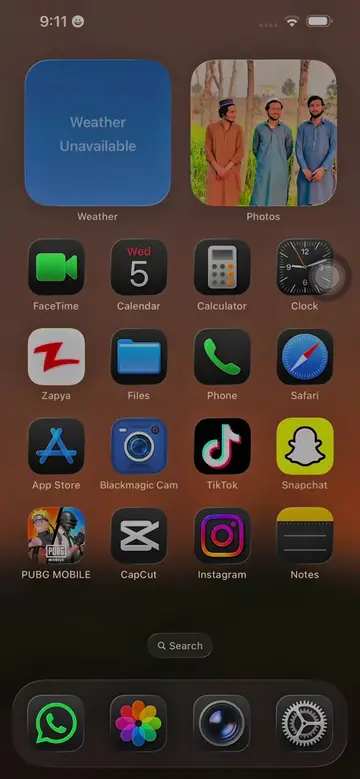
App name Blackmagic cam ✅
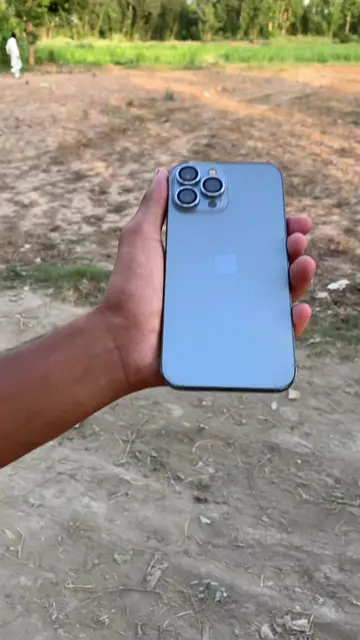
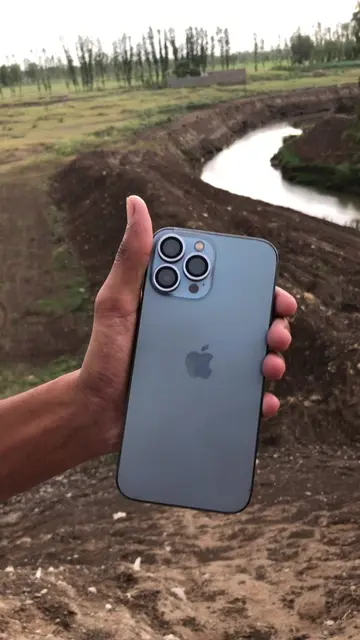
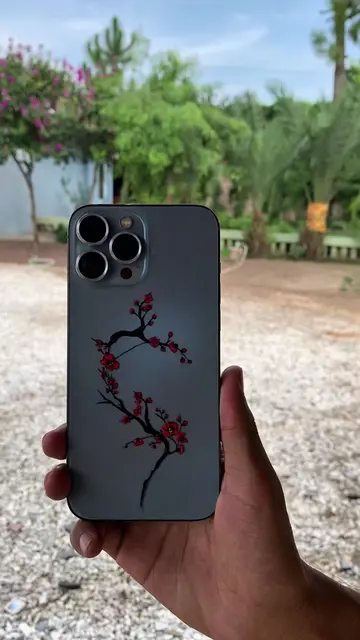
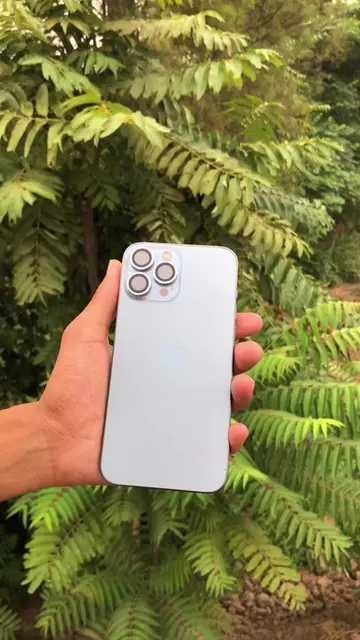
Blackmagic Camera: ACTS - it is an app that is operated to record video, and its interface is shown. Removing it would change what happens in the video. iPhone 13 Pro Max: ACTS - it is the device on which the Blackmagic Camera app is being used. Removing it would change what happens in the video.
App name Blackmagic cam ✅ Watch the full video for the tutorial ✅ For Android download it from play store and for iphone download it from app store ✅ For luts check link in bio Download Cine wedding lut✅ The Blackmagic Camera app supports a limited set of devices because it requires advanced camera APIs. iPhone (Supported) It works on: iPhone XS / XS Max iPhone XR iPhone 11, 11 Pro, 11 Pro Max iPhone SE (2nd & 3rd generation) iPhone 12 series iPhone 13 series iPhone 14 series iPhone 15 series iPhone 16 series For the best experience, use iPhone 13 Pro/Pro Max or newer, as they support ProRes, multiple lenses, and high-quality video recording. Android (Supported) The Android version supports selected devices running Android 13 or later, including many flagship phones such as: Samsung Galaxy S23, S24, S25 series Samsung Galaxy Z Fold/Flip 5 and newer Google Pixel 7, 8, and 9 series OnePlus 11, 12, and 13 Xiaomi 13, 14, and 15 series Sony Xperia 1 V and newer Not Supported Most budget and mid-range phones (such as many Infinix, Tecno, itel, Redmi budget models, and older Samsung A-series devices) either cannot install the app or have limited functionality. Blackmagic Camera Settings Record Codec: HEVC (H.265) Resolution: 4K Color Space: Rec.709 Timecode Display: Record Run Timelapse Recording: Off Capture 1 Frame Every: 1 Minute If Media Drops Frame: Alert Camera Enable Vertical Video: On Trigger Record Indicator: None Use Volume Button to Trigger Record: On Lock White Balance on Record: On Live Stream Live Stream: Off Media Record Proxy: On Upload Clips: Proxies Only Live Sync: Off Auto Upload to Selected Project: On Enable Upload Only Over Wi-Fi: Off Save Clips To: In-App and Photo Library Save Location Data to Clip: On LUTs: Record LUT to Clip: On Filename Convention: Blackmagic Camera Function Buttons Function Buttons: On F1: None
Watch the full video for the tutorial. For Android download it from play store and for iphone download it from app store. For luts check link in bio. Download Cine wedding lut.
Playing this video’s own audio, so you’ll hear the creator over the sound.
Promotes 3 products. Create free account to see more.
Outliers and viral hits: their videos on Overshot, all time.
Phone camera app with manual filming controls for people making cinematic videos
All time.