Loading video…
Sound

original sound - excel.ninja.xls
Excel.Ninja.xls · Original audio
0:00–:––
Playing this video’s own audio, so you’ll hear the creator over the sound.
The video provides a quick, actionable tip for a common Excel pain point, demonstrating a visually appealing and efficient solution that makes the user look like a 'genius' with minimal effort.
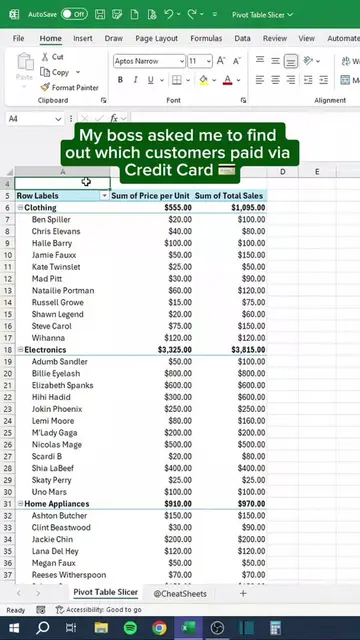
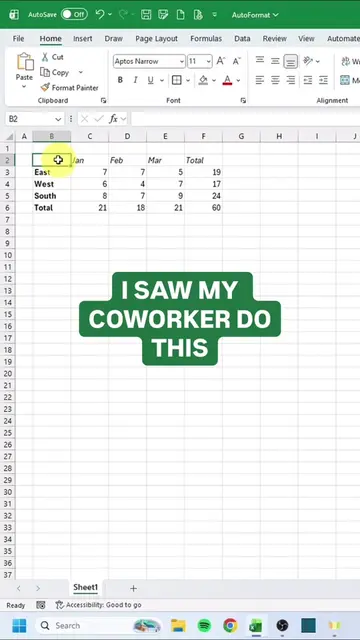
The video demonstrates how to use slicers in Microsoft Excel as a more efficient way to filter data compared to traditional dropdown filters. It shows the steps to convert a data range into a table and then insert and customize slicers for interactive data filtering.
Filters are fine. Slicers are FINE. 🥷 If you’re still opening that dropdown, unchecking boxes, and praying you didn’t miss one, this reel is for you. Slicers give you actual BUTTONS to filter your data. One click. Instantly see what’s filtered. Zero guessing. And when someone asks “can you show me just Q3?” you tap once and look like a genius. Setup takes 10 seconds: Click your table → Insert tab → Slicer → pick your column → done. #ExcelNinja #ExcelTips #Slicers #ExcelTricks #ExcelDashboard
Who still uses filters??
Introduce the problem with traditional filters
Introduce slicers as a better solution
Show how to convert data to a table
Show how to insert and customize slicers
Demonstrate interactive filtering with slicers
Microsoft Excel (ACTS - interface is operated to demonstrate data filtering; removing it would change what happens in the video). Slicers (ACTS - a feature of Excel that is operated to filter data; removing it would change what happens in the video).
Join Nora and her TA team for tips and tricks to help you navigate Excel 💚🥷
Playing this video’s own audio, so you’ll hear the creator over the sound.
Promotes 1 product. Create free account to see more.
Outliers and viral hits: their videos on Overshot, all time.
Spreadsheet software for people organizing, analyzing, and sharing data
All time.