Loading video…
Sound

original sound - easysheets0
Easy Sheets · Original audio
0:00–:––
Playing this video’s own audio, so you’ll hear the creator over the sound.
Hook
Posted Aug 20, 2026Video · 1:00by @easysheets0
The video provides quick, actionable tips for common Excel tasks, appealing to users looking to improve their data analysis and project management skills. The use of clear visuals and concise instructions makes the content easily digestible and shareable.
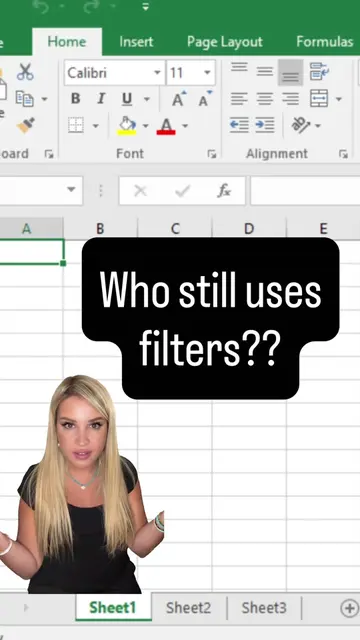
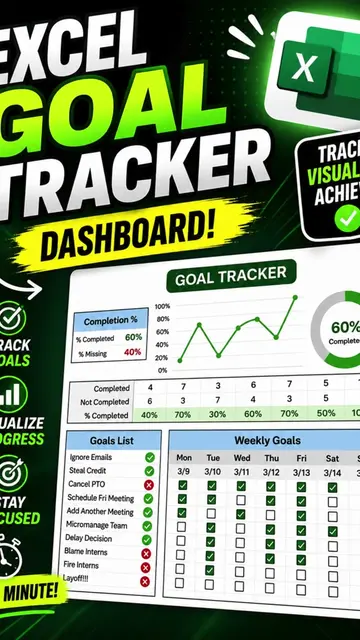
The video demonstrates how to use Microsoft Excel's pivot table slicers to filter data, specifically showing how to isolate customers who paid by credit card. It then transitions to showing how to create a progress tracker in Excel using checkboxes and a formula.
Pivot Table Slicer in Excel‼️ #excel
My boss asked me to find out which customers paid via Credit Card 💳
Introduce the problem: finding credit card payments
Demonstrate filtering data using a pivot table slicer
Showcase the result of the filter
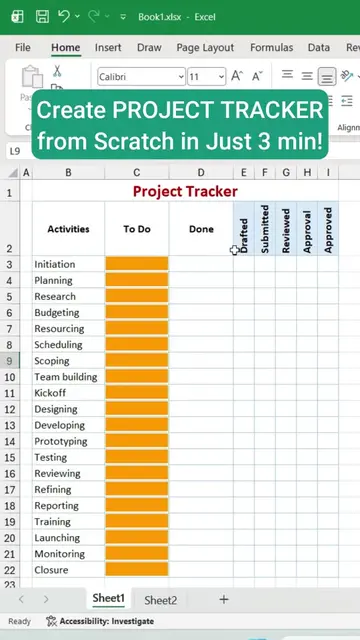
Introduce a new tutorial: creating a progress tracker
Show how to insert checkboxes
Explain the formula for the progress tracker
Microsoft Excel: ACTs - The interface is operated to demonstrate how to use pivot table slicers and filters. Removing it would change what happens in the video. It is the primary tool used in the video. @easysheets0: APPEARS - This is the creator's handle, shown at the bottom of the screen. Removing it would not change what happens in the video.
Playing this video’s own audio, so you’ll hear the creator over the sound.
Spreadsheet software for people organizing, analyzing, and sharing data
All time.
Promotes 1 product. Create free account to see more.
Outliers and viral hits: their videos on Overshot, all time.