Loading video…
All breakouts
3.3Talking HeadHow-To hookConsumer Apps
Hook
Fix the Reboot Loop in Minutes
@depict.iunlockerpro
4.5K followers · usually 1.1K views a post
Views
3.4K
Likes
66
Comments
1
Shares
6
SoundTikTok sound · CALM
Promoted product
iPhone
Why it worked
The video addresses a common and frustrating problem for iPhone users, offering a quick and easy solution. The clear, concise demonstration and the promise of a fast fix make it highly shareable and useful.
Summary
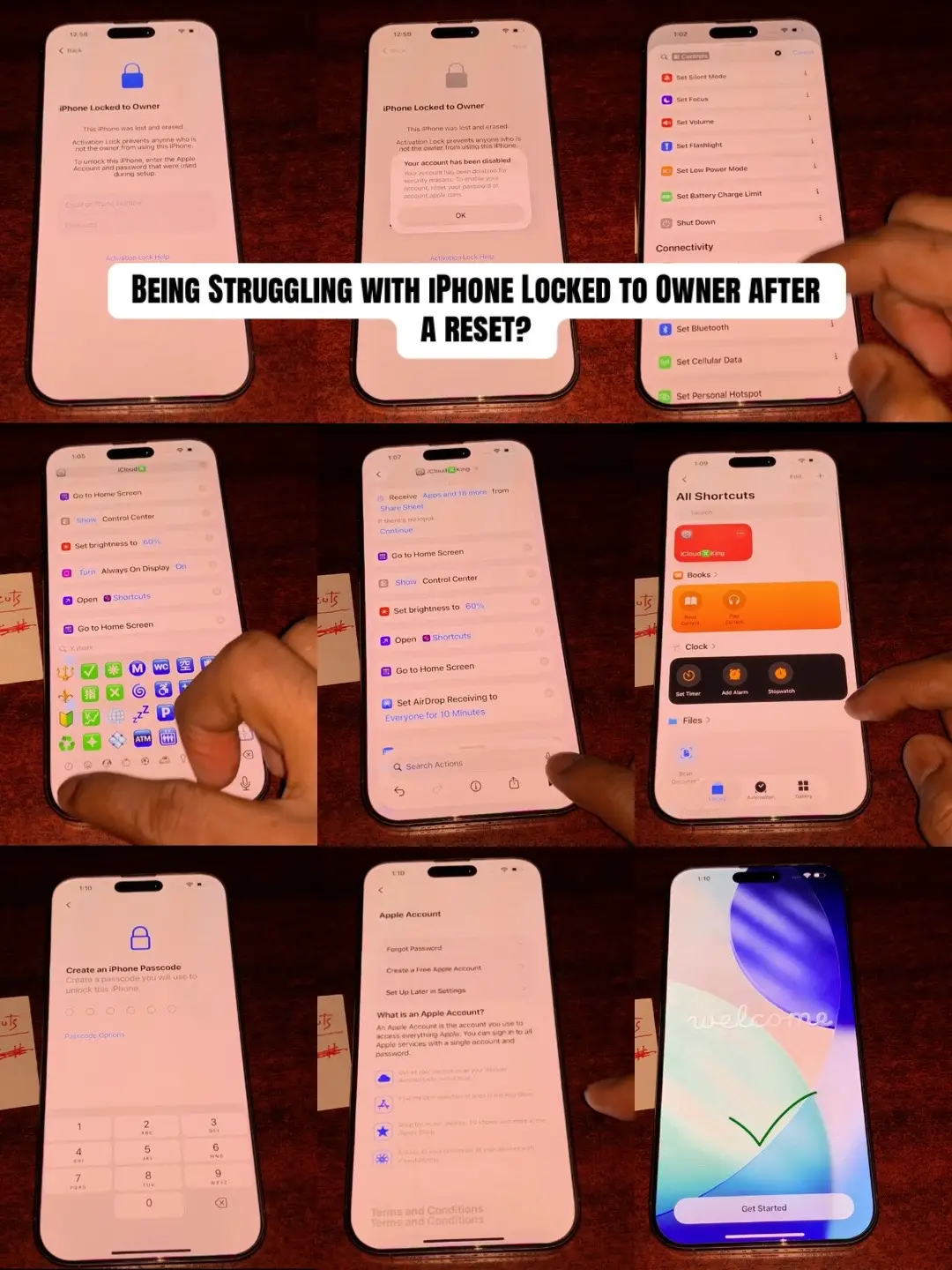
This video demonstrates how to exit recovery mode on an iPhone that is stuck in a reboot loop. By holding the volume up, volume down, and power buttons for 10-15 seconds, the iPhone will restart and exit recovery mode.
Structure
- 1Show iPhone in recovery mode
- 2Explain how to exit recovery mode
- 3Demonstrate button sequence
- 4Show iPhone restarting
- 5Confirm iPhone is out of recovery mode
Product placement
iPhone (acts): A smartphone that is stuck in a reboot loop. Removing it would change the video's subject. Apple (appears): A logo on the iPhone screen. Removing it would not change what happens in the video.
On-screen text
Fix the Reboot Loop in Minutes
support.apple.com/iphone/restore
Original caption
Is your iPhone stuck rebooting on the Apple logo? In this video, I’ll show you common troubleshooting steps to help get it working again. #iPhone #AppleLogo #BootLoop #iPhoneTips #TechTok
More from @depict.iunlockerpro
More breakout videos from this creator.