Loading video…
All breakouts
6.9Talking HeadDirect Question hookConsumer Apps
Hook
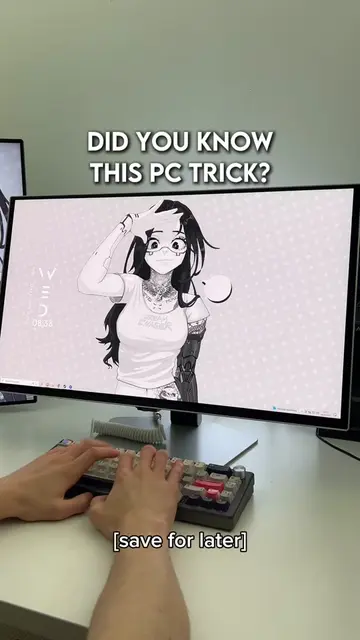
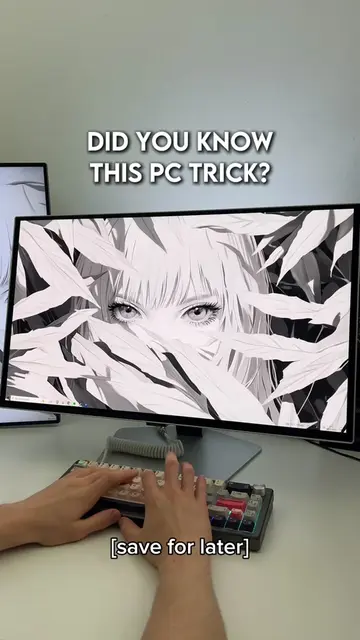
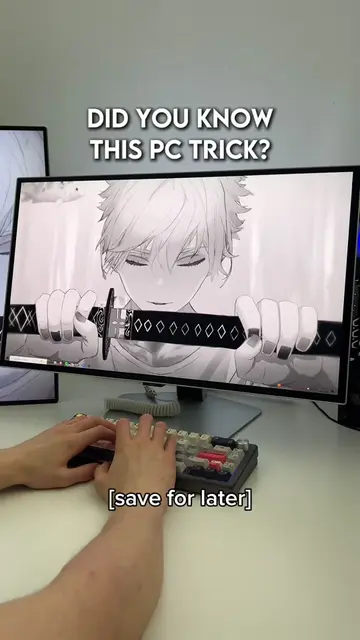
DID YOU KNOW THIS PC TRICK?
@lucastechq
346.2K followers · usually 19.5K views a post
Views
126.5K
Likes
5.7K
Comments
23
Shares
374
Promoted product
—
Why it worked
The video provides a quick, useful, and easily shareable tech tip that appeals to a broad audience interested in PC productivity and privacy. The 'save for later' prompt encourages engagement and virality.
Summary
This video demonstrates a Windows PC trick that reveals all recently opened files and applications. By pressing Windows key + R and typing 'recent', users can access a list of their recent activity, useful for checking computer usage.
Structure
- 1Introduce the PC trick
- 2Demonstrate Windows key + R
- 3Type 'recent' and press Enter
- 4Show the list of recent files/apps
- 5Explain the utility of the trick
Product placement
The video demonstrates a built-in Windows feature accessed by pressing 'Windows key + R' and typing 'recent'. This feature shows a list of recently opened files and applications.
On-screen text
[save for later]
DID YOU KNOW
THIS PC TRICK?
WEDNESDAY
Type here to search
Original caption
How to scan recent activity on your PC! #pctips #techtok #wallpaperengine #windows #pcgaming
More from @lucastechq
More breakout videos from this creator.