Loading video…
Sound

original sound - quick.tips45
Quick Tips · Original audio
0:00–:––
Playing this video’s own audio, so you’ll hear the creator over the sound.
The video provides a quick and practical solution to a common data cleaning problem using readily available software (Excel). The use of keyboard shortcuts and the promise of a 'sheet' in the comments incentivizes engagement and sharing.
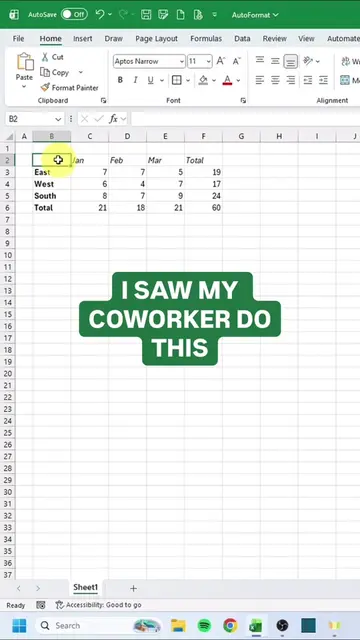
The creator demonstrates a quick method in Microsoft Excel to fix messy data by using the 'Text to Columns' feature. They show how to select all data with CTRL A, then use ALT AE and ALT HOI shortcuts to convert the text into organized columns, saving significant time compared to manual methods.
#columns… ek hi cell mein 😵💫 Aisa data dekh ke koi bhi confuse ho jayega! But wait… Sirf 5 second mein clean table 💥 👉 Data → Text to Columns → DONE 😎 Manual karoge toh 1 hour lagega ❌ Excel se 5 sec ka kaam hai ✅ 📊 Real skills = Smart work 👉 Follow @codes.rahul for more insane Excel .#.. Read more
CTRL A
Introduce the problem of a messy data sheet.
Demonstrate the Excel shortcuts (CTRL A, ALT AE, ALT HOI) to fix the data.
Show the result of the data being cleaned and organized into columns.
Encourage viewers to follow for more tips and comment for the sheet.
Follow @codes.rahul for more insane Excel tips and comment 'sheet' to get the sheet.
Playing this video’s own audio, so you’ll hear the creator over the sound.
Spreadsheet software for people organizing, analyzing, and sharing data
All time.
Promotes 2 products. Create free account to see more.
Outliers and viral hits: their videos on Overshot, all time.