Loading video…
All breakouts
38.4Talking HeadHow-To hookEducation
Hook
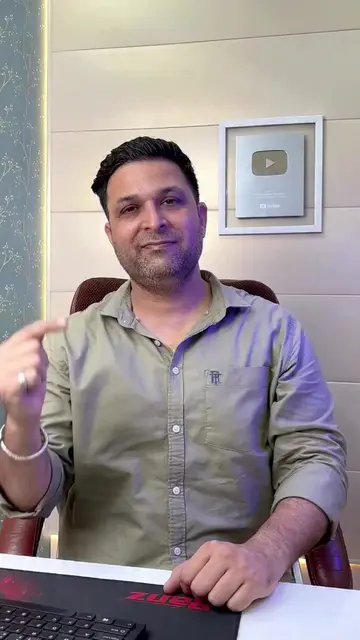
If you also need a signature on your document in seconds
@quick.tips45
28.4K followers · usually 14.1K views a post
Views
485.5K
Likes
14.8K
Comments
349
Shares
3.5K
Promoted product
MS Office course
Why it worked
The video provides a practical and quick solution to a common problem, making it highly shareable and useful for a broad audience looking to improve their document creation skills.
Summary
The video demonstrates how to add a digital signature to a document in Microsoft Word. The creator shows how to take a photo of a signature, insert it into Word, adjust its formatting, and change its color.
Structure
- 1Introduce the problem: needing a signature on a document.
- 2Show how to capture a signature photo.
- 3Insert the signature photo into Word.
- 4Adjust the signature's position and appearance.
- 5Mention a comprehensive MS Office course for learning more tricks.
Call to action
type "LINK" in comments
On-screen text
LINK
Original caption
#Add This Signature to Any Document in Seconds#columns #learning #excel #anjnicomputereducation
More from @quick.tips45
More breakout videos from this creator.


![#China’s Newest AI Model 🔥 [LongCat 2.0, Open Source AI, AI Coding, AI Agents]](https://tiktokspy.sfo3.digitaloceanspaces.com/covers/7671696538309004557.jpg)