Loading video…
Sound

original sound - quick.tips45
Quick Tips · Original audio
0:00–:––
Playing this video’s own audio, so you’ll hear the creator over the sound.
The video effectively uses a common pain point (manual data entry) and offers a clear, efficient solution using a widely recognized tool (Excel). The "Beginner vs. Pro" format and visual cues like the "X" and checkmark make the benefit immediately obvious and relatable.
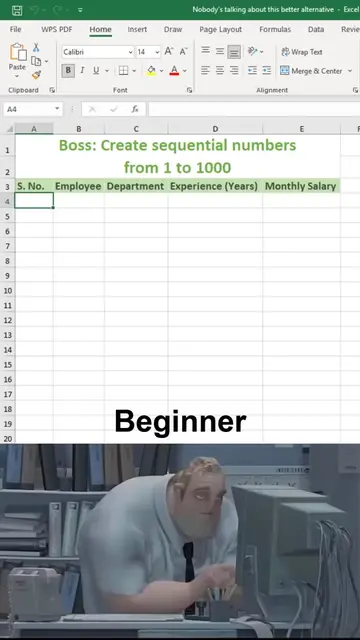
The video contrasts two methods of entering random scores into an Excel spreadsheet. The "Beginner" method involves manually typing each score, which is shown to be time-consuming and error-prone. The "Pro" method demonstrates using the RANDBETWEEN function to automatically generate random scores, highlighting its efficiency and ease of use.
#Beginner 😭 vs Pro 😎 | Generate Random Numbers in Excel🚀 Excel me dummy data ya random numbers automatic fill karna seekhein sirf 10 seconds me! Is video me humne Beginner vs Pro tarika dikhaya hai jahan =RANDBETWEEN(bottom, top) formula ka use karke aap kisi bhi table me marksheet ya numbers jal... Read more
SCZ
Show beginner method of manually entering scores
Show "X" mark indicating the beginner method is wrong
Introduce "Pro" method with RANDBETWEEN function
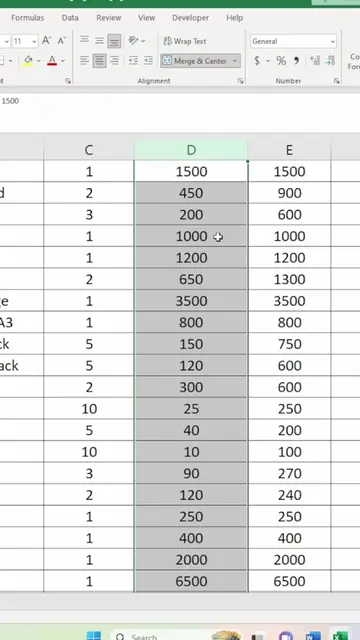
Demonstrate generating random scores with the function
Show "Shift + F9" shortcut for refreshing random numbers
Show "Checkmark" indicating the pro method is correct
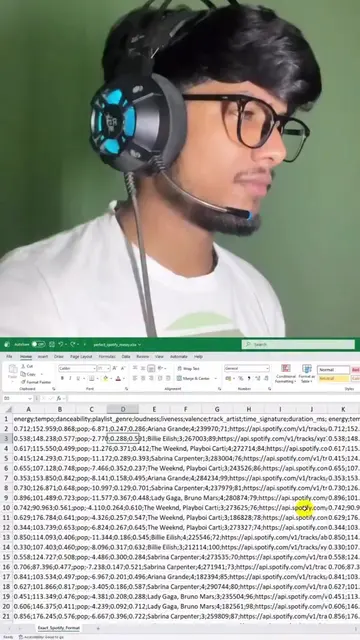
SCZ (SAJAL EDU CAREER ZONE) appears as a watermark in the top left corner. It is a logo and does not act. Removing it would not change what happens in the video. Microsoft Excel is used to create a table of scores. Its interface is operated, and it generates a visible result (the table of scores). Removing it would change what happens in the video.
Playing this video’s own audio, so you’ll hear the creator over the sound.
Spreadsheet software for people organizing, analyzing, and sharing data
All time.
Promotes 2 products. Create free account to see more.
Outliers and viral hits: their videos on Overshot, all time.