On-screen text
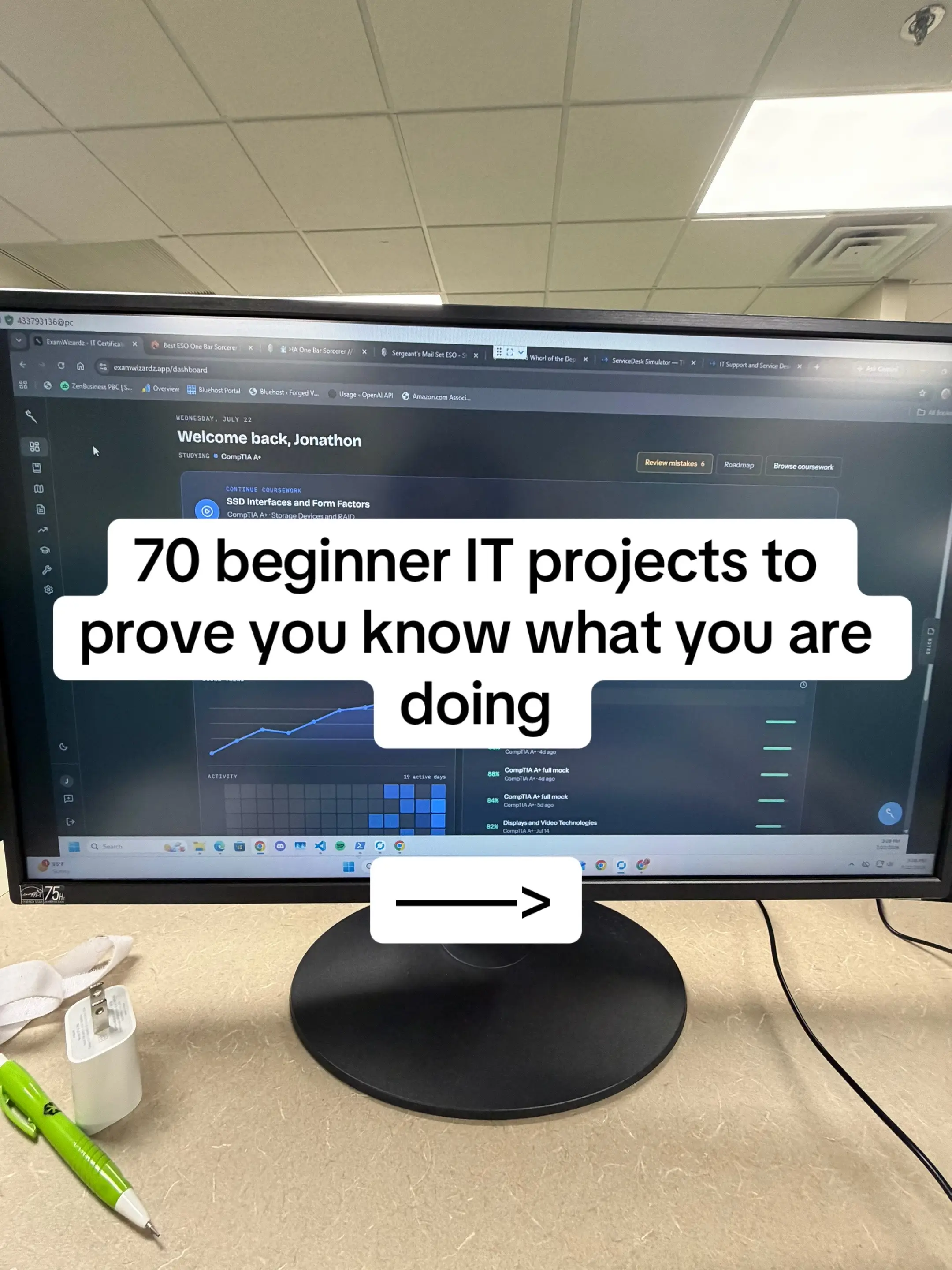
Welcome back, Jonathon
STUDYING @ CompTIA.AR
70 beginner IT projects to
prove you know what you are
doing
70 BEGINNER IT PROJECTS
1. Build your first Windows 11 desktop PC.
2. Upgrade a laptop by replacing an HDD with an SSD.
3. Install additional RAM in a desktop or laptop.
4. Perform a complete PC cleaning and dust removal.
5. Apply new thermal paste to a CPU.
6. Install Windows 11 from a bootable USB.
7. Install Linux alongside Windows (dual boot).
8. Create a bootable USB using Rufus.
9. Recover deleted files using recovery software.
10. Clone a hard drive to an SSD.
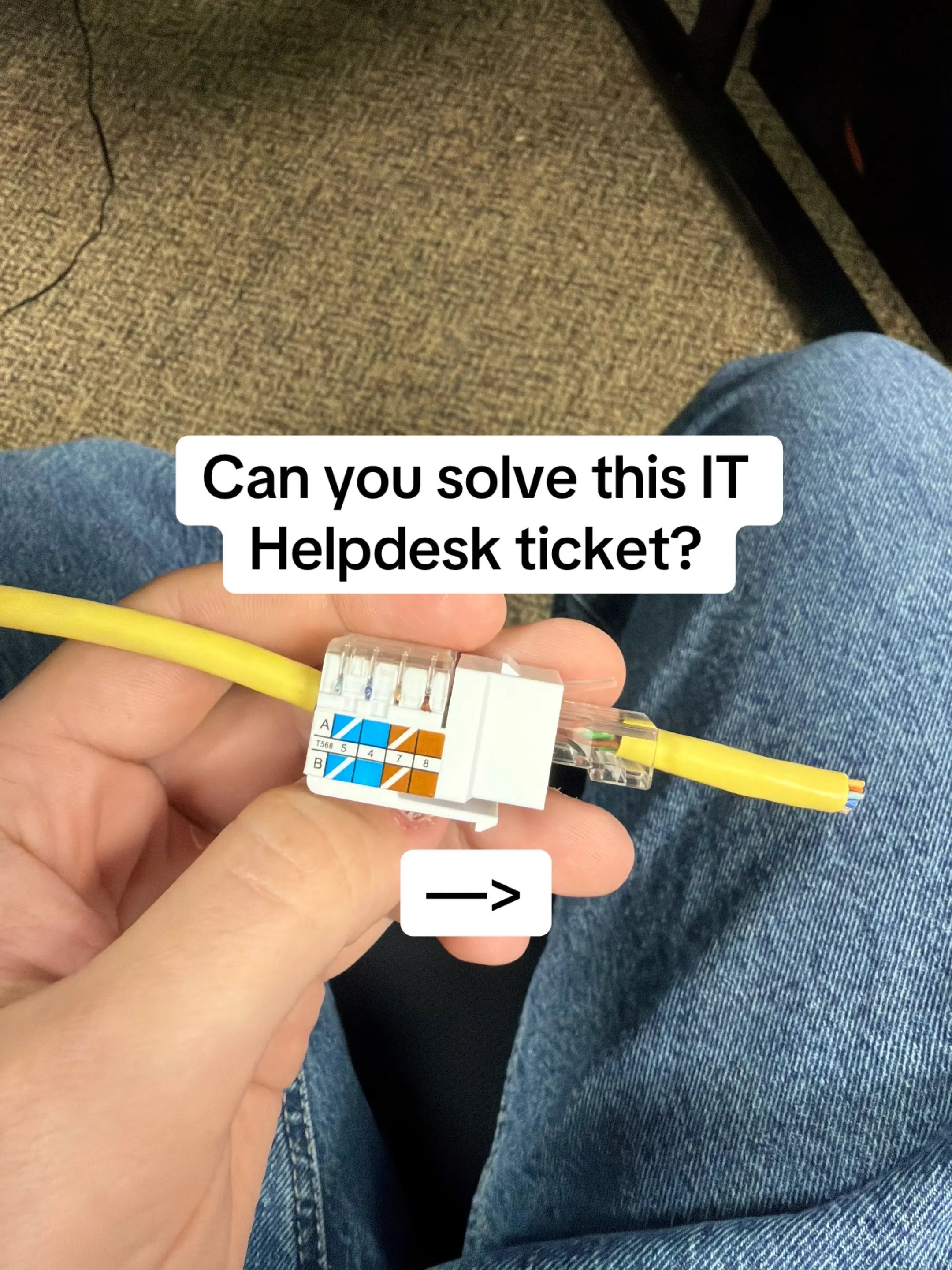
11. Terminate an RJ45 Ethernet cable.
12. Test an Ethernet cable with a cable tester.
13. Build a small home network with a router and switch.
14. Configure a static IP address.
15. Reserve an IP address using DHCP.
16. Log into a home router and change the Wi-Fi name.
17. Change the Wi-Fi password and security settings.
18. Compare Wi-Fi signal strength in different rooms.
19. Run continuous ping tests to troubleshoot connectivity.
20. Trace the path to a website using tracert.
21. Create multiple Windows user accounts.
22. Configure parental controls or local account restrictions.
23. Share a folder across the network.
24. Map a network drive.
25. Enable Remote Desktop.
26. Configure Windows Firewall rules.
27. Install and uninstall software properly.
28. Schedule an automatic disk cleanup.
29. Configure automatic Windows updates.
30. Use Task Manager to identify resource-heavy applications.
31. Navigate Windows using Command Prompt only.
32. Create, move, copy, and delete files with CMD.
33. Display IP information using ipconfig.
34. Test DNS using nslookup.
35. Use ping to verify connectivity.
36. View active network connections with netstat.
37. List running processes with tasklist.
38. Create a batch script that automates opening programs.
39. Export system information using systeminfo.
40. Compare CMD and PowerShell by completing the
same task in both.
41. Install Ubuntu in VirtualBox.
42. Create and manage Linux users.
43. Install software using apt.
44. Navigate the Linux file system.
45. Change file permissions with chmod.
46. View running processes using ps and top.
47. Configure SSH access.
48. Transfer files with scp.
49. Update and upgrade a Linux system.
50. Create a simple Bash script.
51. Install VirtualBox.
52. Create a Windows virtual machine.
53. Create a Linux virtual machine.
54. Configure virtual networking between VMs.
55. Take and restore VM snapshots.
56. Enable BitLocker drive encryption.
57. Configure Windows Defender scans.
58. Create strong password policies.
59. Enable Multi-Factor Authentication on several online accounts.
60. Scan a PC for malware using Windows Security.
61. Install Windows Server in a virtual machine.
62. Promote the server to a Domain Controller.
63. Join a Windows PC to the Domain.
64. Create Active Directory users and groups.
65. Create and apply a basic Group Policy.
66. Diagnose and fix a simulated "No Internet" problem.
67. Troubleshoot a PC that won't boot.
68. Identify a failing hard drive using SMART tools.
69. Replace a failed network cable and verify connectivity.
70. Create a complete troubleshooting report documenting
the problem, diagnosis, solution, and lessons learned.
Want more
IT PRACTICE?
GO CHECK OUT
EXAMWIZARDZ.APP