Loading video…
All breakouts
28.9Text-HeavyDirect Question hookEducation
Hook
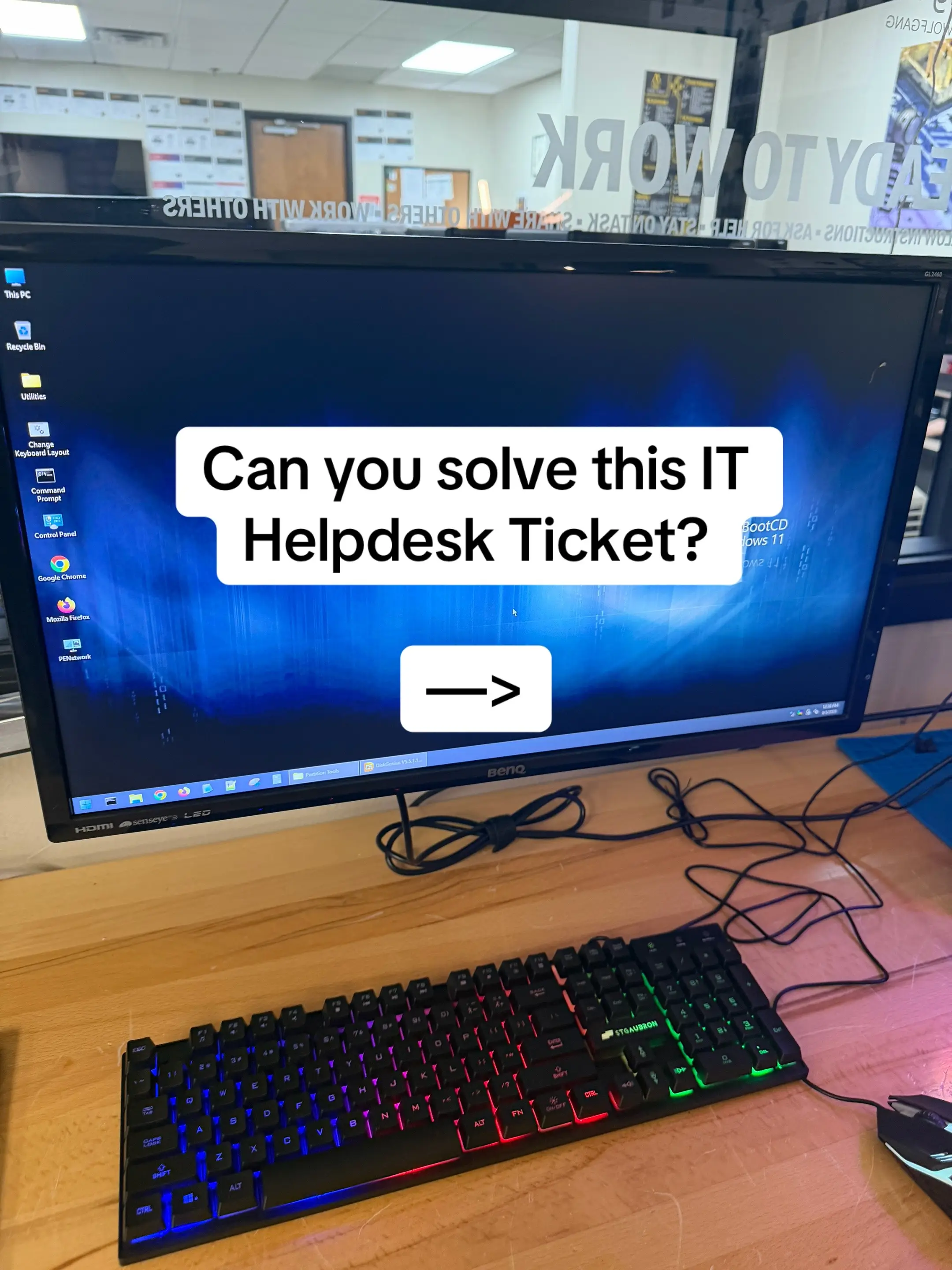
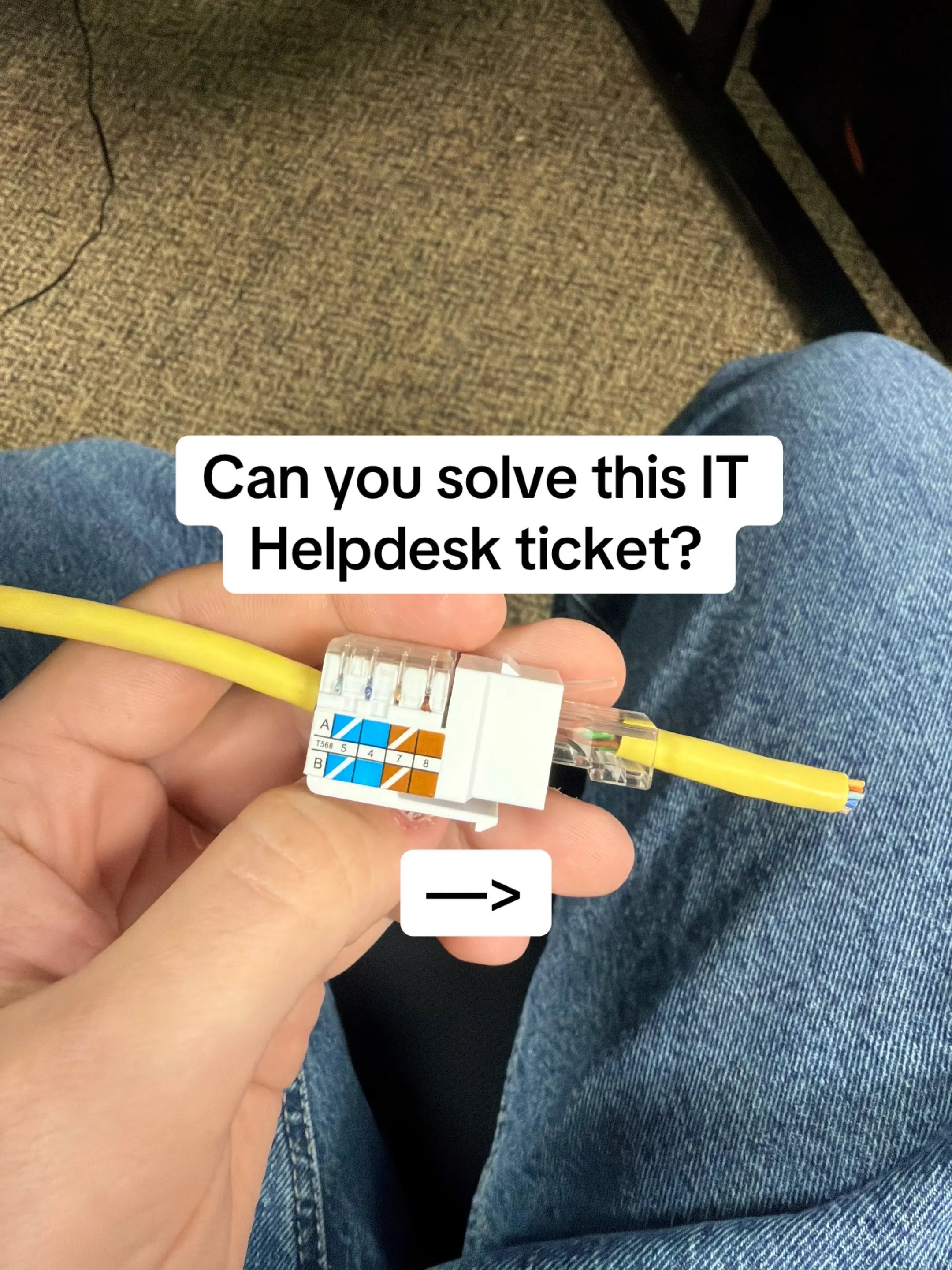
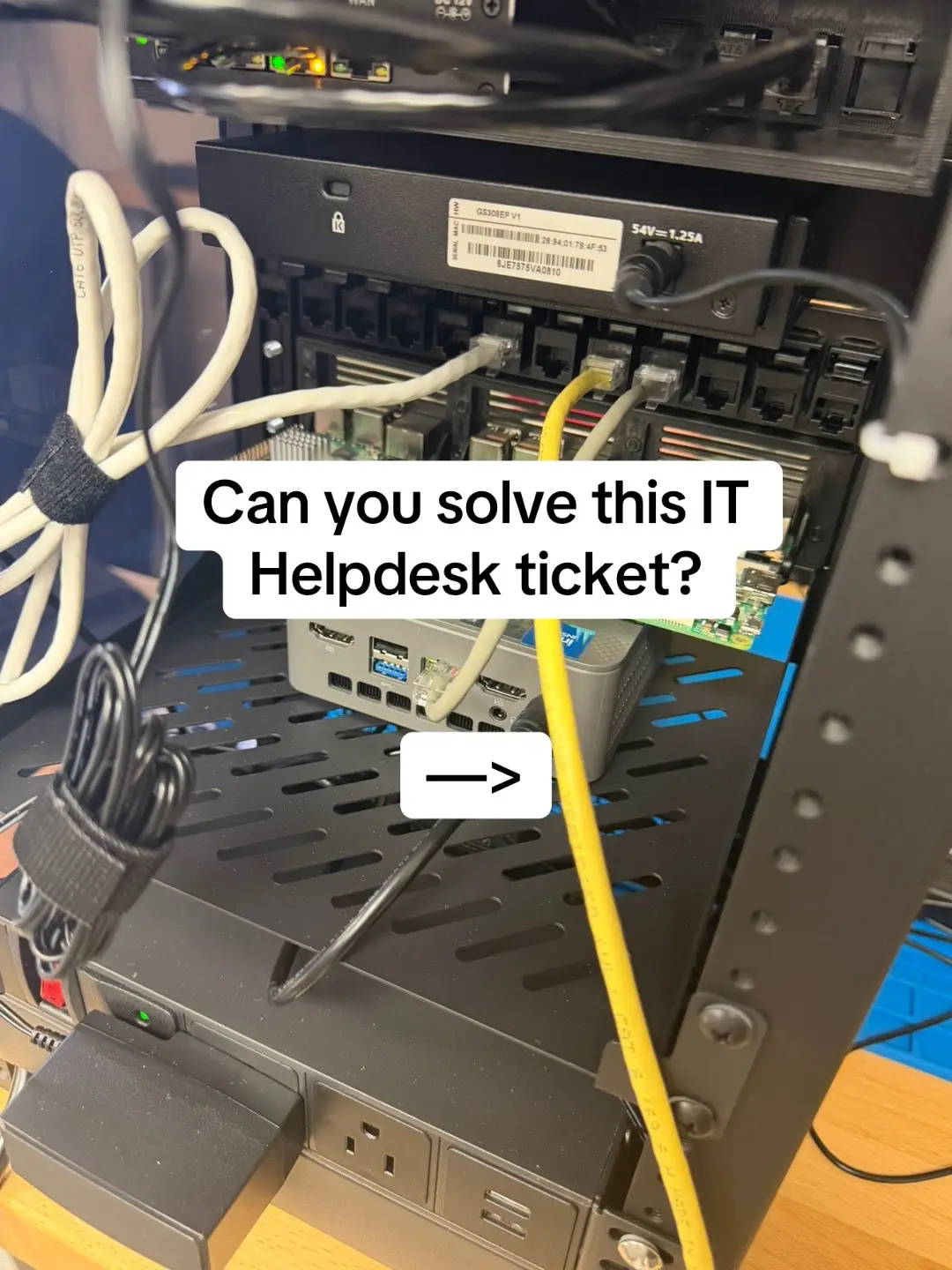
Can you solve this IT Helpdesk ticket?
@jonathon_eades
23.7K followers · usually 8.5K views a post
Views
225.0K
Likes
6.5K
Comments
304
Shares
228
Why it worked
The video effectively uses a common IT problem as a hook, engaging viewers who work in or aspire to work in IT. By presenting a clear problem, investigation, and solution, it demonstrates the practical value of the ExamWizardz.app platform for learning and skill development.
Summary
This video presents an IT helpdesk ticket scenario where a user cannot sign in due to a broken domain trust relationship. It then guides the viewer through the troubleshooting steps and the solution, highlighting ExamWizardz.app as a platform for practicing such IT scenarios.
Structure
- 1Introduction to an IT helpdesk ticket challenge
- 2Presentation of the ticket details and symptoms
- 3Technician's findings and the core issue identified
Original caption
A user says their password suddenly stopped working—but the password isn’t actually the problem. Their account is enabled. Their password works on another PC. The laptop can reach the domain controller. Local login works. Then you see: “The trust relationship between this workstation and the primary domain failed.” The workstation’s secure relationship with Active Directory has been broken. At that point, the technician needs to repair the secure channel or, when appropriate, rejoin the machine to the domain. 💡 Lesson: A login problem doesn’t always mean a password problem. Troubleshoot the evidence before resetting credentials. Want to build these skills while studying for the CompTIA A+? Check out examwizardz.app #techtok #CompTIA #networking #ITCareer #helpdesk
More from @jonathon_eades
More breakout videos from this creator.