Loading video…
All breakouts

26.2Text-HeavyDirect Question hookEducation
Hook
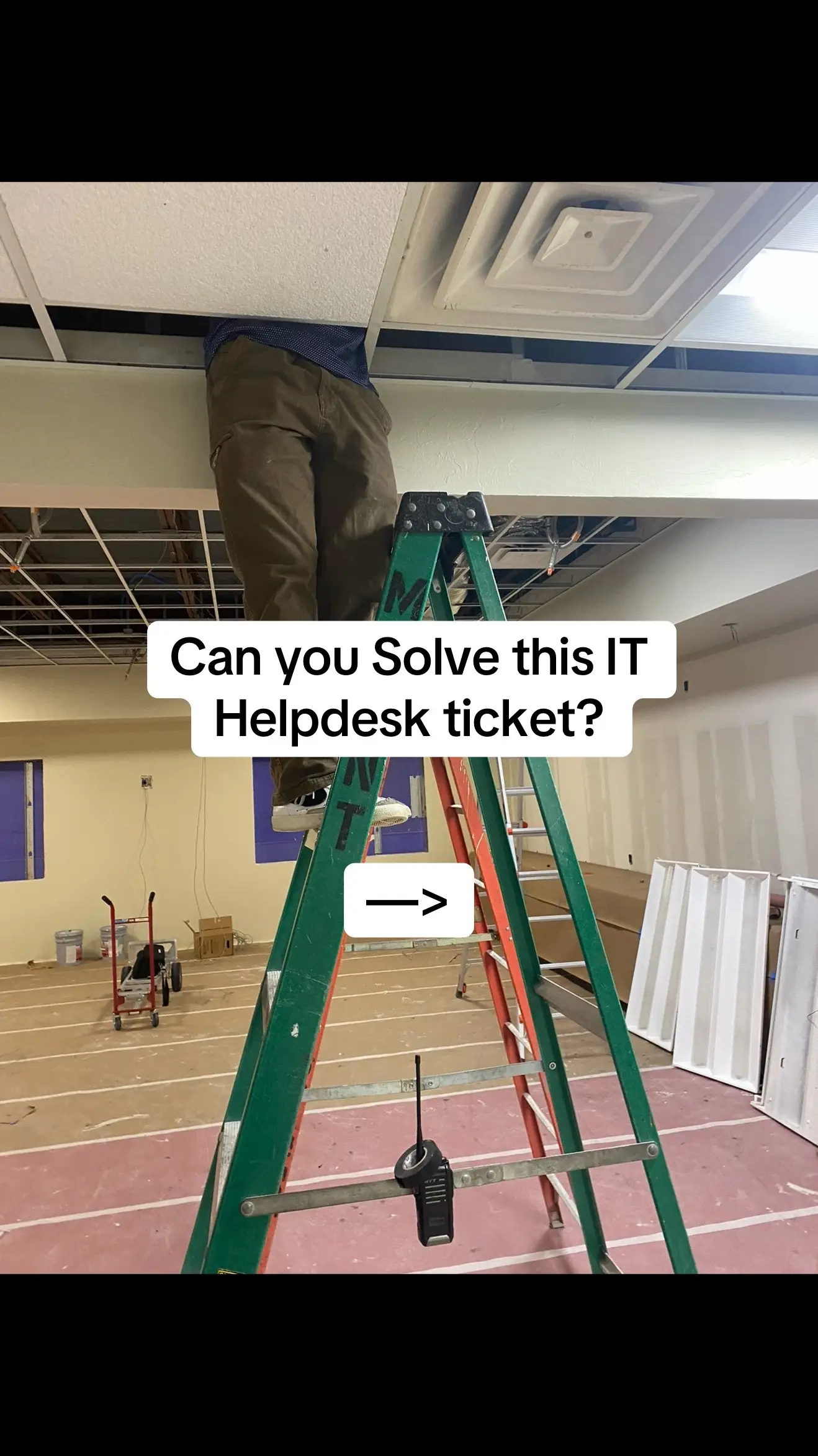
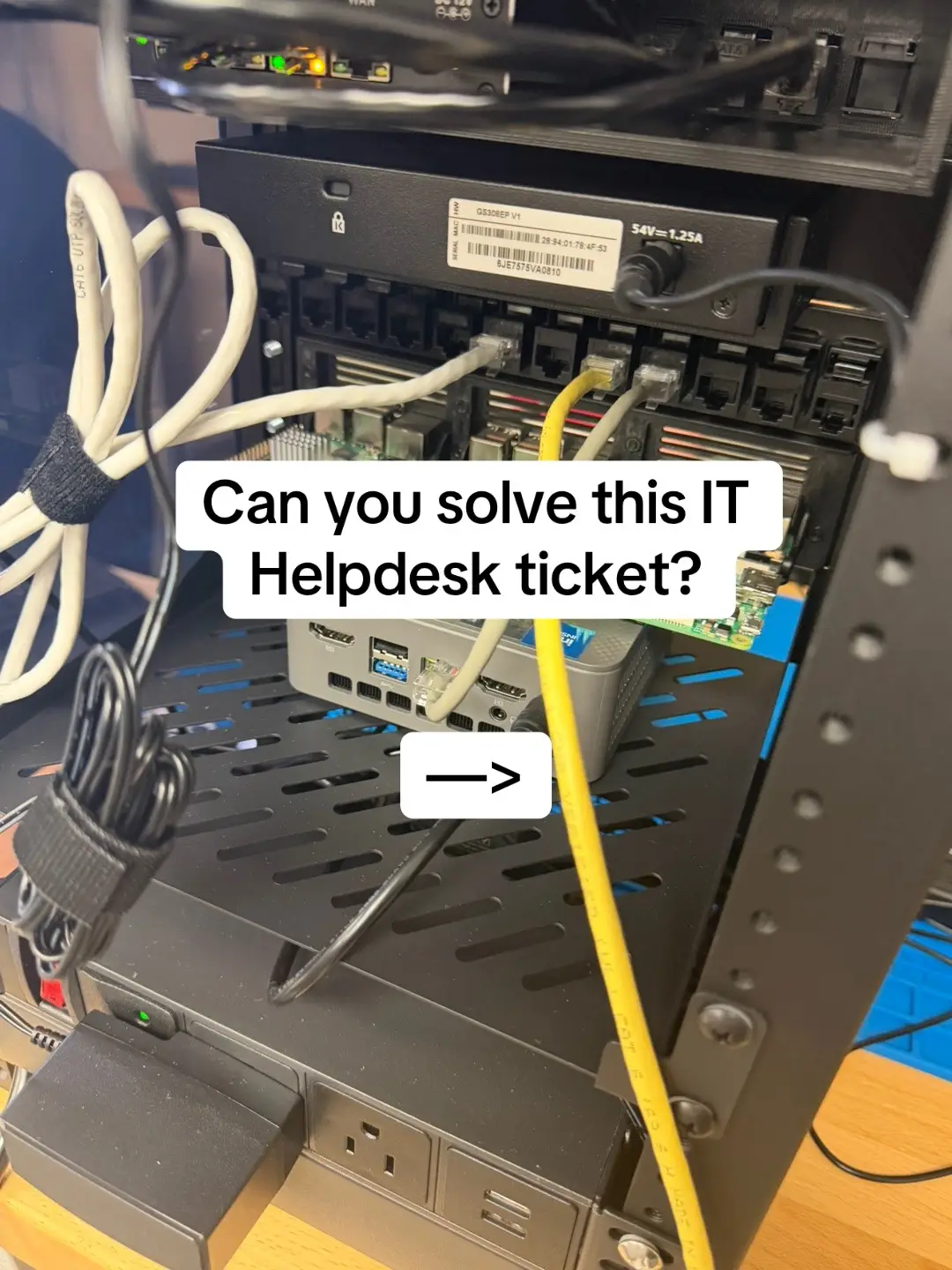
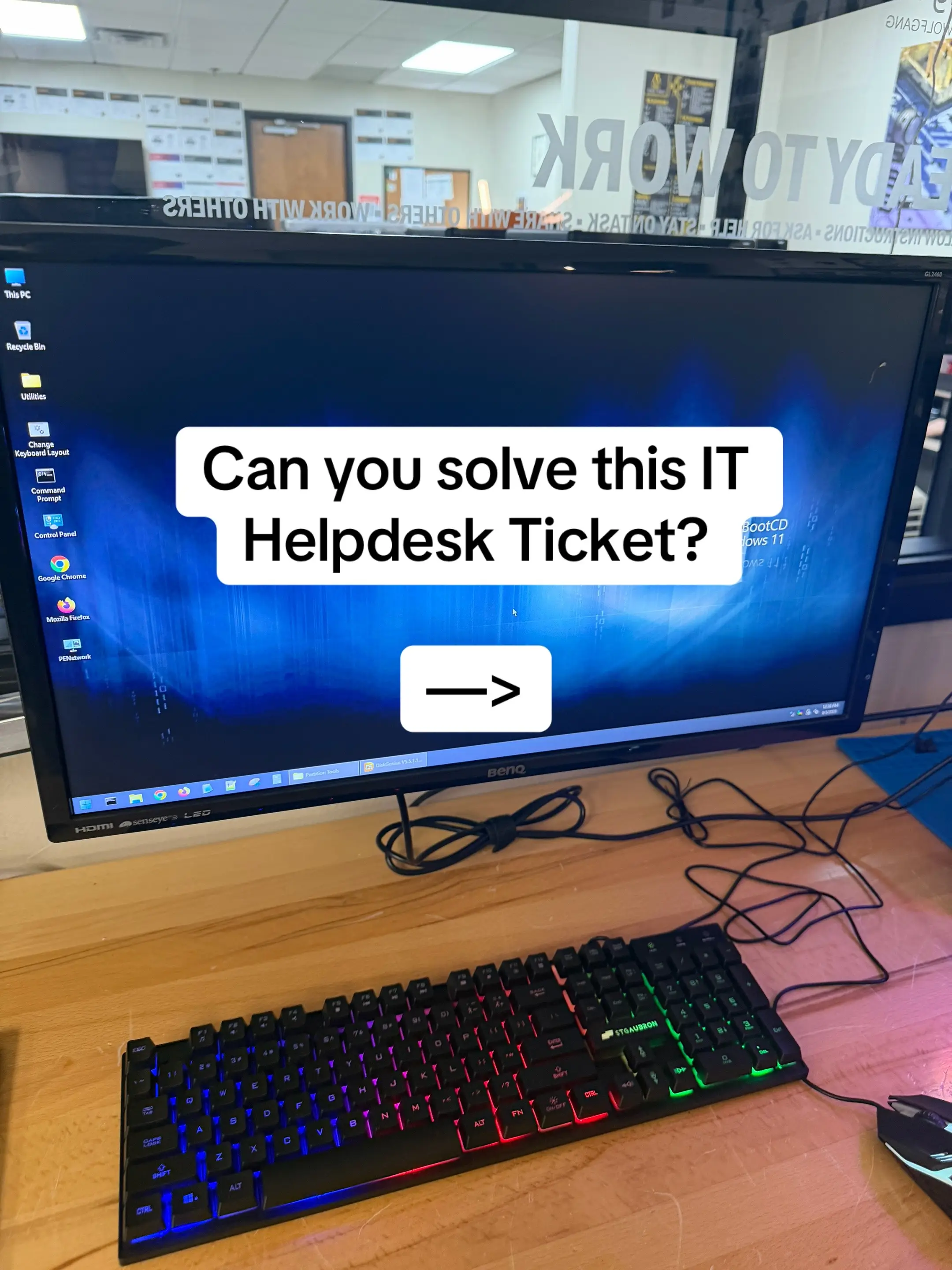
Can you solve this IT Helpdesk ticket
@jonathon_eades
23.7K followers · usually 8.5K views a post
Views
204.3K
Likes
8.1K
Comments
211
Shares
209
Why it worked
The video effectively uses a common IT troubleshooting scenario to engage viewers, providing a clear and concise explanation for a specific hardware issue. It then seamlessly transitions to promoting a relevant educational product, making the promotion feel like a natural extension of the helpful content.
Summary
This video presents an IT helpdesk ticket about a PC that powers on but shows no display. It explains that the issue is likely due to the Intel Core i5-12400F CPU lacking integrated graphics, requiring a dedicated GPU. The video concludes by promoting ExamWizardz.app as a resource for IT certification study.
Structure
- 1Introduction to the IT helpdesk ticket scenario
- 2Detailing the symptoms: PC powers on, fans spin, but no display
- 3
Original caption
The PC powers on. Fans are spinning. The monitors and cables work… but you still get “No Signal.” Here’s the clue: the monitor is plugged into the motherboard, and the PC has an Intel Core i5-12400F. Intel desktop CPUs with an “F” suffix don’t have integrated graphics, so those motherboard display outputs aren’t going to give you video. You’ll need a dedicated GPU and connect the monitor directly to it. Little hardware details like this can save you a ton of troubleshooting time. Studying for CompTIA A+? Practice more troubleshooting scenarios, mock exams, and detailed explanations at ExamWizardz.app #IT #HelpDesk #Networking #techtok #CompTIA
More from @jonathon_eades
More breakout videos from this creator.