Loading video…
All breakouts

31.5Text-HeavyDirect Question hookEducation
Hook
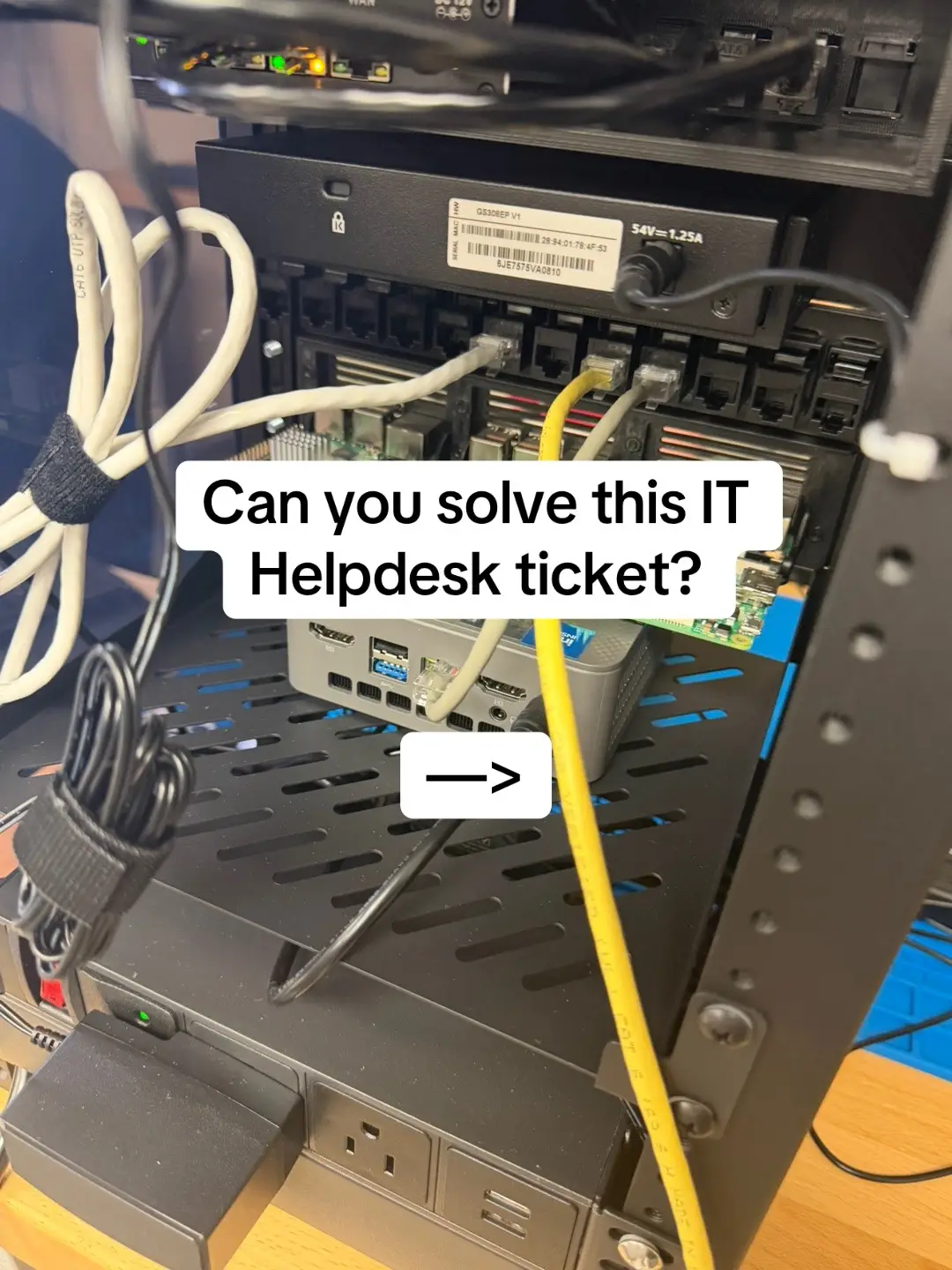
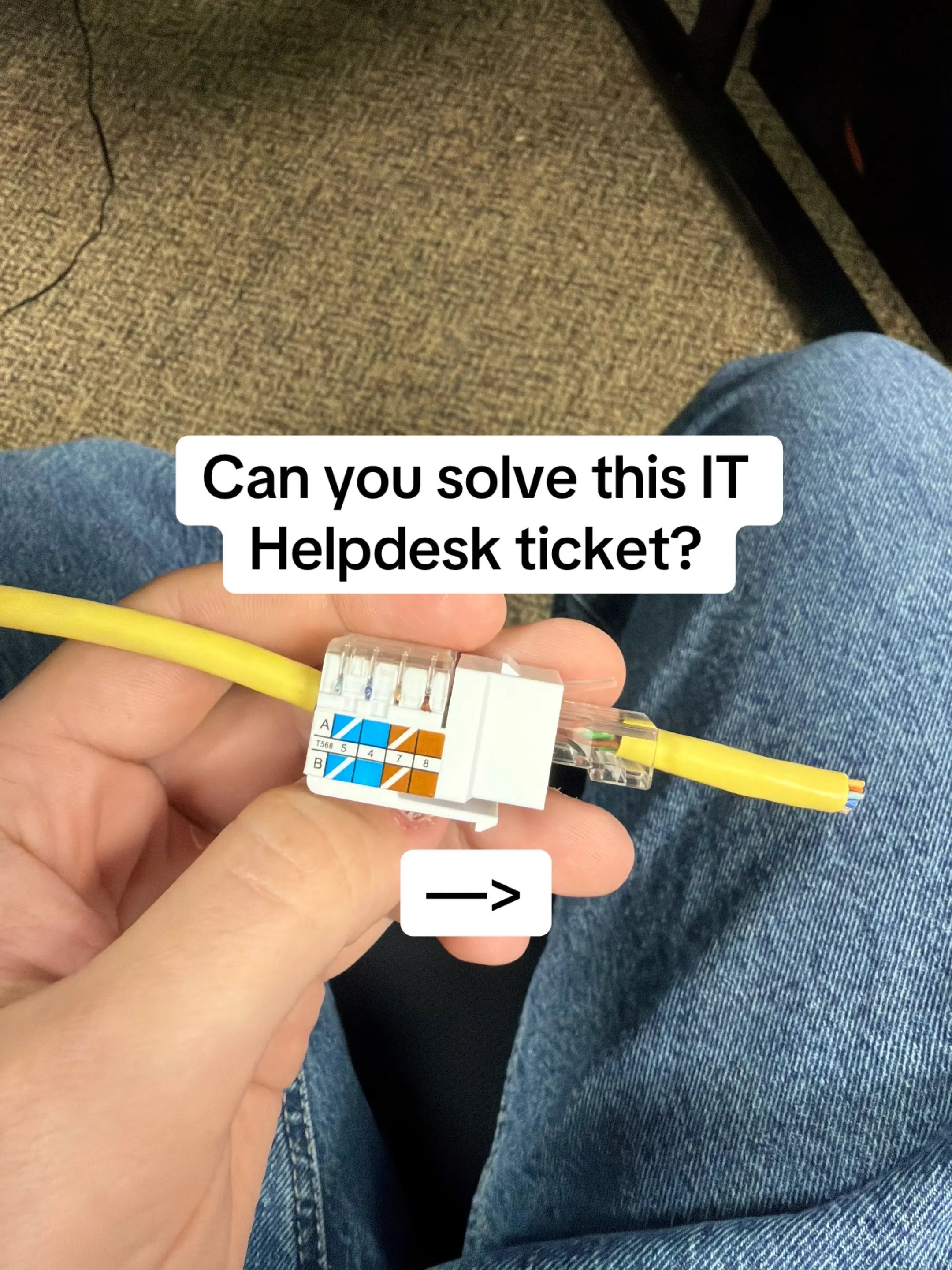
Can you Solve this IT Helpdesk ticket?
@jonathon_eades
23.7K followers · usually 8.5K views a post
Views
245.7K
Likes
13.0K
Comments
177
Shares
469
Why it worked
The content provides a practical, real-world IT troubleshooting scenario that resonates with individuals in the IT field, offering a clear problem, a logical diagnostic process, and a concise solution, all presented in an engaging slideshow format.
Summary
This slideshow presents an IT helpdesk ticket where a new PC cannot join the company domain despite having internet access. It details troubleshooting steps, revealing the PC is using an incorrect public DNS server instead of the internal one, which is crucial for domain resolution. The solution is to correct the DNS settings to the internal server.
Structure
- 1Introduction of an IT helpdesk ticket problem
- 2Troubleshooting steps showing the PC can ping the domain controller by IP but not resolve the domain name
- 3
Original caption
The PC has internet. It can ping the domain controller by IP. But when you try to join the domain… “Domain Controller could not be contacted.” The clue? DNS. This PC is using 8.8.8.8 instead of the company’s internal DNS server. Active Directory relies heavily on DNS to locate domain controllers and other services. If the client can reach the server by IP but can’t resolve the domain name, DNS should be high on your troubleshooting list. Internet working ≠ DNS configured correctly. Learning IT or studying for CompTIA? I’m building ExamWizardz.app around scenarios that make you actually troubleshoot instead of just memorize answers. #IT #HelpDesk #techtok #Networking #CompTIA
More from @jonathon_eades
More breakout videos from this creator.