Loading video…
All breakouts
28.8Text-HeavyOther hookSaaS
Hook
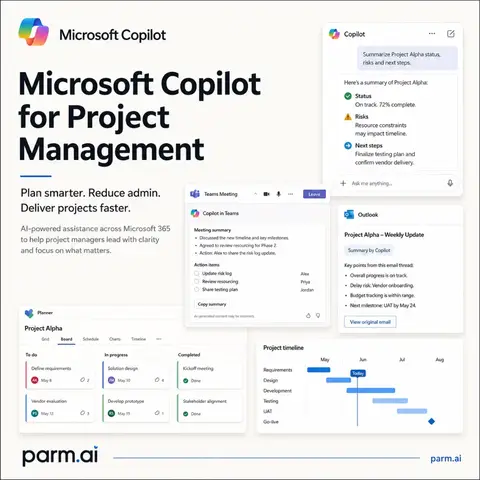
Microsoft Copilot
@parm.ai
3.6K followers · usually 1.6K views a post
Views
36.3K
Likes
971
Comments
4
Shares
346
Why it worked
The post provides highly specific, actionable prompts for a popular AI tool (Microsoft Copilot) within a relevant professional context (project management). This practical value, combined with clear visuals and a structured format, makes it highly shareable and useful for the target audience.
Summary
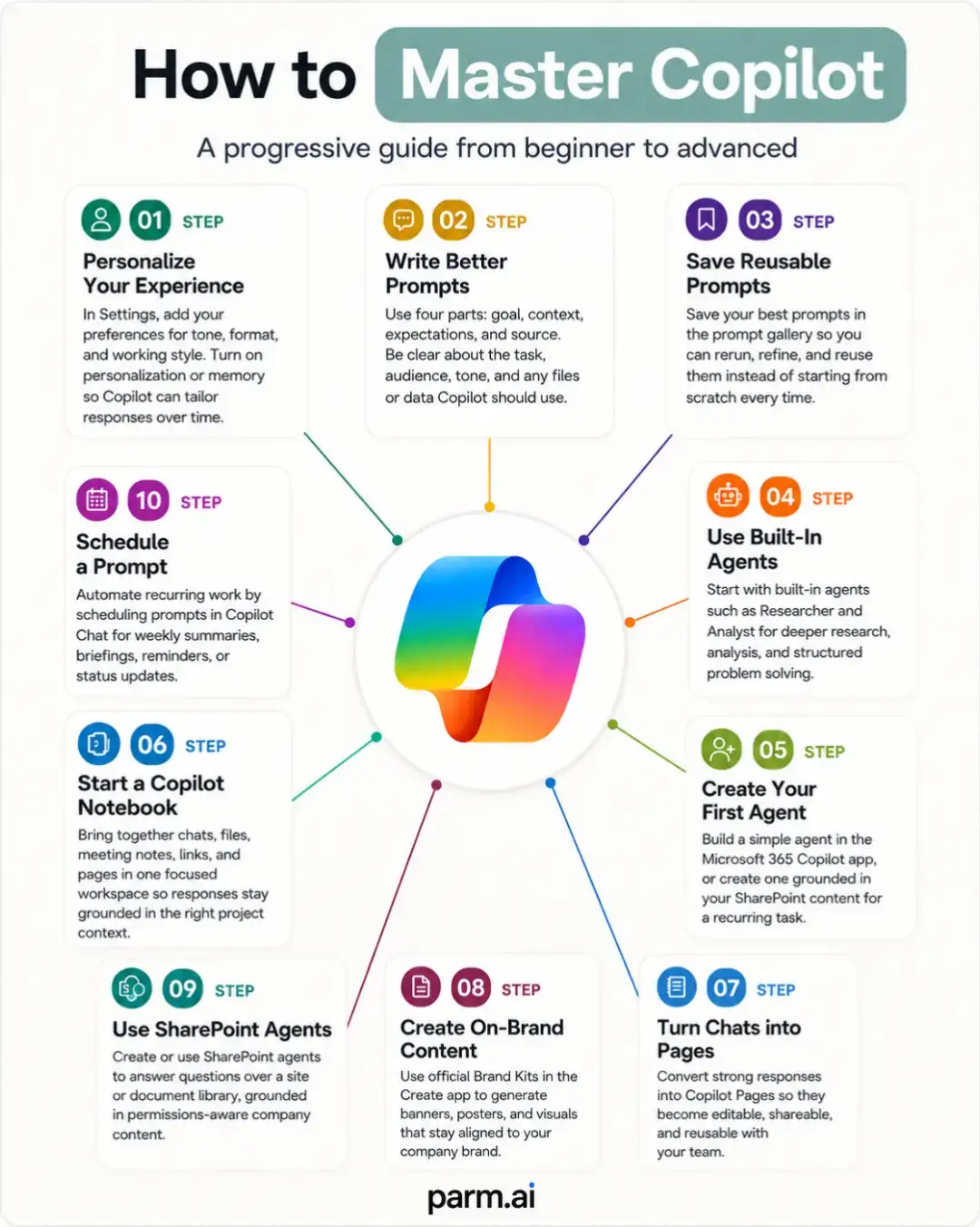
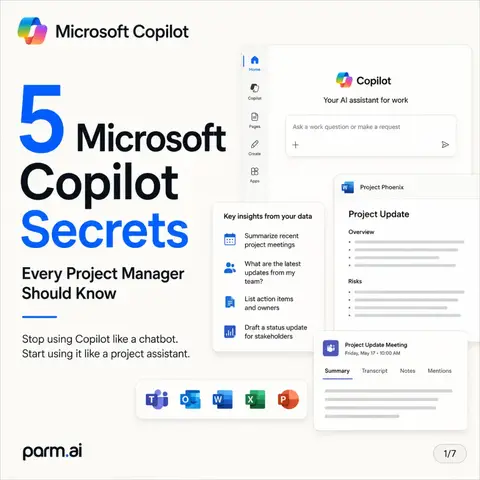
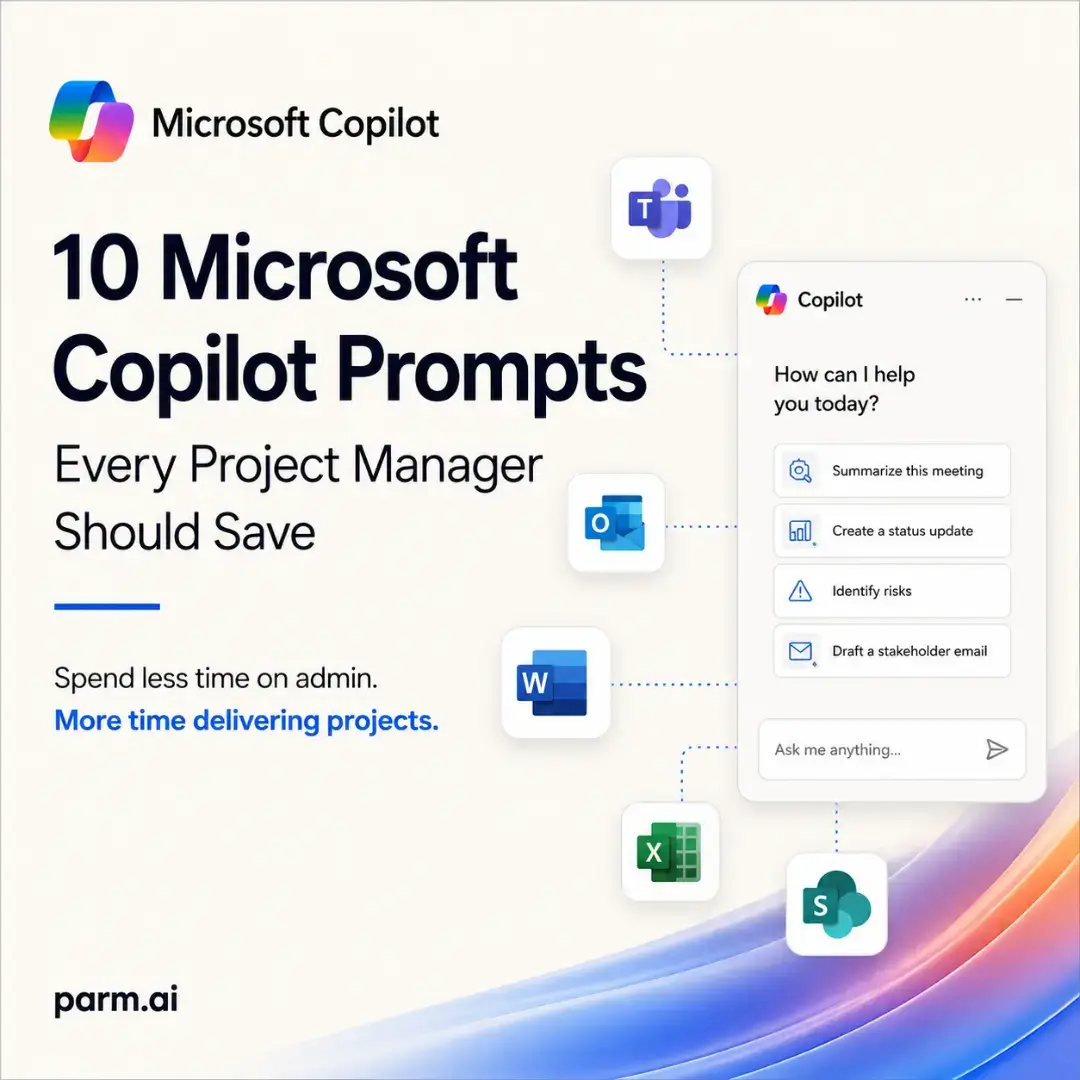
This carousel post provides 10 Microsoft Copilot prompts designed for project managers to save time and improve decision-making. It demonstrates how to leverage Copilot with existing Microsoft 365 data to generate meeting summaries, status reports, RAID registers, and more.
Structure
- 1Introduction to Microsoft Copilot prompts for project managers
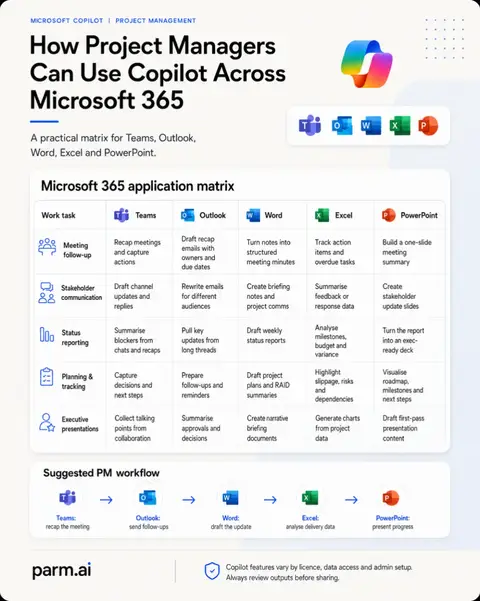
- 2Explanation of why these prompts matter and how Copilot integrates with Microsoft 365 apps
- 3Detailed examples of 10 specific Copilot prompts and their outputs
Original caption
Most project managers don't need more AI tools. They need better prompts. Microsoft Copilot becomes far more valuable when you stop asking generic questions and start giving it clear context, specific tasks and the format you expect in return. In this carousel, I share 10 practical Microsoft Copilot prompts that can help project managers save time, reduce admin and make better decisions using the information already stored across Microsoft 365. You'll learn how to use Copilot to: ✅ Turn meeting notes into action plans ✅ Generate executive-ready status reports ✅ Build and prioritise RAID registers ✅ Draft stakeholder communications ✅ Assess scope changes before they become problems ✅ Create structured project plans ✅ Prepare for steering committee meetings ✅ Build executive dashboards ✅ Write prompts that consistently produce better results One of the biggest mistakes people make with AI is assuming it should invent work. The best Copilot prompts ask it to organise, analyse and communicate the work that's already happening across Teams, Outlook, Word, Excel and SharePoint. The final slide also shares a simple prompt framework you can reuse for almost any Microsoft Copilot scenario: **Role → Context → Task → Format → Constraints** Once you start using this structure, you'll notice a significant improvement in the quality and consistency of Copilot's responses. If you're a Project Manager, PMO, Programme Manager, Consultant or Microsoft 365 professional, save this post so you have these prompts ready for your next project. Which Copilot prompt has saved you the most time? #MicrosoftCopilot #ProjectManagement #Microsoft365 #AIProductivity #CopilotTips
More from @parm.ai
More breakout videos from this creator.