Loading video…
All breakouts
19.6Text-HeavyHow-To hookSaaS
Hook
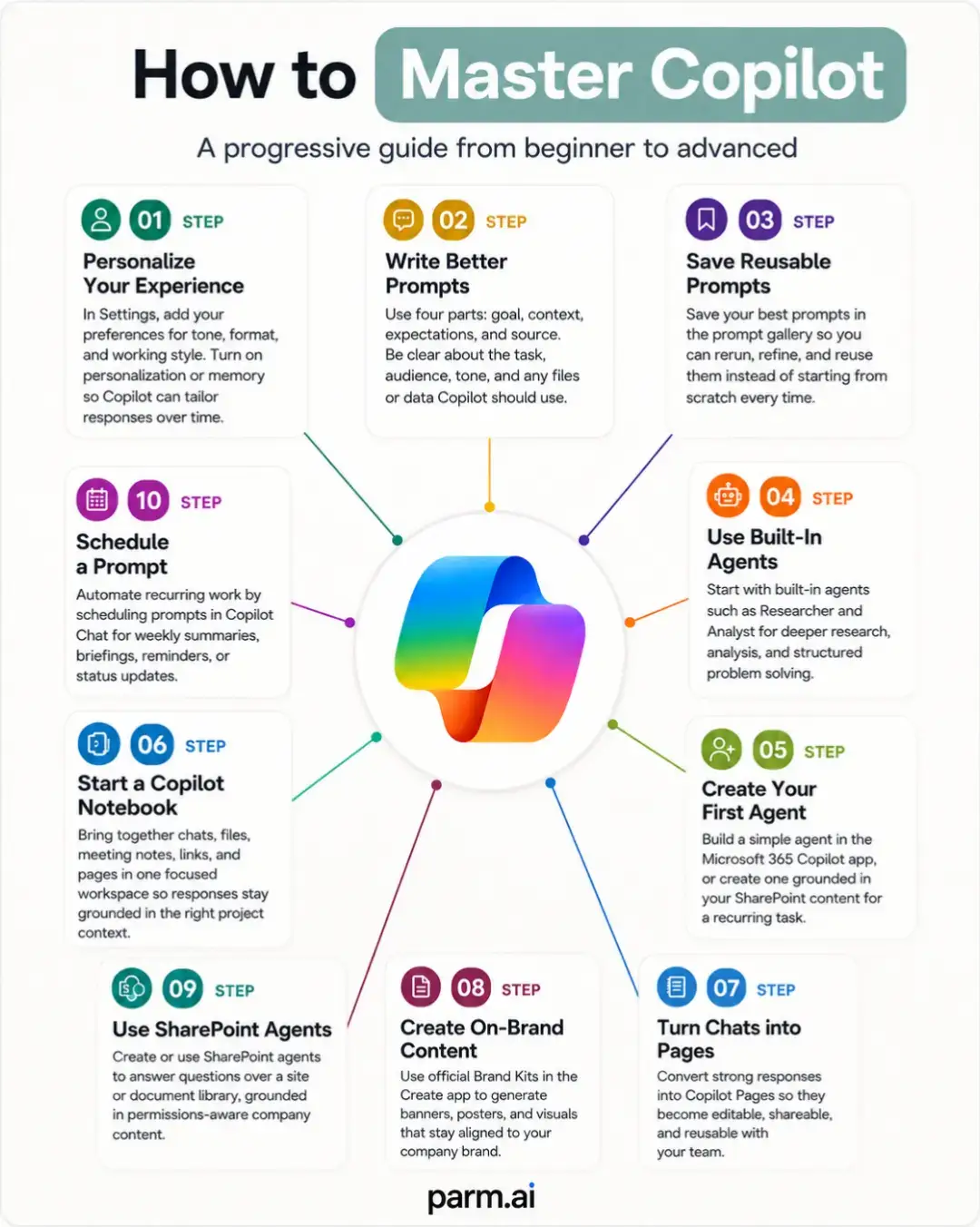
How to Master Copilot
@parm.ai
3.6K followers · usually 1.6K views a post
Views
31.5K
Likes
804
Comments
10
Shares
183
Why it worked
The post provides a clear, step-by-step visual guide to mastering a popular AI tool, making complex features accessible and actionable for users looking to improve their productivity.
Summary
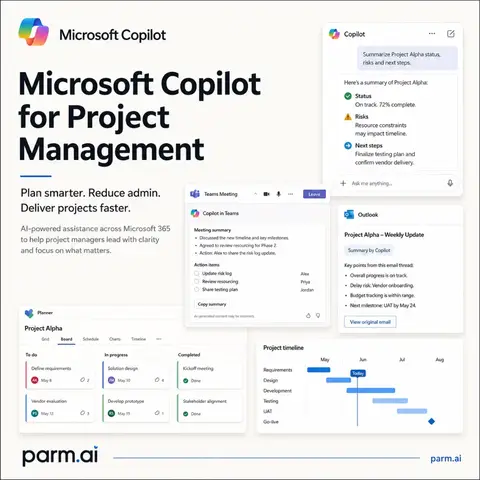
This infographic provides a progressive guide on how to master Microsoft Copilot, moving from beginner to advanced usage. It outlines ten steps, starting with personalizing the user experience and writing better prompts, and progressing to using agents, creating content, and turning chats into reusable pages.
Structure
- 1Introduction to mastering Copilot
- 2Personalizing and improving prompts
- 3Saving and reusing prompts
- 4
Original caption
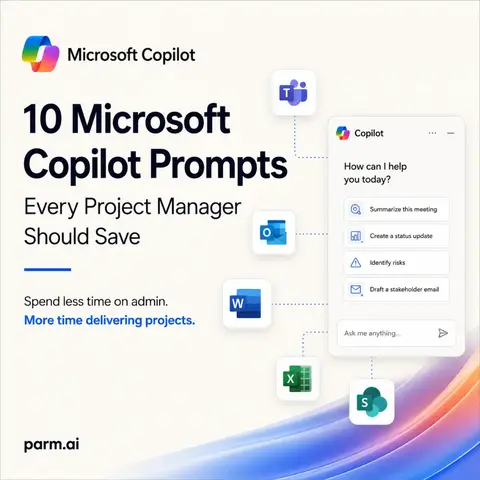
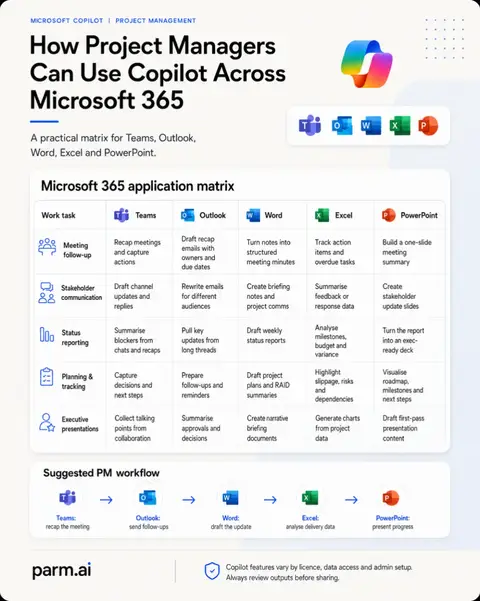
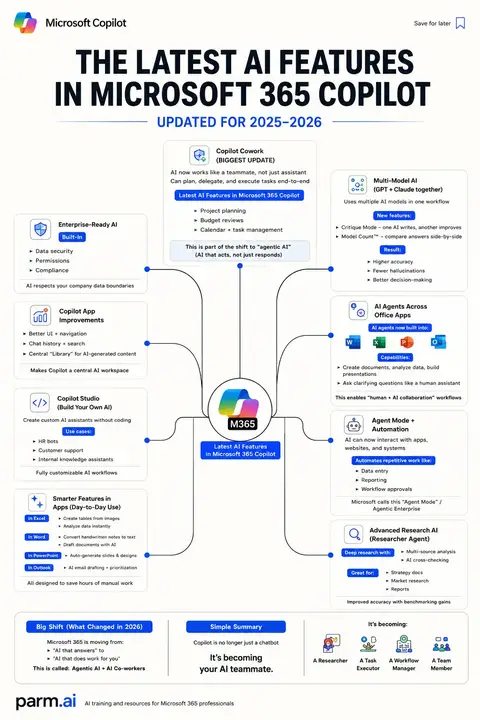
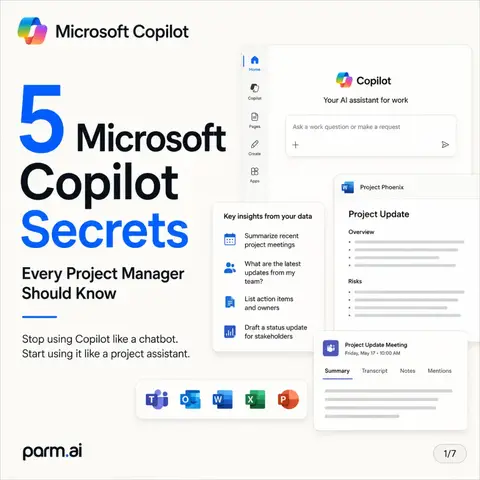
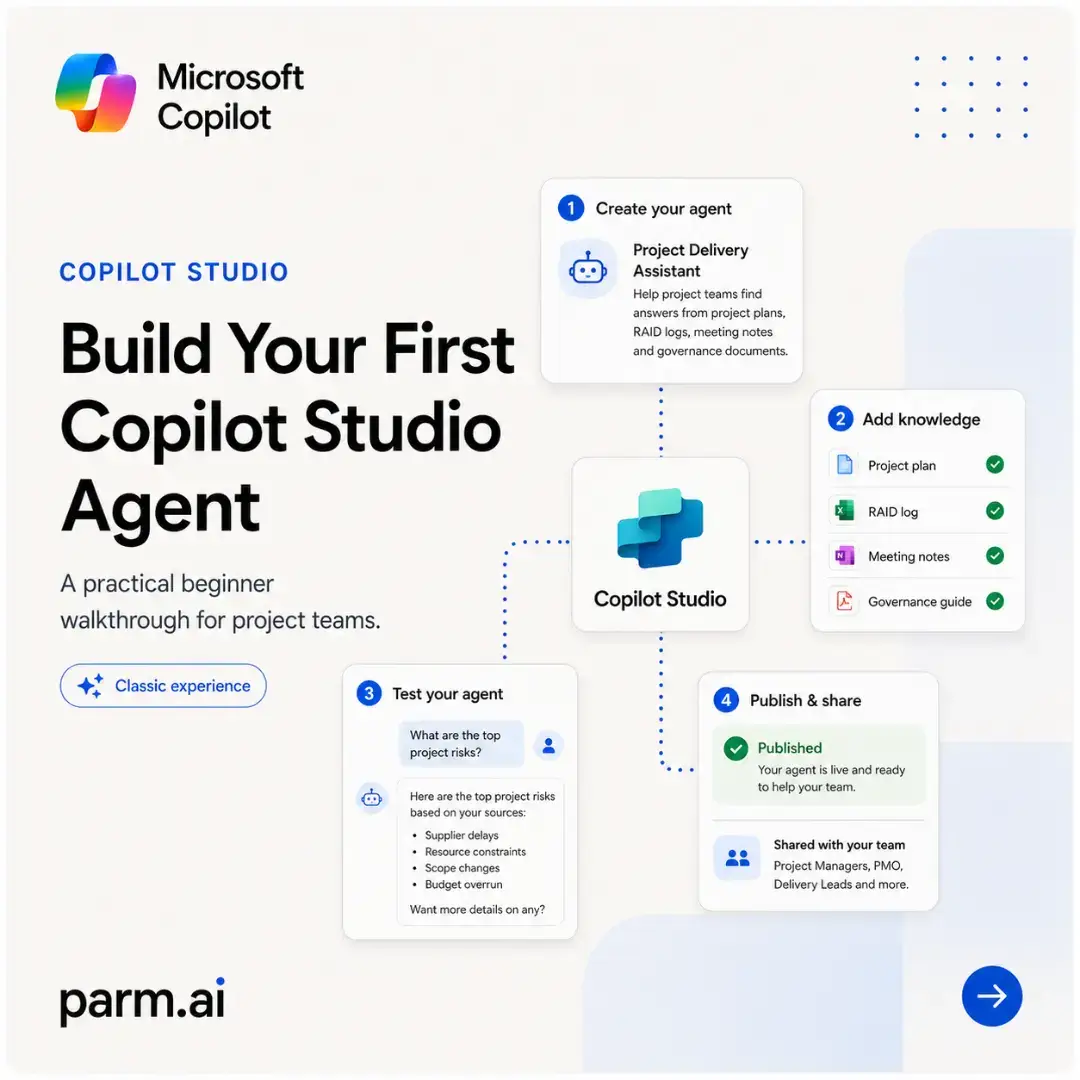
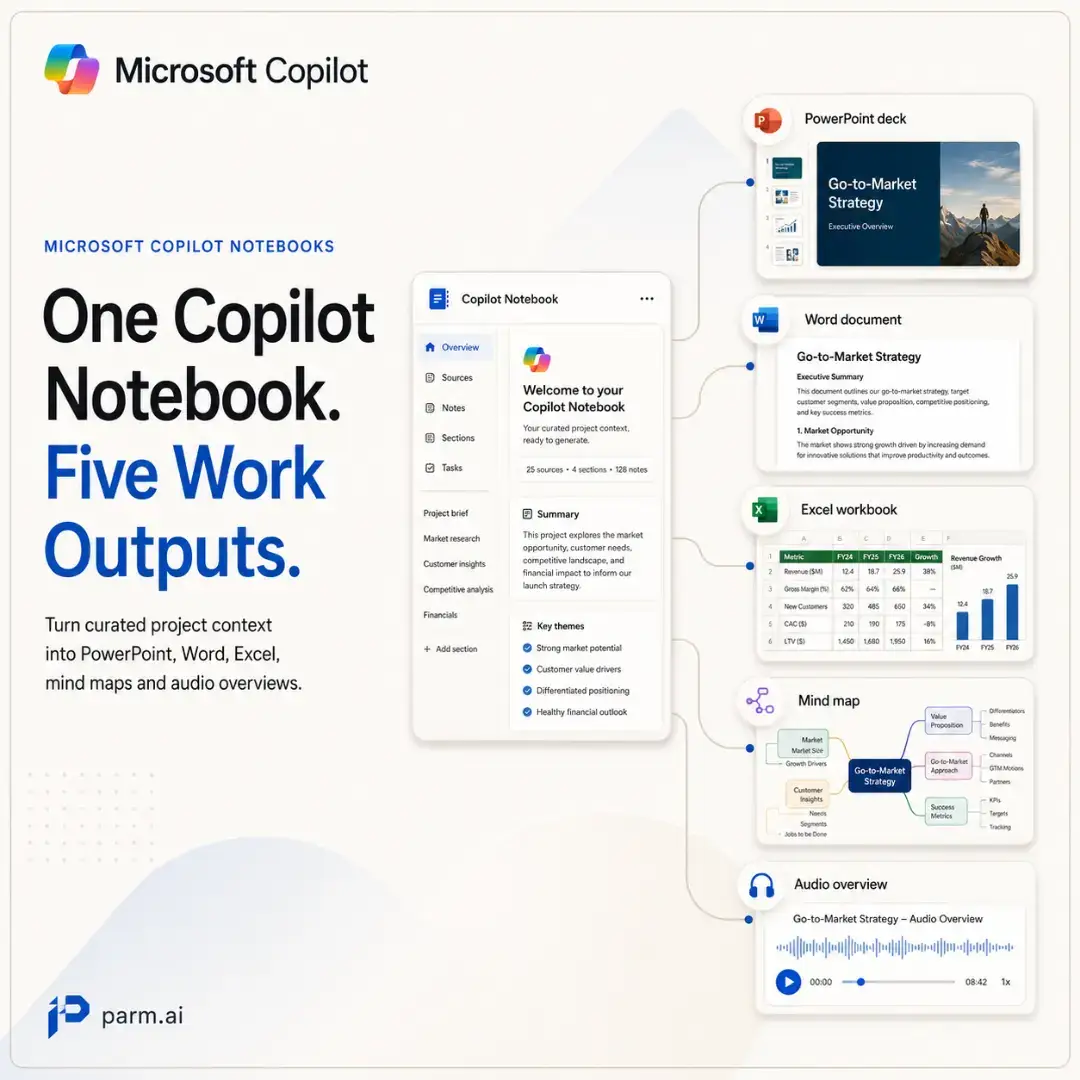
Microsoft Copilot becomes far more useful when you stop treating it like a search box and start building a working system around it. This infographic maps out a practical path from basic use to more advanced workflows. Start by personalising how Copilot responds to you. Then improve the way you prompt by giving it a clear goal, context, expectations and the right source material. From there, stop repeating yourself. Save strong prompts. Reuse them. Refine them. Then move beyond chat. Use built-in agents like Researcher and Analyst for more structured work. Build your own agent for recurring tasks. Create Copilot Notebooks to keep project context together. Turn useful outputs into Pages that can be edited and shared with your team. Once those foundations are in place, Copilot starts becoming part of the way you work rather than something you occasionally open. You can create branded assets using approved Brand Kits, use SharePoint agents to work with permission-aware organisational content, and schedule recurring prompts for work that happens every week or month. That progression matters. Because “getting better at Copilot” is not really about memorising more prompts. It is about gradually moving from: asking → reusing → grounding → collaborating → automating. That is where the productivity gains become much more repeatable. Save this as a roadmap and work through it one stage at a time. You do not need to master every capability immediately. Build the habits first, then add the more advanced tools when there is a real workflow that benefits from them. The goal is not to use Copilot everywhere. The goal is to know where it can remove friction from work you already do. #MicrosoftCopilot #Microsoft365Copilot #AIProductivity #FutureOfWork #Microsoft365
More from @parm.ai
More breakout videos from this creator.