Loading video…
All breakouts
13.2Text-HeavyOther hookSaaS
Hook
Microsoft Copilot
@parm.ai
3.6K followers · usually 1.6K views a post
Views
9.0K
Likes
176
Comments
3
Shares
46
Why it worked
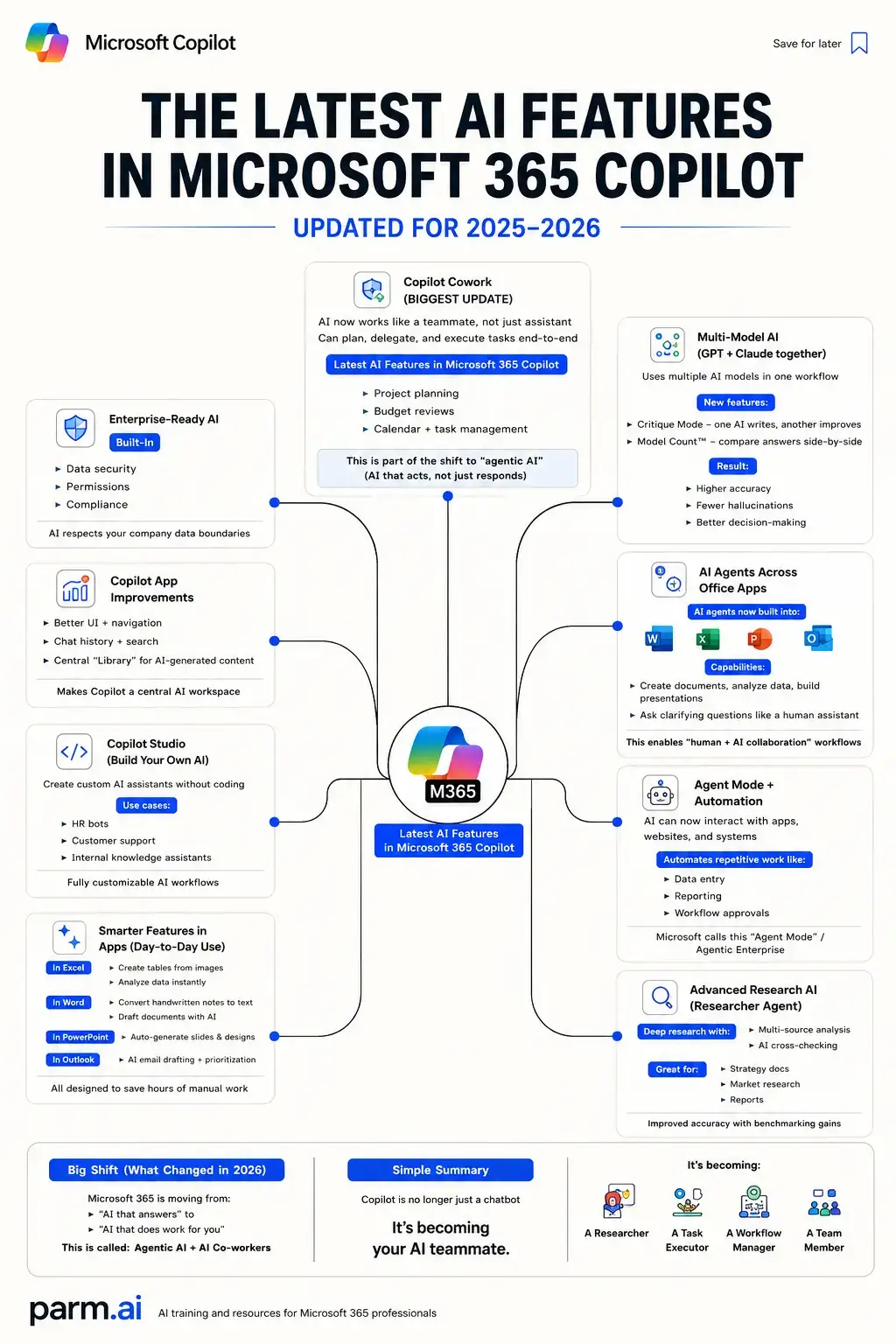
The infographic provides a comprehensive and visually organized overview of a highly anticipated product update, making complex information easily digestible. The clear structure and detailed breakdown of features cater to users seeking to understand the practical implications and future direction of Microsoft 365 Copilot.
Summary
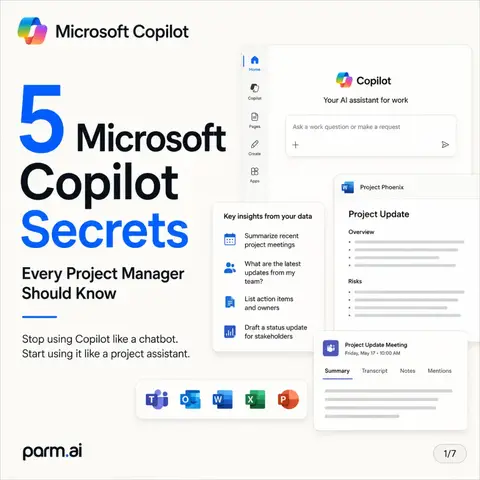
This infographic details the latest AI features in Microsoft 365 Copilot, updated for 2025-2026. It highlights the shift from an AI assistant to an AI teammate, with features like Copilot Cowork, Multi-Model AI, AI Agents, Agent Mode + Automation, and Advanced Research AI.
Structure
- 1Introduction to Microsoft 365 Copilot's latest AI features
- 2Overview of Copilot Cowork and its capabilities
- 3
Original caption
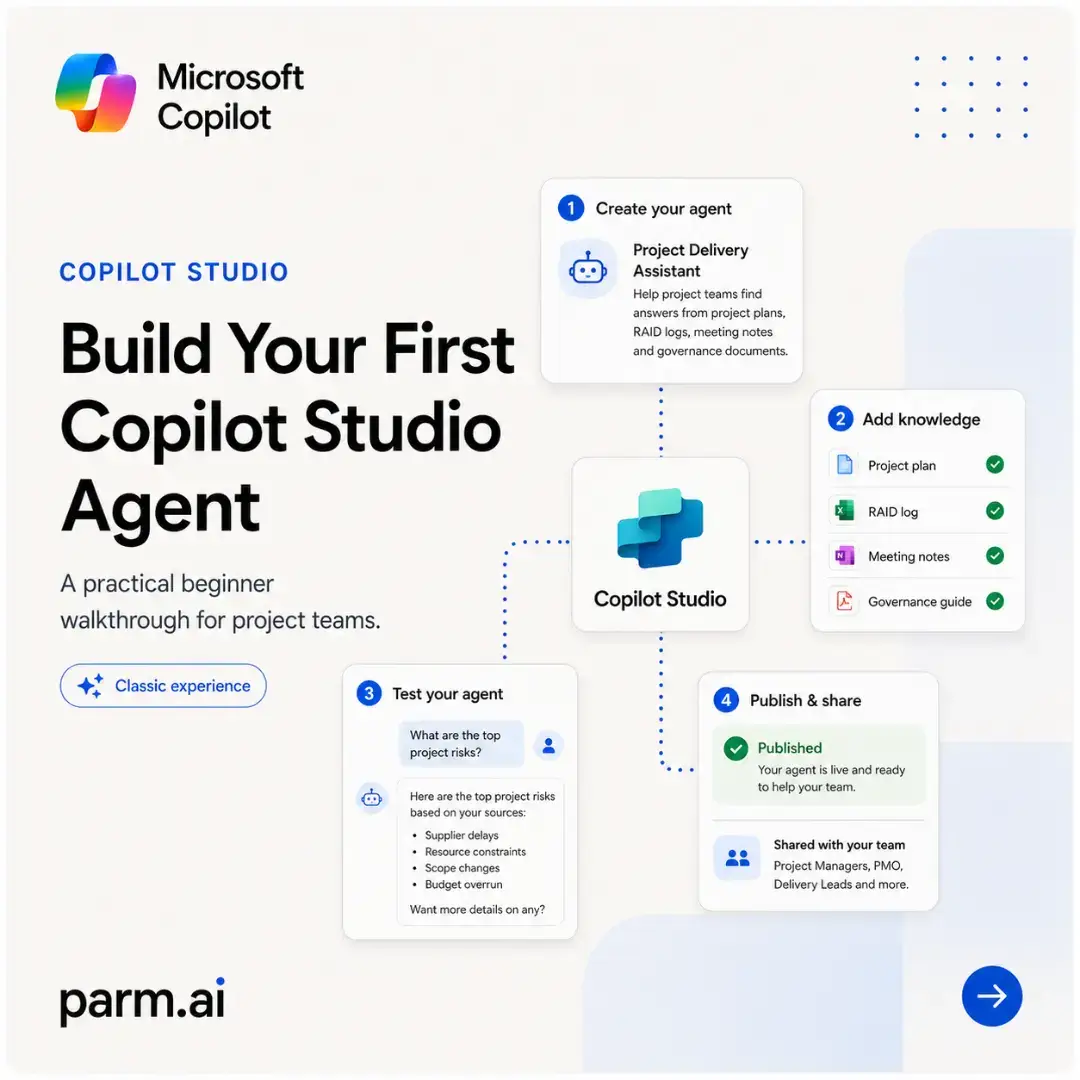
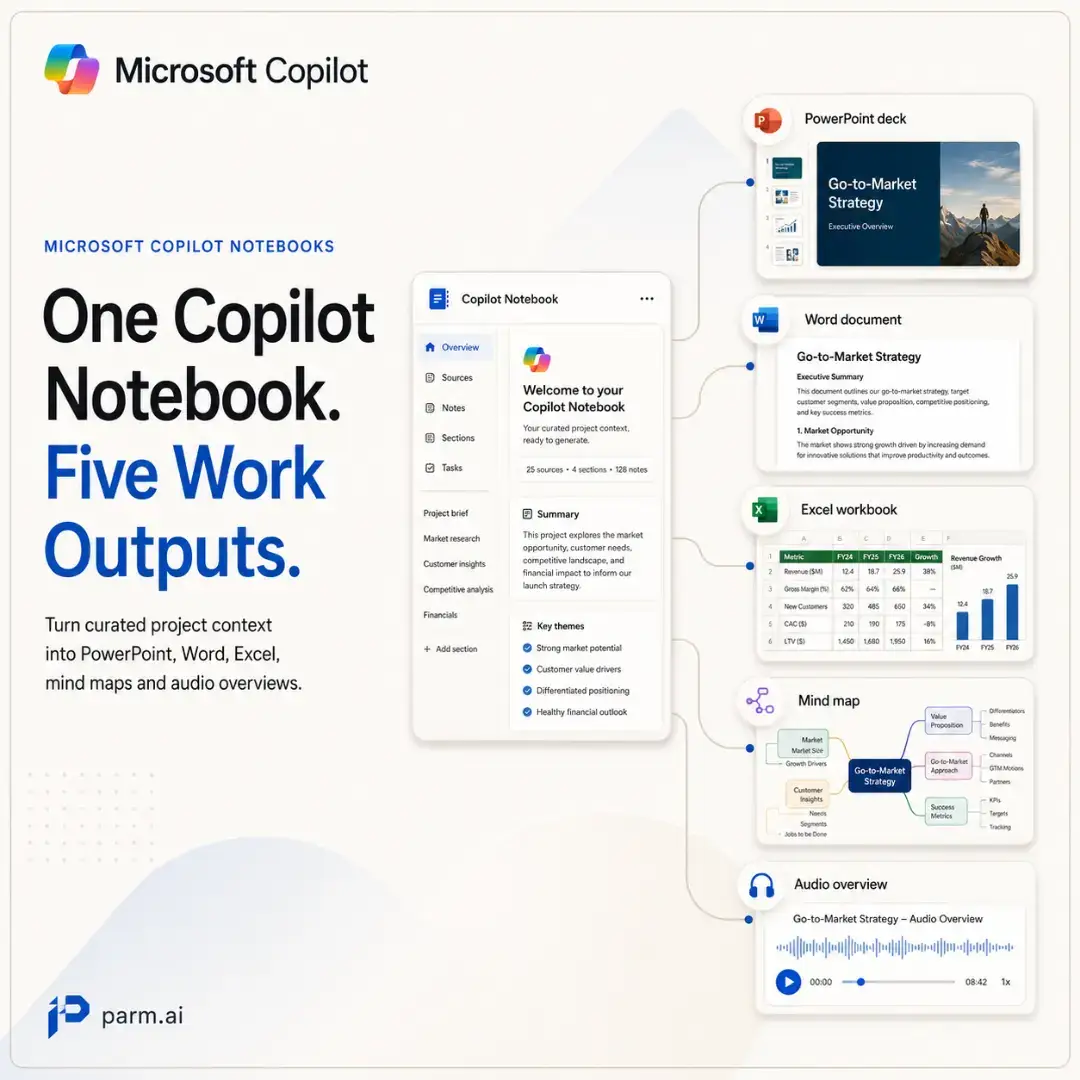
The biggest change in Microsoft 365 Copilot is not a new button, a smarter prompt box or another productivity shortcut. It is the shift from AI that answers questions to AI that can participate in the work Across Microsoft 365, Copilot is becoming more deeply embedded in Word, Excel, PowerPoint, Outlook, Teams and the Microsoft 365 Copilot app. The practical difference is significant: instead of only generating text, Copilot can increasingly help create files, analyse information, refine content, research complex topics and support multi-step workflows. 🧠 **Research is becoming more sophisticated.** Researcher can work across web sources and organisational content to produce structured, source-backed reports. Microsoft has also introduced model choice and multi-model approaches for selected Researcher experiences, including options involving OpenAI and Anthropic models. That does not mean every organisation automatically receives every model or capability. Availability can depend on region, licensing, administrator settings and rollout stage. 📊 **The Office apps are becoming active AI workspaces.** Word, Excel and PowerPoint agents can help create documents, spreadsheets and presentations from a natural-language brief. Copilot can also work inside supported apps to draft, edit, analyse and refine content without forcing users to constantly switch between tools. ⚙️ **Agents move Copilot closer to execution.** An agent can be configured for a specific role, process or knowledge domain. Depending on its permissions and connected systems, it may retrieve information, summarise data, trigger a workflow, update a record or complete a defined action. Copilot Studio extends this through a low-code environment for building agents and agent flows around real business processes — from internal knowledge assistants to approvals, reporting and repetitive operational tasks. Some newer experiences shown in this infographic may remain part of phased releases, preview programmes or Microsoft’s Frontier programme before reaching broader availability. 🔐 **Enterprise context still matters.** Microsoft 365 Copilot is designed to respect the access controls and data permissions already applied within an organisation. A user should not suddenly gain access to information they were not previously authorised to see. But responsible adoption still requires good governance, clean permissions, human review and clear accountability for what an agent is allowed to access, change or execute. The real opportunity is not simply **“using AI more.”** It is redesigning work so people spend less time searching, reformatting, transferring information and repeating predictable steps — while retaining human judgement for decisions, exceptions and consequences. That nuance matters: **agentic AI is not the same as fully autonomous work.** These systems can accelerate research and execution, but output quality still depends on the task, source material, permissions, configuration and review process. Faster output is only valuable when the underlying workflow remains reliable. The professional advantage will not come from knowing the longest prompt. It will come from knowing: - which work should be assisted; - which work can be automated safely; - which decisions must remain human; - and how to build dependable workflows around all three. Microsoft 365 Copilot is evolving from a helpful interface into a broader work layer — one that can research, create, coordinate and act across the Microsoft ecosystem. The question for 2026 is no longer: **“Can Copilot answer this?”** It is: **“What part of this process should Copilot handle — and what still requires me?”** #MicrosoftCopilot #Microsoft365 #CopilotStudio #AIAgents #FutureOfWork
More from @parm.ai
More breakout videos from this creator.