Loading video…
All breakouts 4 videos
26.6Talking HeadSocial Proof hookCreator Economy
Hook
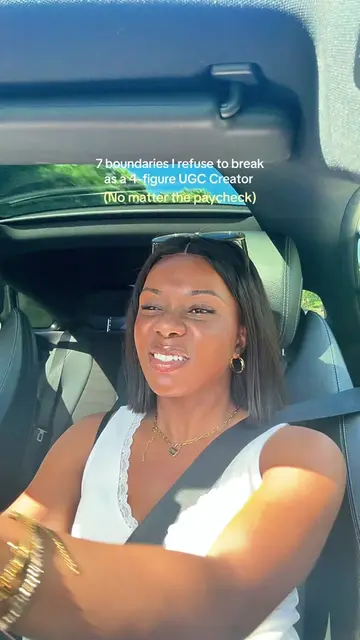
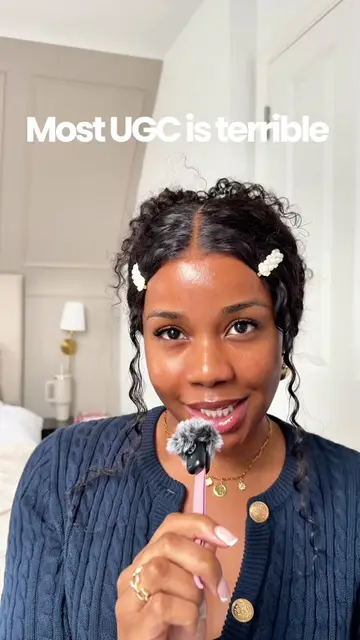
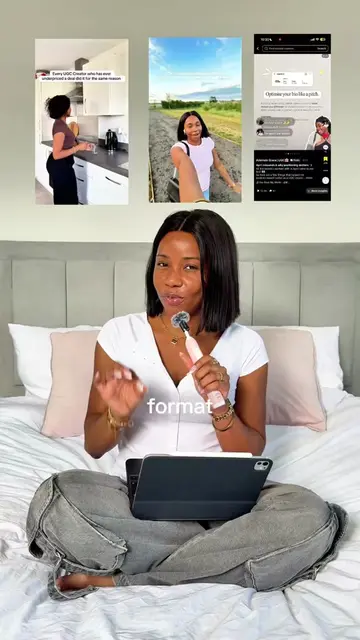
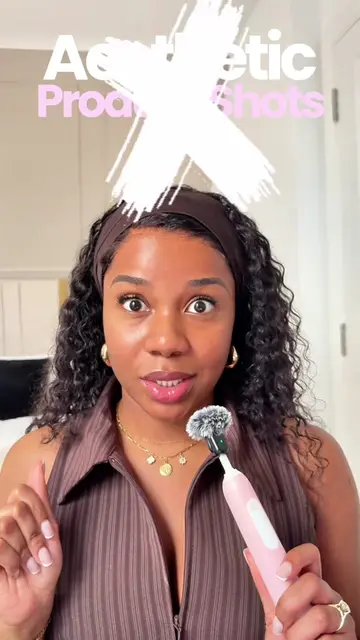
Y'all have been on my neck about sharing my camera settings.
@ugcwithademide
11.4K followers · usually 2.1K views a post
Views
61.1K
Likes
5.1K
Comments
74
Shares
416
Promoted product
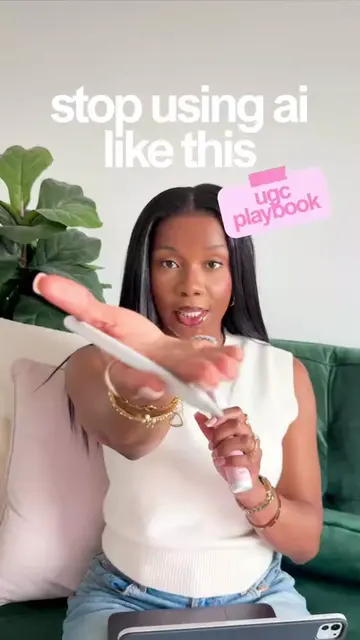
UGC Playbook
Stan | Linksite
Why it worked
The video provides immediate, high-value utility by solving a common pain point (bad video quality) before transitioning into a soft sell for her educational product.
Summary
The creator provides a tutorial on optimal iPhone camera settings for high-quality video content. She concludes by promoting her UGC Playbook, which is linked in her bio.
Structure
- 1Introduction to camera settings
- 2Introduction to the UGC Playbook
- 3Tutorial on grid and level settings
- 4Explanation of frame rate settings
- 5Tutorial on manual exposure control
Original caption
You've filmed something and wondered why it looks so bad on playback… it may not be your phone🤭 Once I sorted my iPhone camera settings everything got easier, the footage looked cleaner and crisper and I stopped second-guessing myself every time I hit record. Two minutes of setup makes that much of a difference for high quality video content. I've shared my exact iPhone camera settings so screenshot the last slide! It goes without saying but please film on back camera 🌝 Which setting didn't you know about? 👇 #ugccreator #contentcreator #iphonefilming #ugctips #ugcuk
More from @ugcwithademide
More breakout videos from this creator.