Loading video…
All breakouts
3.6Talking HeadWarning hookConsumer Apps
Hook
Your iPhone IS NOT as SECURE as you think 😱
@alexeztechtips
344.7K followers · usually 45.7K views a post
Views
159.5K
Likes
6.3K
Comments
61
Shares
2.1K
Promoted product
iPhone
Why it worked
The video addresses a common user concern about smartphone security, providing actionable steps to enhance protection. The use of clear, concise instructions and visual demonstrations makes the information easily digestible and valuable for iPhone users.
Summary
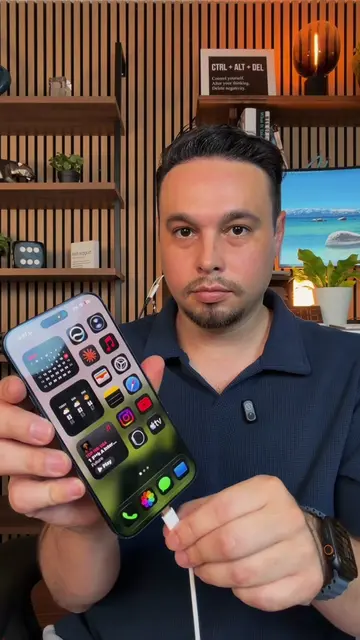
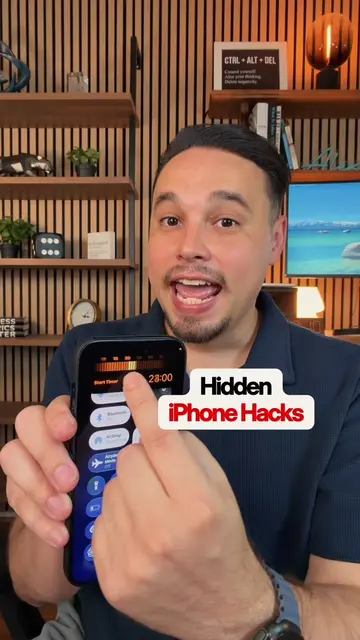
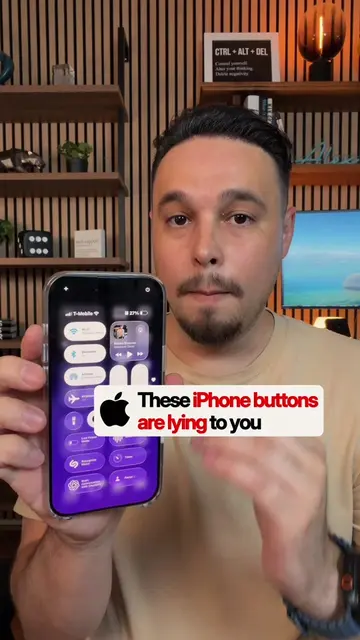
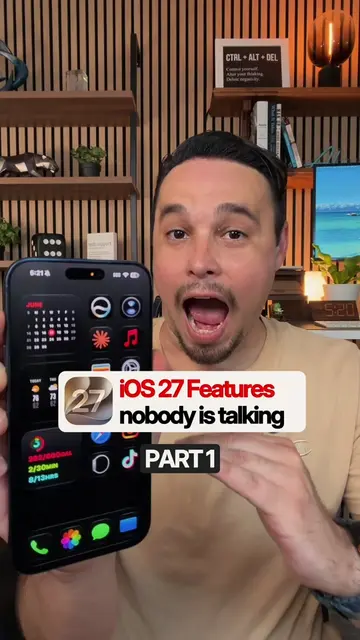
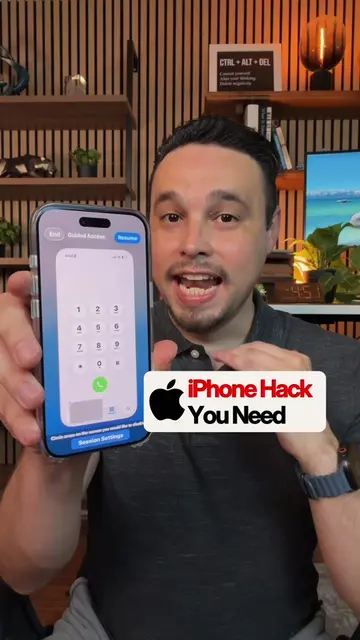
The video demonstrates five essential iPhone safety settings to enhance security. It covers enabling Stolen Device Protection, ensuring Find My iPhone features are active, and activating Lockdown Mode and Safety Check for comprehensive protection against potential threats and unauthorized access.
Structure
- 1Introduce iPhone security concerns
- 2Enable Stolen Device Protection
- 3Activate Find My iPhone features
- 4Turn on Lockdown Mode
- 5Utilize Safety Check for data sharing review
- 6Call to action to share the video
Product placement
Apple iPhone: ACTS - the device is operated to demonstrate safety settings. Removing it would change what happens in the video.
iPhone: ACTS - the device is operated to demonstrate safety settings. Removing it would change what happens in the video.
Face ID & Passcode: ACTS - the interface is operated to adjust security settings. Removing it would change what happens in the video.
Stolen Device Protection: ACTS - the setting is toggled on to enhance security. Removing it would change what happens in the video.
Find My iPhone: ACTS - the setting is turned on to enable tracking. Removing it would change what happens in the video.
Find My network: ACTS - the setting is turned on to enable tracking. Removing it would change what happens in the video.
Send Last Location: ACTS - the setting is turned on to enable tracking. Removing it would change what happens in the video.
Lockdown Mode: ACTS - the setting is explained and its function is described. Removing it would change what happens in the video.
Safety Check: ACTS - the interface is navigated to review sharing settings. Removing it would change what happens in the video.
Emergency Reset: ACTS - the function is described as a security measure. Removing it would change what happens in the video.
Manage Sharing & Access: ACTS - the interface is navigated to review sharing settings. Removing it would change what happens in the video.
Location sharing: ACTS - the setting is described as something to review and potentially stop. Removing it would change what happens in the video.
Photos sharing: ACTS - the setting is described as something to review and potentially stop. Removing it would change what happens in the video.
Shared Notes sharing: ACTS - the setting is described as something to review and potentially stop. Removing it would change what happens in the video.
Apple ID: ACTS - the interface is navigated to adjust security settings. Removing it would change what happens in the video.
Original caption
Your iPhone IS NOT as SECURE as you think 😱 5 settings you need to turn on right now 🔒✅ #iphonetips #iphonetricks #iphonehack #iphonetipsandtricks #iphone
More from @alexeztechtips
More breakout videos from this creator.