Loading video…
Sound

Tidal Flux
Sheryl Stains
0:00–:––
Playing this video’s own audio, so you’ll hear the creator over the sound.
- Videos using it
- 2
- Creators
- 2
- Views on those videos
- 23.8K
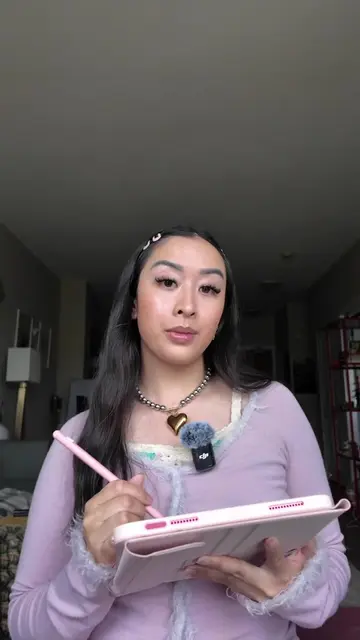
The video provides a clear, step-by-step tutorial on how to access and utilize the extensive library of editing materials within the InShot app, addressing a common need for content creators looking to enhance their videos.
This video demonstrates how to find and use editing materials within the InShot app. It guides viewers through different categories like intros, outros, transitions, and social media elements available in the app's material library.
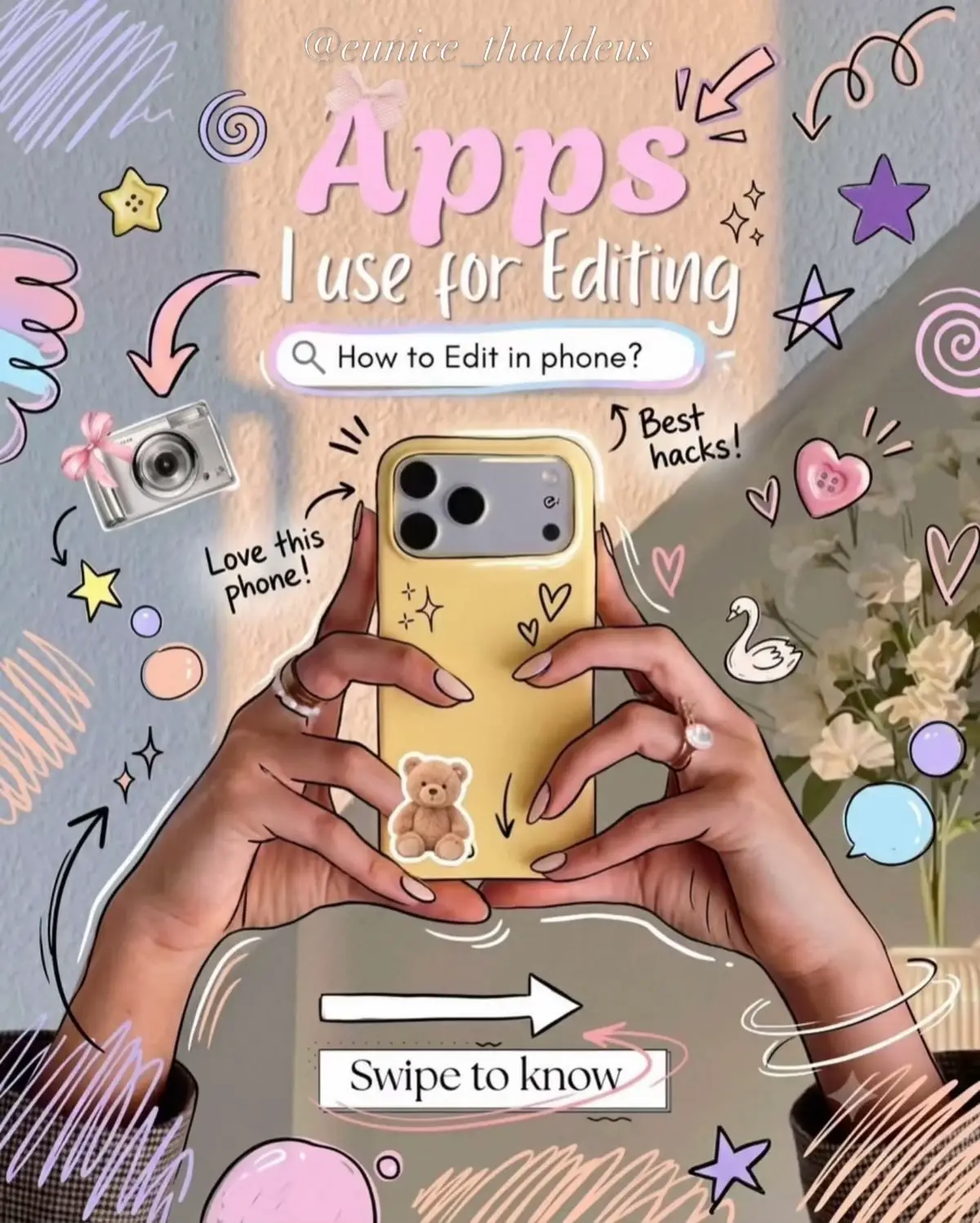
Day 27--30 Inshot mein editing material Kahan sy milta hai? |Typography editing series| #typography #vediography #fyp #inshot #creatorsearchinsights
Kya ap Bhi
Introduction to finding editing material
Demonstration of InShot app interface
Exploring material categories (Intro, Outro, Transition, Atmosphere, Background, Social, Green Screen, Empty Shot, Picture, Festival)
Selecting and adding material to a project
Call to action to follow
INSHOT APP: This is a video editing application that provides various materials for editing videos. It ACTS as the primary tool for video editing in the video. Removing it would change the video's purpose. Pinterest: This is a platform where users can find and download editing material. It APPEARS as a source for editing material. Removing it would not change the video's purpose. Google: This is a search engine where users can find and download editing material. It APPEARS as a source for editing material. Removing it would not change the video's purpose.
Follow ker lo
Playing this video’s own audio, so you’ll hear the creator over the sound.
Mobile video editing app for people creating and editing social media videos
All time.
Promotes 1 product. Create free account to see more.
Outliers and viral hits: their videos on Overshot, all time.